How to Fine-Tune a Text-to-Speech Model for Free
TL;DR
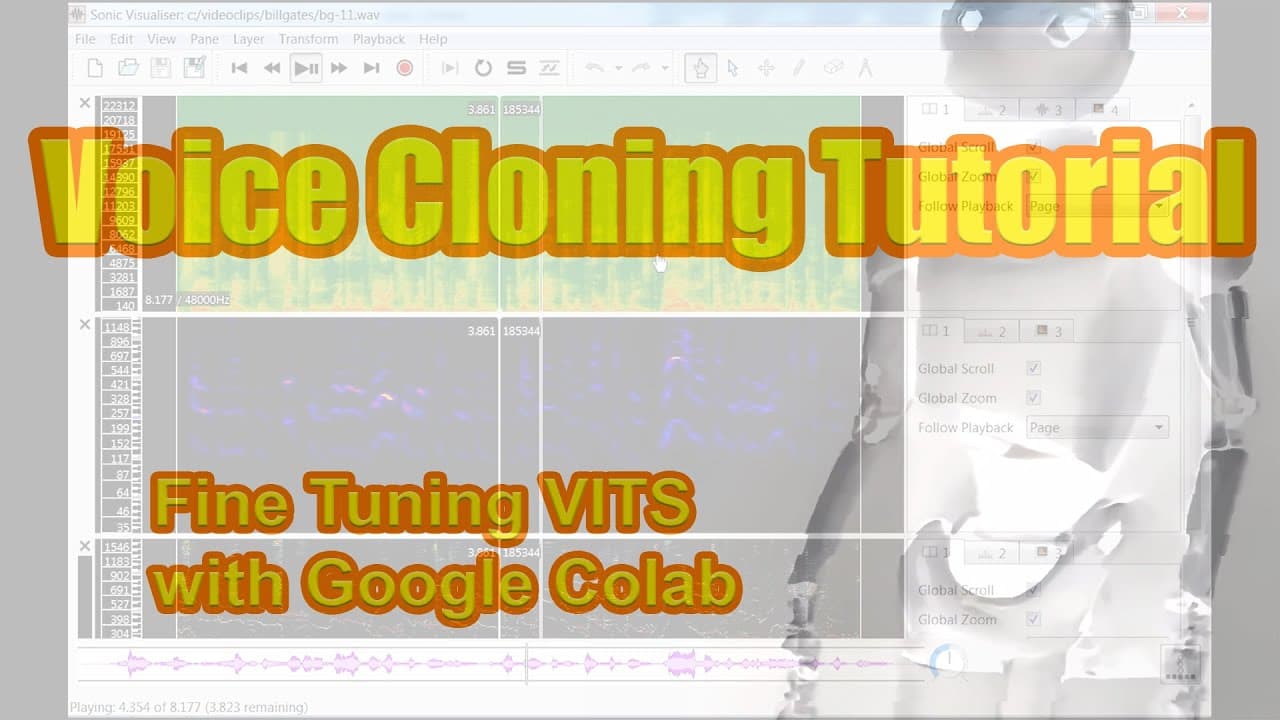
Create your own text-to-speech model using Koki TTS by acquiring and processing audio samples, then fine-tuning a VITS model in Google Colab. This tutorial guides you through essential tools and methods to achieve high-quality audio synthesis without relying on cloud services.
Transcript
i was looking for an offline text-to-speech application a few months ago and was really disappointed with the quality of what was out there some of the voices hadn't been updated in nearly a decade and several the companies had been acquired by competitors and moved to cloud services cloud services are a problem with me when they meet with my terri... Read More
Key Insights
- 🤝 The narrator expresses disappointment with the quality of existing text-to-speech applications, particularly due to outdated voices and reliance on cloud services.
- 🎙️ The narrator introduces Thorston Mueller's YouTube channel, which features tutorials on Koki TTS and other related topics.
- 🎛️ The narrator explains that Koki TTS is a framework for text-to-speech generation, which has a complicated underlying technology but a relatively easy implementation process.
- 🖥️ The narrator suggests using dedicated applications and self-hosted services for offline text-to-speech applications to avoid connectivity issues with cloud services.
- 📚 Various software tools are recommended for different tasks in the text-to-speech generation process, including Sonic Visualizer, Audacity, ffmpeg, Notepad++, and WaveShop.
- 🎧 The narrator provides instructions for finding audio sources, processing them, and segmenting them into suitable clips for text-to-speech training.
- 🧩 Tips for training a voice model using the Gopi TTS framework on Google Colab are given, including file format requirements and considerations for sample length and distribution.
- 📖 Resources for further learning and best practices in text-to-speech generation are suggested, such as the Koki TTS documentation, discussion groups, and alternative models like Glo TTS.
Install to Summarize YouTube Videos and Get Transcripts
Explore YouTube Video Summarizer or Get YouTube Transcript Extractor
Questions & Answers
Q: How does the Koki TTS framework simplify the process of creating a text-to-speech model?
The Koki TTS framework simplifies text-to-speech model creation by providing libraries and tools for acquiring, processing, and fine-tuning audio samples, making it accessible to developers without extensive knowledge of deep learning.
Q: Why is it important to find clear audio samples for training a text-to-speech model?
Clear audio samples are important for accurate results because any reverb or distortion in the original audio will likely be carried over to the synthesized output of the model. Finding high-quality audio sources ensures a natural and realistic speech synthesis.
Q: How can tools like Sonic Visualizer and Audacity be used in the text-to-speech model creation process?
Sonic Visualizer is used to visualize and analyze audio clips, while Audacity is used for tasks such as noise reduction, segmenting audio clips, and editing waveform. These tools assist in selecting, cleaning, and preparing audio samples for training the model.
Q: What steps are involved in processing audio samples for the text-to-speech model?
The process involves normalizing audio samples, performing noise reduction, segmenting the audio into shorter clips, trimming unwanted sections, and generating a transcript for each clip. These steps ensure that the data set is prepared and suitable for training the text-to-speech model.
Q: How can Google Collab and the Goki TTS framework be utilized in the creation of a text-to-speech model?
Google Collab provides a cloud computing environment for running the training script and fine-tuning the VITS text-to-speech model. The Goki TTS framework is used for handling the training process and generating synthesized audio based on the trained model.
Q: What are some factors to consider when selecting audio samples for the text-to-speech model?
It is important to choose audio sources that are long enough, have subtitles or captions available for transcription convenience, and feature clear speech with minimal reverb or distortion. Similarity in audio quality amongst samples is also important for consistent results.
Q: How can the synthesized audio output be evaluated during the training process?
Tensorboard, a visualization tool, can be used to evaluate the fine-tuning of the text-to-speech model. It provides logs and metrics to analyze the training progress and offers audio playback functionality for testing and assessing the synthesized audio clips.
Summary & Key Takeaways
-
The video tutorial provides a step-by-step guide for creating a text-to-speech model using the Koki TTS framework.
-
The process involves acquiring audio samples, processing them, and fine-tuning the VITS text-to-speech model using the Goki TTS framework on Google Collab.
-
The tutorial explores tools like Sonic Visualizer, Audacity, YT DLP, and FFmpeg, and emphasizes the importance of finding clear audio samples for accurate results.
Read in Other Languages (beta)
Share This Summary 📚
Summarize YouTube Videos and Get Video Transcripts with 1-Click
Try YouTube Summary with ChatGPT & Claude or YouTube Transcript Generator