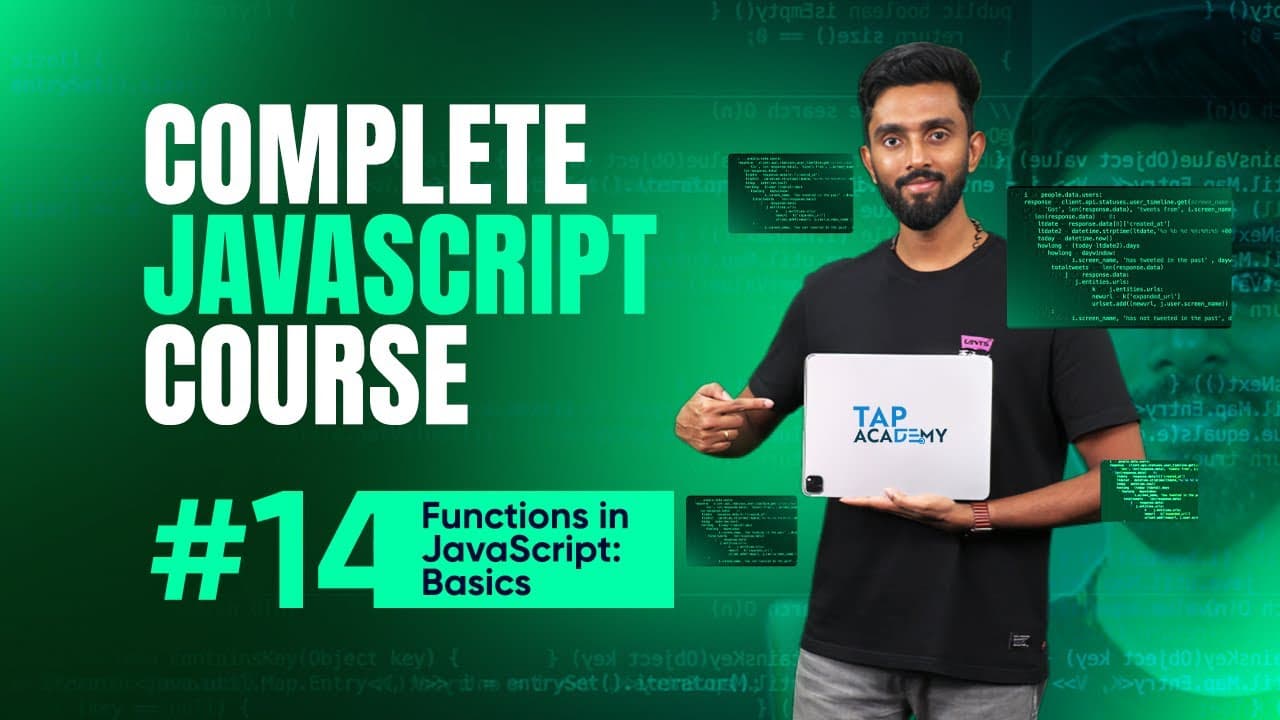
Writing Your First JavaScript Function | Day 14 | Complete JavaScript Course
TL;DR
Learn about writing JavaScript functions in this beginner tutorial.
Transcript
all right let's begin by actually writing some code which will help us understand things better the first type of function I would like to show you is a function which will not be taking any input and post execution of its body will certainly not be returning any output as well what does this mean you will understand now so watch this uh fo... Read More
Key Insights
- The video introduces JavaScript functions, focusing on writing functions that do not take inputs or return outputs, emphasizing the basics of function syntax.
- A function in JavaScript is defined using the 'function' keyword, followed by a name, parentheses, and curly braces to contain the function's body.
- The concept of calling a function is explained, highlighting that functions do not execute automatically and must be invoked explicitly.
- The video discusses the global execution context and function execution context, illustrating how JavaScript manages memory allocation during execution.
- Returning values from functions is covered, demonstrating how to use the 'return' keyword to pass values back to the calling code.
- The video explains how functions can accept parameters, acting as placeholders for input values provided during function calls.
- Different types of functions are explored, including those that accept inputs and return outputs, providing flexibility in function design.
- The importance of tracing program execution using the stack segment is highlighted, offering insights into how JavaScript processes function calls.
Install to Summarize YouTube Videos and Get Transcripts
Explore YouTube Video Summarizer or Get YouTube Transcript Extractor
Questions & Answers
Q: What is the basic structure of a JavaScript function?
A JavaScript function is defined using the 'function' keyword followed by a name, parentheses, and curly braces. The parentheses may contain parameters if the function accepts inputs, and the curly braces contain the code to be executed when the function is called.
Q: How do you call a function in JavaScript?
To call a function in JavaScript, you simply use the function name followed by parentheses. If the function accepts arguments, you include them within the parentheses. This explicit invocation is necessary for the function to execute, as functions do not run automatically.
Q: What is the purpose of the 'return' keyword in a function?
The 'return' keyword is used in a function to pass a value back to the code that called the function. When a function executes a 'return' statement, it immediately stops executing and returns the specified value to the caller, allowing the caller to use the returned value.
Q: What are parameters in a JavaScript function?
Parameters in a JavaScript function are variables listed in the function's definition that serve as placeholders for the values that will be passed to the function when it is called. They allow functions to accept input values, making the functions more flexible and reusable.
Q: What happens when a function is called in terms of memory allocation?
When a function is called, JavaScript creates an execution context for the function on the stack. This context includes memory allocation for parameters and local variables. Once the function completes execution, its execution context is removed from the stack, freeing up the memory.
Q: How does JavaScript manage execution contexts?
JavaScript manages execution contexts using a stack. The global execution context is created first, and each function call creates a new execution context on top of the stack. The context on top of the stack is the one currently executing. Once a function completes, its context is popped off the stack.
Q: What is the global execution context?
The global execution context is the default execution context created when a JavaScript program starts. It contains all the code that is not inside any function. Variables and functions declared in the global scope are stored in this context, which persists throughout the program's execution.
Q: Why is understanding the stack important in JavaScript?
Understanding the stack is crucial because it helps developers trace the execution flow of a program. By knowing which execution context is on top of the stack, developers can determine which code is currently running and how function calls are being managed, aiding in debugging and optimization.
Summary & Key Takeaways
-
In this video, viewers learn the basics of writing functions in JavaScript, including defining functions without inputs or outputs. The instructor demonstrates how to use the 'function' keyword, name the function, and define its body using curly braces.
-
The concept of calling functions is introduced, explaining that functions must be invoked explicitly to execute. The instructor also covers the global execution context and function execution context, illustrating memory allocation during program execution.
-
The video explores various types of functions, including those that accept inputs and return outputs. The instructor emphasizes the importance of tracing program execution using the stack segment, providing a deeper understanding of JavaScript's execution process.
Read in Other Languages (beta)
Share This Summary 📚
Summarize YouTube Videos and Get Video Transcripts with 1-Click
Try YouTube Summary with ChatGPT & Claude or YouTube Transcript Generator
Explore More Summaries from TAP ACADEMY 📚
Summarize YouTube Videos and Get Video Transcripts with 1-Click
Try YouTube Summary with ChatGPT & Claude or YouTube Transcript Generator