How to Identify Potentially Malicious Emails and Files?
TL;DR
To identify potentially malicious emails and files, examine the sender's email domain for inconsistencies, analyze file structures to distinguish between genuine and harmful formats, and avoid opening large or password-protected attachments. Employing real-time antivirus software can provide additional protection against evolving cyber threats.
Transcript
they keep trying to hack me so might as well turn it into an educational video and workshop just receive this email from Blackmagic design which is the company behind the popular editing software DaVinci Resolve and this one is actually quite well formatted as you can see it's sent by Sarah white I hope this message finds you in High Spirits my nam... Read More
Key Insights
- 🤨 Unfamiliar or suspicious email domains and attachments should be treated with caution.
- 📁 Analyzing file structure and comparing it to known safe files can help identify potentially malicious content.
- 🌥️ Password-protected archives and large file sizes can evade detection by certain security measures.
- 👨💻 Real-time antivirus software that analyzes the actual code being executed is recommended for added protection.
- 👋 Staying informed about cybersecurity threats and best practices is crucial for preventing malware infections.
- 😶🌫️ Cloud scanners and antivirus software that rely on cloud lookups may not always be effective against sophisticated malware.
- 🧑🦽 Employing multi-layered security measures, such as real-time antivirus combined with manual file analysis, can enhance protection.
Install to Summarize YouTube Videos and Get Transcripts
Explore YouTube Video Summarizer or Get YouTube Transcript Extractor
Questions & Answers
Q: How can you identify potentially malicious files in emails?
Suspicious indicators in emails such as mismatched domains, unusual attachments, or file types that do not match the expected content can be red flags. Analyzing the file structure and comparing it with known safe files can also help identify potential threats.
Q: What precautions can you take when encountering suspicious files?
It's important to avoid opening password-protected archives, especially from unfamiliar sources. If necessary, inspect the contents of the file using a hex editor or analyze it on services like VirusTotal. Having a good real-time antivirus that checks the actual code being executed on your system is also recommended.
Q: How do malicious files try to evade detection?
Malicious files often use tactics like large file sizes and password protection to bypass cloud scanners and antivirus software that heavily rely on cloud lookups. They may also mimic the appearance of legitimate files to deceive users.
Q: What steps can be taken to mitigate the risk of falling victim to malware?
Regularly update antivirus software and operating systems to ensure the latest security patches are in place. Practice caution when opening emails or files from unknown sources, and consider educating yourself on the basics of file structures and common malware tactics.
Summary & Key Takeaways
-
The content discusses an email received from a supposed PR manager offering a partnership for a review of DaVinci Resolve editing software.
-
The author examines the email and its associated website, revealing suspicious indicators such as a mismatched domain.
-
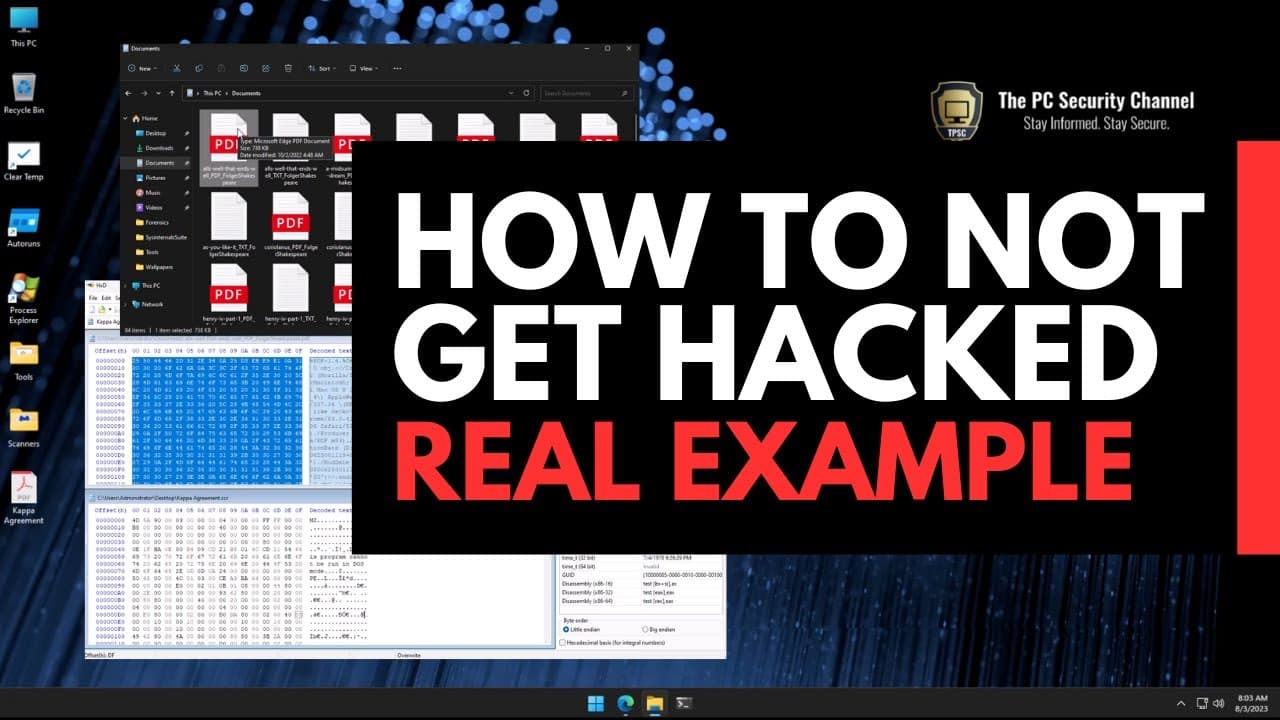
They analyze a ZIP file and its contents, demonstrating the differences between a genuine PDF file and a potentially malicious executable file.
-
The author emphasizes the importance of understanding file structures and recommends precautions before opening any suspicious files.
Read in Other Languages (beta)
Share This Summary 📚
Summarize YouTube Videos and Get Video Transcripts with 1-Click
Try YouTube Summary with ChatGPT & Claude or YouTube Transcript Generator
Explore More Summaries from The PC Security Channel 📚






Summarize YouTube Videos and Get Video Transcripts with 1-Click
Try YouTube Summary with ChatGPT & Claude or YouTube Transcript Generator