How to Use WhatsApp for Beginners
TL;DR
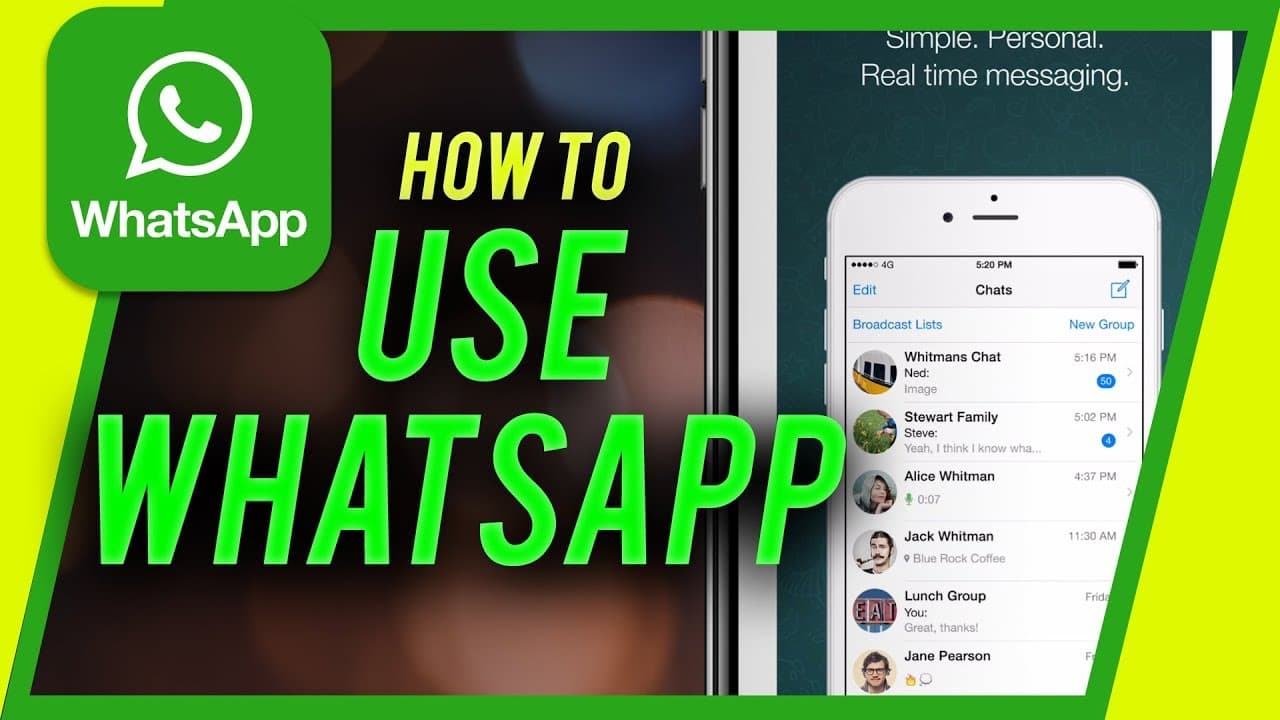
Learn how to download, install, and set up a new account on WhatsApp, a popular messaging and calling app available on iOS and Android.
Transcript
hey everyone in this video i wanted to show you how to download install and create a new account on whatsapp whatsapp is one of the world's most popular messaging and calling app where you could send messages and call anyone for free on your mobile device i'm going to show you how to do it on the iphone it's originally built on android but it works... Read More
Key Insights
- 😀 WhatsApp is a popular messaging and calling app available on both Android and iPhone platforms.
- 😀 The app requires access to your contacts to connect with other WhatsApp users.
- 🥶 Users can send messages and make free calls with their contacts, even if the recipient doesn't have WhatsApp installed.
- 🎥 The app provides options for video and voice calls, along with a camera, status, and settings features.
- 😀 WhatsApp is a straightforward and simple app for messaging, calling, and sharing media.
- 👤 Users can customize their profile by adding their name and photo.
- 😀 The app offers a convenient way to connect with friends and family globally.
Install to Summarize YouTube Videos and Get Transcripts
Explore YouTube Video Summarizer or Get YouTube Transcript Extractor
Questions & Answers
Q: Is WhatsApp available for both Android and iPhone?
Yes, WhatsApp is originally built for Android but is also available on the iPhone through the App Store.
Q: Do I need to allow WhatsApp to access my contact list?
Yes, WhatsApp asks for permission to access your contacts so that you can connect with people who already have WhatsApp installed.
Q: Can I use WhatsApp to message someone who doesn't have the app?
Yes, even if someone doesn't have WhatsApp installed, you can still message them. WhatsApp will create a text message prompting them to get the app.
Q: Can I make video and voice calls on WhatsApp?
Yes, WhatsApp allows users to make both video and voice calls. You can switch between the two using the icons on the chat page.
Summary & Key Takeaways
-
WhatsApp is a popular messaging and calling app that allows users to send messages and make free calls on their mobile devices.
-
The video tutorial demonstrates how to download and install WhatsApp on an iPhone, but the process is similar for Android devices.
-
After installation, users need to provide their phone number, add their name and photo, and can then start messaging and making calls with their contacts.
Read in Other Languages (beta)
Share This Summary 📚
Summarize YouTube Videos and Get Video Transcripts with 1-Click
Try YouTube Summary with ChatGPT & Claude or YouTube Transcript Generator
Explore More Summaries from Howfinity 📚






Summarize YouTube Videos and Get Video Transcripts with 1-Click
Try YouTube Summary with ChatGPT & Claude or YouTube Transcript Generator