Best Text To Photo Apps For iPhone! (2024)
TL;DR
Three free AI applications for converting text to images are compared, focusing on user experience and image quality.
Transcript
so AI is still one of the most talked about things right now from a technological standpoint and you can see I don't even know what I'm talking about but there are three different applications that are probably the best ones out there if you're trying to go ahead and go from like a text to photo type of application on your particular iPhone now the... Read More
Key Insights
- 🈸 AI technology continues to be a highly discussed topic, especially in creative applications like image generation from text.
- 👤 Imagine is favored for its user-friendly interface and quick output without excessive ads, standing out as a solid choice for casual users.
- 👤 Wonder balances quality and user engagement by offering multiple images but at the cost of frequent ad interruptions, which may frustrate users.
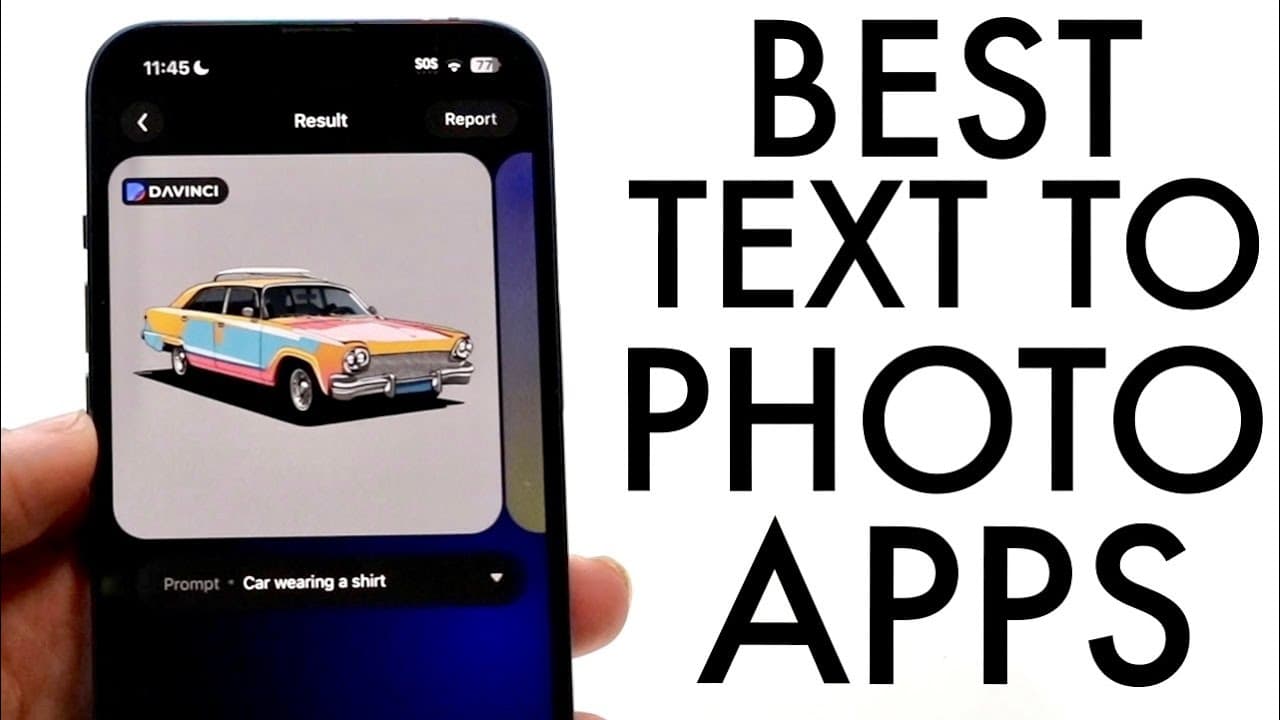
- 😀 The Da Vinci app boasts appealing visuals, but technical glitches can hinder user experience, highlighting the importance of functional performance alongside aesthetics.
- 👤 Each application demonstrates a distinct approach to generating images, catering to different user preferences and needs, from novice to more experienced users.
- 🤗 The review encourages potential users to explore these tools, as hands-on experience might yield different insights and preferences.
- 👤 The importance of user feedback is underscored, with the reviewer inviting comments and questions to foster community engagement and address user concerns.
Install to Summarize YouTube Videos and Get Transcripts
Explore YouTube Video Summarizer or Get YouTube Transcript Extractor
Questions & Answers
Q: What are the main features of the Imagine application?
Imagine excels in simplicity and ease of use, allowing users to enter text prompts and quickly generate an image with minimal interruptions from ads. Users can download images at high resolution, although it only provides one free image per prompt, with additional images requiring payment.
Q: How does the Wonder application compare to Imagine?
Wonder offers more image options than Imagine by generating two images from the same text prompt, providing a more intuitive experience. However, its downside is the excessive amount of long ads that users must watch, which can detract from the overall experience.
Q: What issues did the reviewer encounter with the Da Vinci app?
The Da Vinci app initially presented a problem regarding the main style not being set, which hindered the creation process. Though it ultimately worked after multiple tries, the frequency of ads and the app's tendency to limit customization options impacted its usability.
Q: Are these AI applications entirely free?
While the highlighted applications, particularly Imagine and Wonder, offer free usage, they also have monetized features such as additional images or high-resolution downloads. Users may encounter ads or be prompted to make payments for premium functionalities.
Summary & Key Takeaways
-
The content reviews three AI applications for generating images from text, highlighting their individual features and user experiences.
-
The first app, Imagine, is praised for its simplicity and minimal ads but limits output to one image, while allowing some customization.
-
Wonder provides multiple image options but relies on frequent ads, and Da Vinci has impressive visuals but suffers from functionality issues.
Read in Other Languages (beta)
Share This Summary 📚
Summarize YouTube Videos and Get Video Transcripts with 1-Click
Try YouTube Summary with ChatGPT & Claude or YouTube Transcript Generator
Explore More Summaries from Simple Alpaca 📚






Summarize YouTube Videos and Get Video Transcripts with 1-Click
Try YouTube Summary with ChatGPT & Claude or YouTube Transcript Generator