Products
Features
YouTube Video Summarizer
Summarize YouTube videos
Web & PDF Highlighter
Highlight web pages & PDFs
Chat with PDF
Ask any PDF questions with AI
Ask AI Clone
Chat with your highlights & memories
Audio Transcriber
Transcribe audio files to text
Glasp Reader
Read and highlight articles
Kindle Highlight Export
Export your Kindle highlights
Idea Hatch
Hatch ideas from your highlights
Integrations
Obsidian Plugin
Notion Integration
Pocket Integration
Instapaper Integration
Medium Integration
Readwise Integration
Snipd Integration
Hypothesis Integration
Apps & Extensions
Chrome Extension
Safari Extension
Edge Add-ons
Firefox Add-ons
iOS App
Android App
Discover
Discover
Ideas
Discover new ideas and insights
Articles
Curated articles and insights
Books
Book recommendations by great minds
Posts
Essays and notes from readers
Quotes
Inspiring quotes collection
Videos
Curated videos and summaries
Explore Glasp
Glasp Newsletter
Weekly insights and updates
Glasp Talk
Interview series with great minds
Glasp Blog
Latest news and articles
Glasp Use Cases
Learn how others use Glasp
Build & Support
Glasp API
Access Glasp's API for developers
MCP Connector
Connect Glasp to Claude & ChatGPT
Community
Glasp Reddit Community
Students
Student discount and benefits
FAQs
Frequently Asked Questions
AboutPricing
DashboardLog inSign up

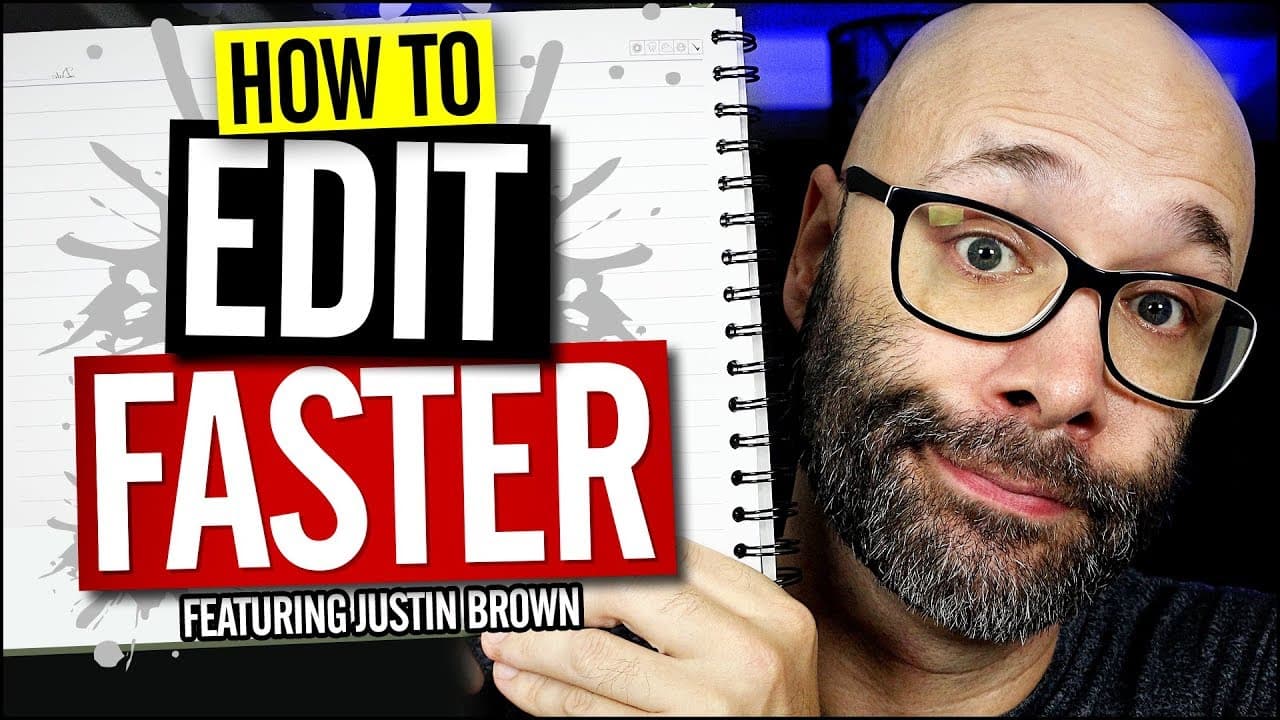
Edit Videos Faster With These 3 Video Editing Power Tips
13.5K views
•
October 12, 2017
by
Nick Nimmin
YouTube video player
Edit Videos Faster With These 3 Video Editing Power Tips

TL;DR

Learn three tips to speed up your video editing process: streamline your filming, edit backwards, and focus on content first.

Transcript

  • In this video you're gonna learn three things that are gonna massively speed up your editing process and we're starting right now. (Rap Music) What is going on? My name is Nick. Welcome to another video. If this is your first time here and you wanna learn how to grow your channel, make your videos, and all types of other Youtube-related stuff sta... Read More

Key Insights

  • 🎥 Streamlining your filming process by chunking down your videos into smaller sections can make editing faster and easier.
  • 👻 Editing backwards, starting from the end of your footage, allows you to quickly find the best takes and speed up the editing process.
  • 🧘 Prioritizing content editing before adding effects helps prevent wasting time on clips that may not be usable.

Install to Summarize YouTube Videos and Get Transcripts

Explore YouTube Video Summarizer or Get YouTube Transcript Extractor

Questions & Answers

Q: How can I streamline my filming to make editing easier?

You can streamline your filming by breaking down your video into smaller sections or chunks. Only move on to the next section when you're satisfied with the last take, making editing faster and smoother.

Q: How does editing backwards save time?

Editing backwards means starting from the end of your footage and working towards the beginning. This allows you to quickly identify the best takes, as they will be the first ones you encounter, reducing the time spent searching for the ideal clips.

Q: Why should I focus on content first before adding effects?

By prioritizing content editing, you can remove bad takes and refine your footage, ensuring the overall flow of the video is smooth. Starting with effects or color corrections can waste time if there are issues with the content that make certain clips unusable.

Q: How does editing backwards affect the computer's processing load?

When you edit backwards, you first cut down your footage before applying effects. This relieves the computer's processing load because it does not have to continuously render effects for the entire timeline. It only needs to process them after the content has been trimmed.

Summary & Key Takeaways

  • Streamline your filming by chunking down your videos into smaller sections, ensuring you have clear and concise takes.

  • Edit backwards, starting from the end of your footage, to quickly identify and use the best takes.

  • Focus on content first by removing bad takes and refining your footage before adding effects and polishing your video.


Read in Other Languages (beta)

English

Share This Summary 📚

Summarize YouTube Videos and Get Video Transcripts with 1-Click

Download browser extensions on:

Try YouTube Summary with ChatGPT & Claude or YouTube Transcript Generator

Explore More Summaries from Nick Nimmin 📚
Proven Way To Increase YouTube Subscribers (How to Ask) thumbnail
Proven Way To Increase YouTube Subscribers (How to Ask)
Nick Nimmin
Learn How To Grow YOUR YouTube Channel - Free Advice thumbnail
Learn How To Grow YOUR YouTube Channel - Free Advice
Nimmin Live - Learn How To Grow On YouTube
New YouTubers Should Focus On These Things In 2024 thumbnail
New YouTubers Should Focus On These Things In 2024
Nick Nimmin
How Often Should You Upload YouTube Videos thumbnail
How Often Should You Upload YouTube Videos
Nick Nimmin
THIS Is YouTube's NEW Thumbnail Testing Feature thumbnail
THIS Is YouTube's NEW Thumbnail Testing Feature
Nick Nimmin
How To Be Comfortable On Camera thumbnail
How To Be Comfortable On Camera
Nick Nimmin

Summarize YouTube Videos and Get Video Transcripts with 1-Click

Download browser extensions on:

Try YouTube Summary with ChatGPT & Claude or YouTube Transcript Generator

Apps & Extensions

  • Chrome Extension
  • Safari Extension
  • Edge Add-ons
  • Firefox Add-ons
  • iOS App
  • Android App

Key Features

  • YouTube Video Summarizer
  • Web & PDF Summarizer
  • Web & PDF Highlighter
  • Chat with PDF
  • Ask AI Clone
  • Audio Transcriber
  • Glasp Reader
  • Kindle Highlight Export
  • Idea Hatch

Integrations

  • Obsidian Plugin
  • Notion Integration
  • Pocket Integration
  • Instapaper Integration
  • Medium Integration
  • Readwise Integration
  • Snipd Integration
  • Hypothesis Integration

More Features

  • APIs
  • MCP Connector
  • Blog & Post
  • Embed Links
  • Image Highlight
  • Personality Test
  • Quote Shots

Company

  • About us
  • Blog
  • Community
  • FAQs
  • Job Board
  • Newsletter
  • Pricing
Terms

•

Privacy

•

Guidelines

© 2026 Glasp Inc. All rights reserved.