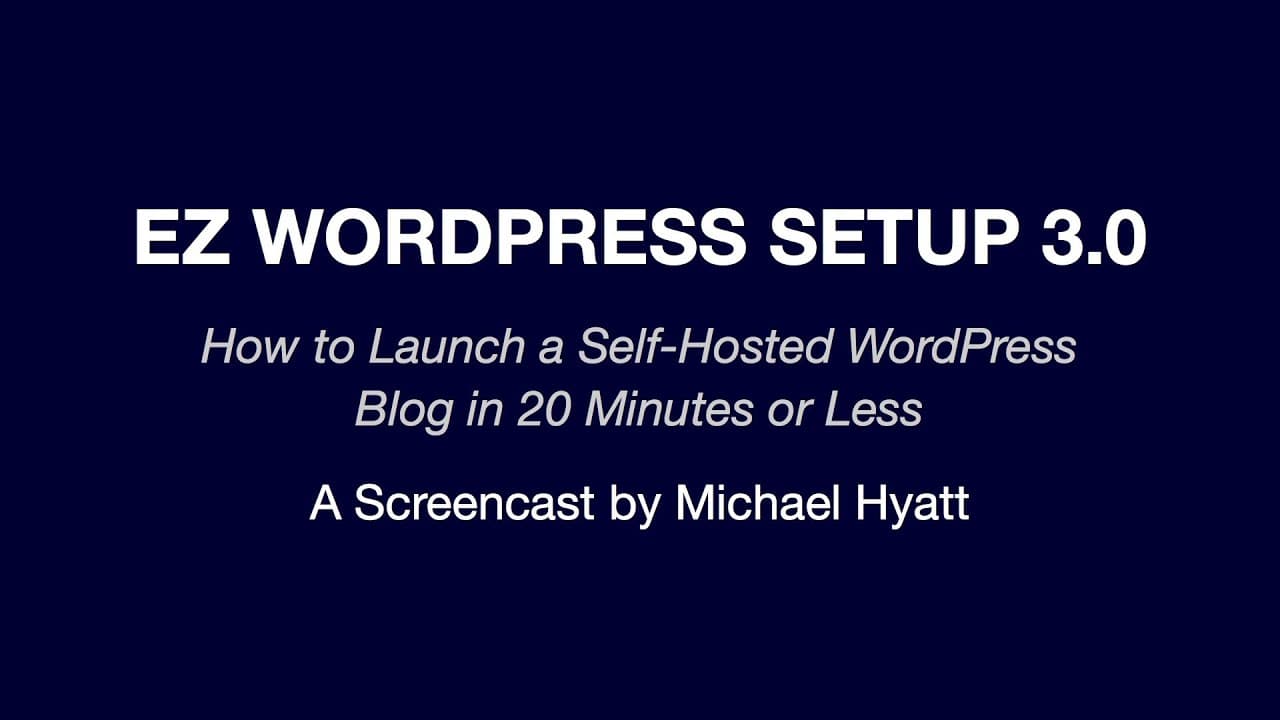
EZ WordPress Setup 3.0
TL;DR
Learn to set up a self-hosted WordPress blog quickly.
Transcript
hi i'm michael hyatt from michael hyatt.com and author of the new york times bestseller platform get noticed in a noisy world welcome to easy wordpress setup 3.0 in this short video i'm going to show you how to launch a self-hosted wordpress blog in 20 minutes or less and as a bonus i'll show you how to write and publish your very first blog post n... Read More
Key Insights
- Michael Hyatt provides a step-by-step guide to setting up a self-hosted WordPress blog, emphasizing simplicity and accessibility for beginners.
- The tutorial is organized into seven clear steps, beginning with gathering necessary resources like a domain name and hosting service.
- Bluehost is recommended as the hosting service due to its reliability, affordability, and user-friendly interface, among other benefits.
- Hyatt highlights the importance of using a self-hosted WordPress blog for greater control, a preference among serious bloggers.
- The process includes obtaining a domain, setting up hosting, installing WordPress, and writing the first blog post, all within a short timeframe.
- Additional advice includes selecting a secure password and bookmarking both the blog's front-end and back-end for easy access.
- Hyatt suggests using premium themes for a more customized blog appearance and recommends the Get Noticed theme for personal branding.
- The tutorial also encourages further learning through resources like WP 101, offering comprehensive WordPress tutorials for beginners.
Install to Summarize YouTube Videos and Get Transcripts
Explore YouTube Video Summarizer or Get YouTube Transcript Extractor
Questions & Answers
Q: What is the main purpose of the video?
The main purpose of the video is to guide viewers through the process of setting up a self-hosted WordPress blog in 20 minutes or less. Michael Hyatt aims to make the process simple and accessible, even for those without technical expertise, by providing clear, step-by-step instructions.
Q: Why does Michael Hyatt recommend Bluehost for hosting?
Michael Hyatt recommends Bluehost for hosting because of its reliability, with an uptime average of 99.9%, affordability, ease of use, and excellent 24/7 customer support. Additionally, Bluehost is one of the three hosting services officially recommended by WordPress, and it offers unlimited disk space, bandwidth, and email accounts.
Q: What are the advantages of a self-hosted WordPress blog?
A self-hosted WordPress blog offers greater control over the blog's features and appearance, which is why it is preferred by serious bloggers. This type of hosting allows for more customization, the ability to install plugins, and the freedom to choose themes, making it a flexible option for those looking to establish a strong online presence.
Q: What steps are involved in setting up a WordPress blog according to the video?
The steps involved in setting up a WordPress blog include gathering resources like a domain name and hosting service, setting up a hosting account, installing WordPress, writing the first blog post, and bookmarking the blog's front-end and back-end for easy access. Each step is designed to be simple and quick, allowing the entire process to be completed in 20 minutes.
Q: How does Michael Hyatt suggest securing your blog?
Michael Hyatt suggests securing your blog by using a complex, difficult-to-remember password generated by a password management system. He advises against using easy-to-remember passwords as they are more susceptible to hacking. Hyatt also recommends bookmarking important pages and using a password manager to keep track of login information.
Q: What does Michael Hyatt say about choosing a WordPress theme?
Michael Hyatt recommends choosing a WordPress theme that suits your needs and suggests considering premium themes for a more customized appearance. He highlights the Get Noticed theme, which he helped design, as a particularly good option for personal branding. Hyatt emphasizes the importance of selecting a theme that aligns with the blog's purpose and audience.
Q: What additional resources does Michael Hyatt recommend for learning WordPress?
Michael Hyatt recommends WP 101 as an additional resource for learning WordPress. WP 101 offers comprehensive tutorials on various aspects of WordPress, making it a valuable tool for beginners looking to expand their knowledge and skills. Hyatt also provides affiliate links to these resources, encouraging viewers to explore them further.
Q: How does Michael Hyatt address potential technical challenges during the setup?
Michael Hyatt addresses potential technical challenges by providing clear instructions and reassuring viewers that the process is straightforward. He acknowledges that some steps may seem overwhelming but emphasizes that Bluehost's user-friendly interface simplifies the setup. Hyatt also offers solutions for common issues, such as error messages, and encourages viewers to contact Bluehost support if needed.
Summary & Key Takeaways
-
Michael Hyatt presents a comprehensive guide to setting up a self-hosted WordPress blog in just 20 minutes. The tutorial is designed to be simple and accessible, even for those without technical expertise, and is structured around seven straightforward steps.
-
The recommended hosting service is Bluehost, chosen for its reliability, affordability, and excellent customer support. Hyatt explains the advantages of a self-hosted blog, particularly the greater control it offers, which is favored by serious bloggers.
-
The tutorial covers the entire process from obtaining a domain name and setting up hosting to installing WordPress and writing the first blog post. Hyatt also provides tips on choosing secure passwords and bookmarking important pages for easy management.
Read in Other Languages (beta)
Share This Summary 📚
Summarize YouTube Videos and Get Video Transcripts with 1-Click
Try YouTube Summary with ChatGPT & Claude or YouTube Transcript Generator
Explore More Summaries from Michael Hyatt 📚

Summarize YouTube Videos and Get Video Transcripts with 1-Click
Try YouTube Summary with ChatGPT & Claude or YouTube Transcript Generator