How I Organise My Life for the New Academic Year: Notion Tour for Productivity (+ Free Templates) ad
TL;DR
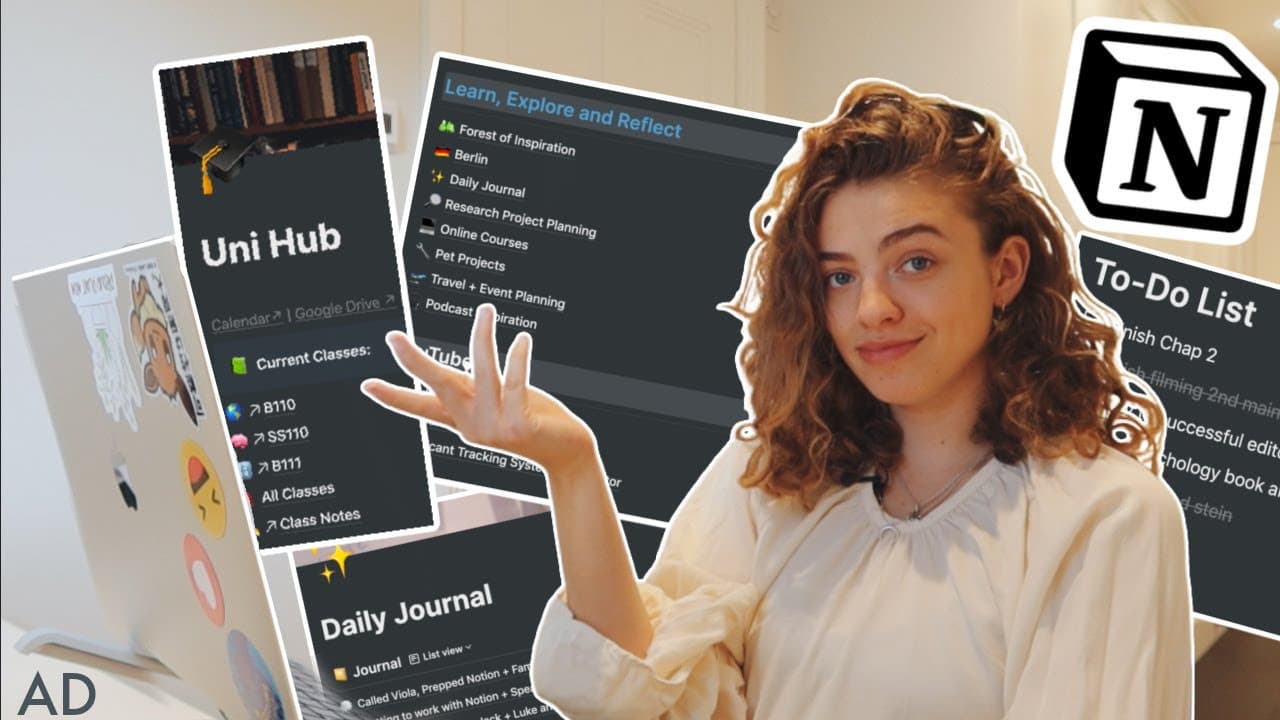
The video discusses effective use of Notion for productivity and organization.
Transcript
i can't believe this video is happening so if you've followed me for a while you would know that i love productivity systems i'm a little bit obsessed not with working harder but with working smarter and honestly i think i need to dedicate this video to all my minerva friends because they were raving about this app called notion it was how people w... Read More
Key Insights
- 🧑🏭 Notion acts as a centralized hub for organizing various aspects of life, including academic, professional, and personal projects.
- 😀 The app's intuitive interface and flexibility allow users to tailor their pages according to specific needs, encouraging efficient information management.
- 👻 Using templates can significantly streamline the onboarding process, allowing new users to replicate effective setups and adapt them as necessary.
- 😒 Habit formation is crucial in leveraging Notion effectively, as regular use reinforces the organization of tasks and projects.
- ❓ Each component of Notion, from task trackers to academic databases, operates independently but seamlessly integrates into a broader system of organization.
- 👻 The collaborative features of Notion can enhance teamwork, especially in academic and professional settings, by allowing users to share notes and updates easily.
- 👣 Personal reflections and journaling can boost mindfulness, helping to track mental and emotional growth alongside practical goals in productivity.
Install to Summarize YouTube Videos and Get Transcripts
Explore YouTube Video Summarizer or Get YouTube Transcript Extractor
Questions & Answers
Q: What specific features of Notion do you find most useful?
I find the ability to create customizable databases, such as for tracking classes, work experiences, and personal goals, particularly useful. The intuitive block system allows me to add different types of content easily, such as text, tables, and links. This flexibility makes it easy to adapt the app to my unique needs while keeping everything organized in one place.
Q: How do you ensure consistency in using Notion for your productivity?
Consistency is key to making the most out of Notion. I recommend setting aside specific times during the week to update my pages, such as my daily journal and project trackers. Additionally, I revisit my templates regularly to ensure they continue to meet my needs, reinforcing the habit of using the software in my daily routine.
Q: Can you explain how you manage your academic notes within Notion?
To manage academic notes, I have set up a dedicated section for each class, including links to syllabi, course resources, and class notes. I utilize Notion's filtering feature to show only relevant notes based on the course I'm studying at a given time. This organization minimizes the hassle of locating notes while maximizing my focus on the current class.
Q: What are the benefits of using Notion for video content planning?
Notion's flexibility allows me to track video ideas from conception through to completion. I can easily create a roadmap for each project, move ideas through different stages, and keep all relevant research in one area. The ability to add comments and collaborate, potentially with future editors, further enhances my video production workflow.
Q: How do you integrate personal reflections and journaling into your Notion setup?
I maintain a separate section in Notion for personal reflections and journaling, where I can document daily thoughts and insights. I include prompts for gratitude and goals, creating a structured way to reflect on my day-to-day experiences. This helps in not only maintaining mindfulness but also in tracking personal growth over time.
Q: What advice do you have for someone new to Notion?
For beginners, I recommend starting with a simple project or section of your life to organize, such as a task list or a journal. As you become comfortable navigating the app, gradually build out more complex sections like academic notes or video planning. Watching tutorial videos while simultaneously building your own setup can provide practical hands-on learning.
Q: Is there a learning curve involved with using Notion?
Yes, there is a learning curve with Notion, but it is manageable. Investing initial time in understanding its features and experimenting with different setups is essential. Over time, the customization options will become clearer, and you will find ways to streamline your organization that best fits your workflow.
Summary & Key Takeaways
-
The speaker shares their positive experience with Notion, a productivity app praised by friends for its versatility in organizing various aspects of life, including academics and budgeting.
-
The video offers a detailed tour of the speaker's Notion setup, showcasing how they use it for managing classes, video planning, and personal reflections, emphasizing its user-friendly features.
-
Templates for viewers are provided to help them personalize their Notion experience, encouraging them to adopt the app for improved organization and productivity.
Read in Other Languages (beta)
Share This Summary 📚
Summarize YouTube Videos and Get Video Transcripts with 1-Click
Try YouTube Summary with ChatGPT & Claude or YouTube Transcript Generator
Explore More Summaries from UnJaded Jade 📚





Summarize YouTube Videos and Get Video Transcripts with 1-Click
Try YouTube Summary with ChatGPT & Claude or YouTube Transcript Generator