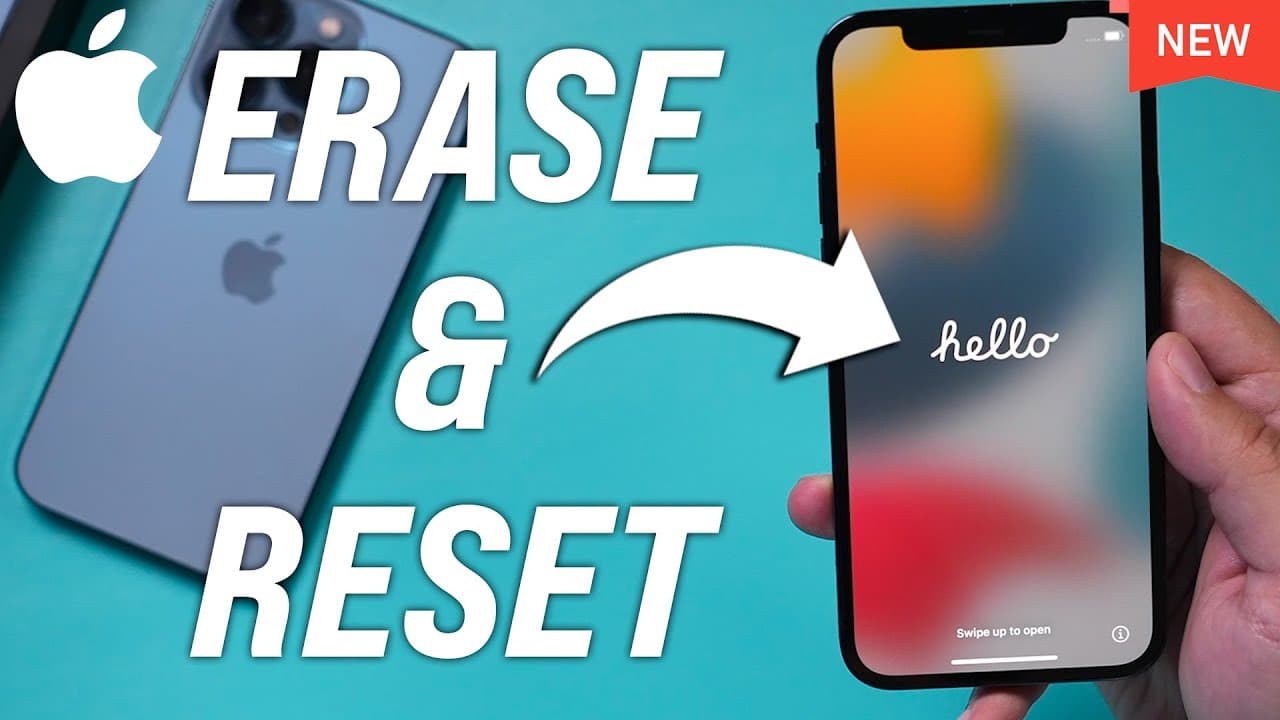
How to Reset iPhone to Factory Settings
TL;DR
Learn how to safely and correctly reset your iPhone to factory settings before selling, gifting, or trading it.
Transcript
hey everyone in today's iphone video i want to show you exactly how to reset your phone to the factory setting or factory defaults so if you're selling your phone if you're giving it away as a gift or if you're just trading your phone you do have to do this and i want to show you a couple of different things you got to do before you reset it to mak... Read More
Key Insights
- 😚 Backing up your iPhone using iCloud ensures you don't lose any important data during the reset process.
- 🤘 Signing out of your iCloud account is necessary before resetting your iPhone to factory settings.
- ❓ Erasing all content and settings can be found in the general settings of your iPhone.
- 💨 Removing the SIM card is recommended before selling or giving away your iPhone.
- 🗃️ The SIM card removal tool is included in the iPhone box and is used to access the SIM card tray.
Install to Summarize YouTube Videos and Get Transcripts
Explore YouTube Video Summarizer or Get YouTube Transcript Extractor
Questions & Answers
Q: Why is it important to back up your iPhone before resetting it?
Backing up your iPhone ensures that you don't lose any important data during the reset process. It allows you to easily transfer your data to a new device or access it through iCloud.com.
Q: How do you sign out of your iCloud account on an iPhone?
To sign out of your iCloud account, go to the Settings app, tap on your name at the top, scroll down to the bottom, and select "Sign Out." Enter your Apple ID password to complete the sign-out process.
Q: Where can you find the option to erase all content and settings on an iPhone?
To erase all content and settings on an iPhone, go to the general settings and scroll to the bottom. Look for an option that says "Reset iPhone" or something similar. Tap on it to proceed with the reset.
Q: Do you need the passcode for the iPhone to reset it?
Yes, you need the passcode for the iPhone to reset it. If it's your own phone, you should already know the passcode. However, if it's someone else's phone, you will need to obtain the passcode from them.
Summary & Key Takeaways
-
Back up your iPhone using iCloud to ensure you don't lose any important data.
-
Sign out of your iCloud account in the settings to prepare for the reset.
-
Navigate to the general settings and select the option to erase all content and settings to reset your iPhone.
Read in Other Languages (beta)
Share This Summary 📚
Summarize YouTube Videos and Get Video Transcripts with 1-Click
Try YouTube Summary with ChatGPT & Claude or YouTube Transcript Generator
Explore More Summaries from Howfinity 📚






Summarize YouTube Videos and Get Video Transcripts with 1-Click
Try YouTube Summary with ChatGPT & Claude or YouTube Transcript Generator