How To - Software Asset Management (SAM)
TL;DR
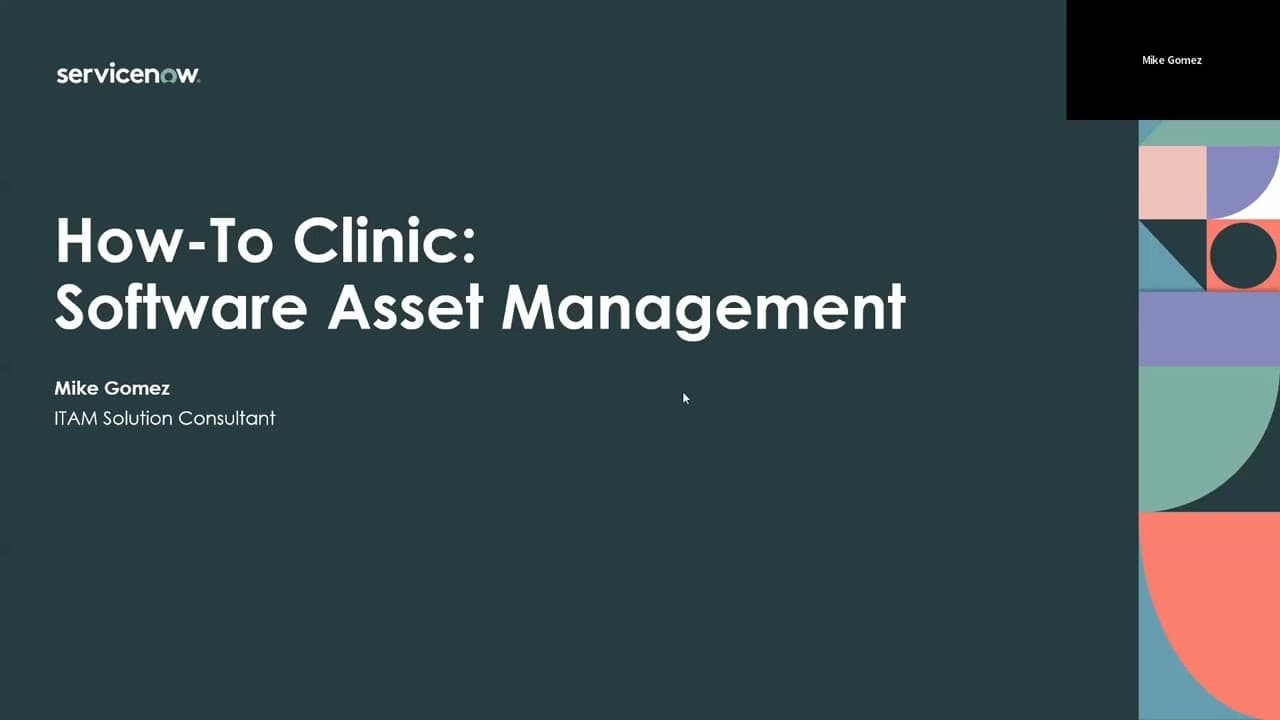
This video provides an overview of software asset management (SAM) and discusses the steps to get started with SAM in ServiceNow.
Transcript
all right thanks everybody for uh for being here to the software asset management how-to clinic um my name is mike gomez i'm an itam sc uh so we got a packed house today and some people are still joining so this session is going to be recorded i'll make sure i send it out to all the participants um if you can try to ask questions in the q a panel i... Read More
Key Insights
- 🎯 The goal of the session is to provide an introduction to software asset management (SAM) and cover common issues and best practices in implementation.
- 🔌 To enable SAM in the instance, the SAM master plugin needs to be activated, along with additional plugins like publisher packs. Apps from the ServiceNow Store can also be used to enhance SAM functionality.
- 📊 SAM helps reduce software spend through efficient licensing and identifying potential savings from unused licenses. It also improves productivity by enabling software publishing and ensures compliance by monitoring license position.
- 🔎 To populate the software install table, the SCCM service graph connector is used to import data from SCCM and generate records in the table. Other data sources can also be used.
- ⚖️ Normalization is a crucial step in SAM, where the software install data is standardized and unique combinations are identified to ensure accurate reconciliation.
- ✅ The entitlement import process involves filling out a template spreadsheet with details of owned licenses, which are then imported into ServiceNow to match with software installations.
- 🔁 Reconciliation is performed by matching software installations with software models and licenses. The license workbench provides an overview of matched and unmatched records, enabling optimization.
- 📚 Resources like the ITAM community, training materials, and the roadmap community can provide further guidance in implementing SAM effectively.
- 🔍 By following the implementation steps of data import, normalization, entitlement matching, and reconciliation, organizations can achieve a better licensed position and optimize their software assets.
Install to Summarize YouTube Videos and Get Transcripts
Explore YouTube Video Summarizer or Get YouTube Transcript Extractor
Questions & Answers
Q: What are the three main goals of software asset management?
The three main goals of software asset management are reducing software spend, enhancing productivity, and managing risk. By licensing software efficiently, identifying unused licenses, and monitoring changes in the environment, organizations can achieve these goals.
Q: How can users turn on SAM in ServiceNow?
To turn on SAM in ServiceNow, users need to activate the SAM master plugin. They can request this plugin from support.servicenow.com and activate it using the "activate a plugin" feature in ServiceNow. Additionally, users can download apps from the ServiceNow store to enhance their SAM capabilities.
Q: Why is normalization important in SAM?
Normalization is important in SAM because it helps standardize and consolidate software data. By normalizing data, organizations can identify and track software installations, match them to entitlements, and calculate license positions accurately.
Q: How does reconciliation work in SAM?
Reconciliation in SAM involves matching software installations to entitlements to determine license compliance. Through the import and mapping of entitlements and software models, SAM calculates license positions and identifies any over- or under-licensing situations.
Q: What are some useful resources for implementing SAM?
Some useful resources for implementing SAM include the ServiceNow community for IT Asset Management, training courses offered by ServiceNow, office hours with the product team, and the roadmap community to stay updated on the latest features and enhancements. Additionally, the ServiceNow support website provides documentation, playbooks, and helpful articles for troubleshooting and best practices.
Summary & Key Takeaways
-
The video provides an introduction to SAM and its three main goals: reducing software spend, enhancing productivity, and managing risk.
-
The speaker discusses the process of turning on SAM in ServiceNow and explains the importance of populating the software install table.
-
The video covers the steps of normalization and reconciliation, including importing entitlements and matching them to inventory data.
-
The speaker also provides information on available resources, such as training, support, and upcoming roadmap updates.
Read in Other Languages (beta)
Share This Summary 📚
Summarize YouTube Videos and Get Video Transcripts with 1-Click
Try YouTube Summary with ChatGPT & Claude or YouTube Transcript Generator
Explore More Summaries from ServiceNow Community 📚

Summarize YouTube Videos and Get Video Transcripts with 1-Click
Try YouTube Summary with ChatGPT & Claude or YouTube Transcript Generator