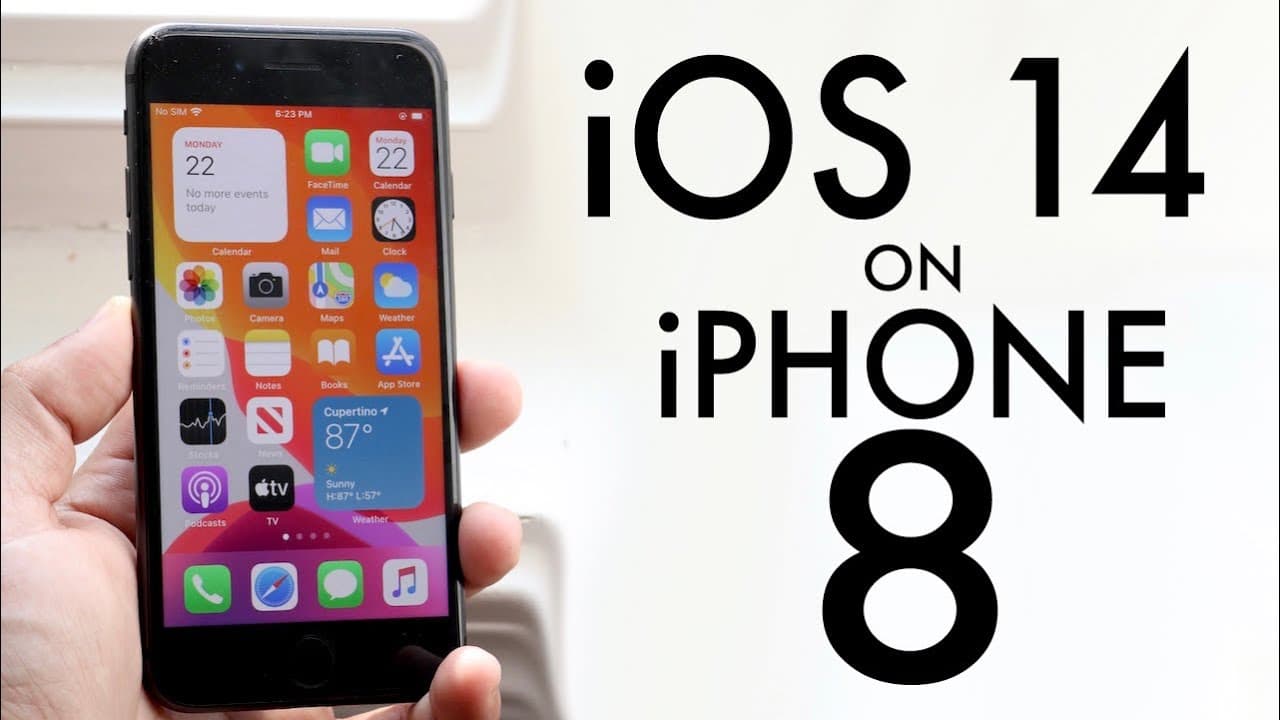
iPhone 8 On iOS 14! (Review)
TL;DR
iOS 14 introduces exciting features, but users should wait before updating.
Transcript
welcome back everyone Apple finally released iOS 14 and we're gonna take a look at it my very cracked iPhone 8 and for some reason I was 14 I'll definitely tell you is a huge update of my opinion it brought a lot of cool features a lot of bug fixes that are probably gonna come not at the first beta because there's a lot of issues with this on all m... Read More
Key Insights
- 💋 iOS 14 is a substantial update packed with new features, marking one of the most significant releases since iOS 11.
- 👤 Users should be aware of potential bugs and issues before updating, especially in beta versions.
- 💁 Home screen widgets provide more customization options, enhancing user engagement and information accessibility.
- 😀 The app library feature transforms app organization, streamlining access without cluttering the home screen.
- 👻 Calls are presented as notifications in iOS 14, allowing for greater multitasking without interrupting user activities.
- 🖼️ Picture-in-picture functionality maximizes efficiency, allowing users to watch content while using other apps.
- 😴 iMessage enhancements facilitate better communication through pinning conversations and mentioning users in messages.
Install to Summarize YouTube Videos and Get Transcripts
Explore YouTube Video Summarizer or Get YouTube Transcript Extractor
Questions & Answers
Q: What are some of the key features introduced with iOS 14?
iOS 14 introduces several exciting features, including home screen widgets that allow users to add customizable information, an app library that organizes applications for easier access, picture-in-picture for multitasking while watching videos, and improvements in iMessage, including the ability to pin conversations and mention users.
Q: Why does the reviewer recommend against updating to iOS 14 immediately?
The reviewer advises against immediate updates due to the prevalence of bugs and performance issues in the beta version. They share their experience with various problems while testing the update, suggesting that users should wait for the public beta when Apple has resolved many of these issues.
Q: How does the app library feature improve the user experience?
The app library feature allows users to manage applications more effectively by grouping them into different categories, making it easier to locate specific apps. Users can also delete entire pages of apps, streamlining their home screen organization and providing a more efficient way to access frequently used applications.
Q: What improvements were made to the calling interface in iOS 14?
The calling interface in iOS 14 has been redesigned to present calls as notifications rather than taking up the full screen. This change allows users to continue using their devices without interruption, improving multi-tasking and overall usability while managing incoming calls seamlessly.
Q: Describe the picture-in-picture functionality in iOS 14 and its significance.
Picture-in-picture functionality enables users to watch videos in a small window while continuing to use other apps. This feature is particularly significant as it enhances multitasking capabilities, allowing for a more fluid experience when consuming media while performing other tasks without being interrupted by full-screen video playback.
Q: What updates were introduced to iMessage with iOS 14?
iMessage received various updates in iOS 14, including the ability to pin conversations for quick access, additional emojis, and the option to mention users in group chats. These enhancements aim to improve communication and organization within the app, catering to the evolving needs of users.
Q: How does the user recommend preparing devices before updating to iOS 14?
The user advises ensuring that devices have sufficient storage, recommending roughly 5 GB of free space for the update, and suggesting that users check their battery charge before attempting to install the new software. These preparations aim to prevent common issues that may arise during the update process.
Q: What is the overall sentiment regarding the update's performance on the iPhone 8?
The reviewer expresses that while iOS 14 brings many exciting features, its performance on the iPhone 8 is stable but not without issues, leading to their recommendation to postpone updating until Apple releases a more refined public version. The sentiment suggests cautious optimism regarding the final release.
Summary & Key Takeaways
-
The release of iOS 14 marks a significant update for Apple, featuring various enhancements and bug fixes, yet the reviewer advises users to hold off on updating immediately due to potential issues.
-
Among the most notable features are home screen widgets, an app library, and improved calling and messaging functionalities, offering users a modernized experience.
-
Despite the impressive features, the reviewer emphasizes the importance of waiting for the public beta to ensure device stability and performance before committing to the update.
Read in Other Languages (beta)
Share This Summary 📚
Summarize YouTube Videos and Get Video Transcripts with 1-Click
Try YouTube Summary with ChatGPT & Claude or YouTube Transcript Generator
Explore More Summaries from Simple Alpaca 📚






Summarize YouTube Videos and Get Video Transcripts with 1-Click
Try YouTube Summary with ChatGPT & Claude or YouTube Transcript Generator