iPadOS 18 On The Oldest iPad Is Great!
TL;DR
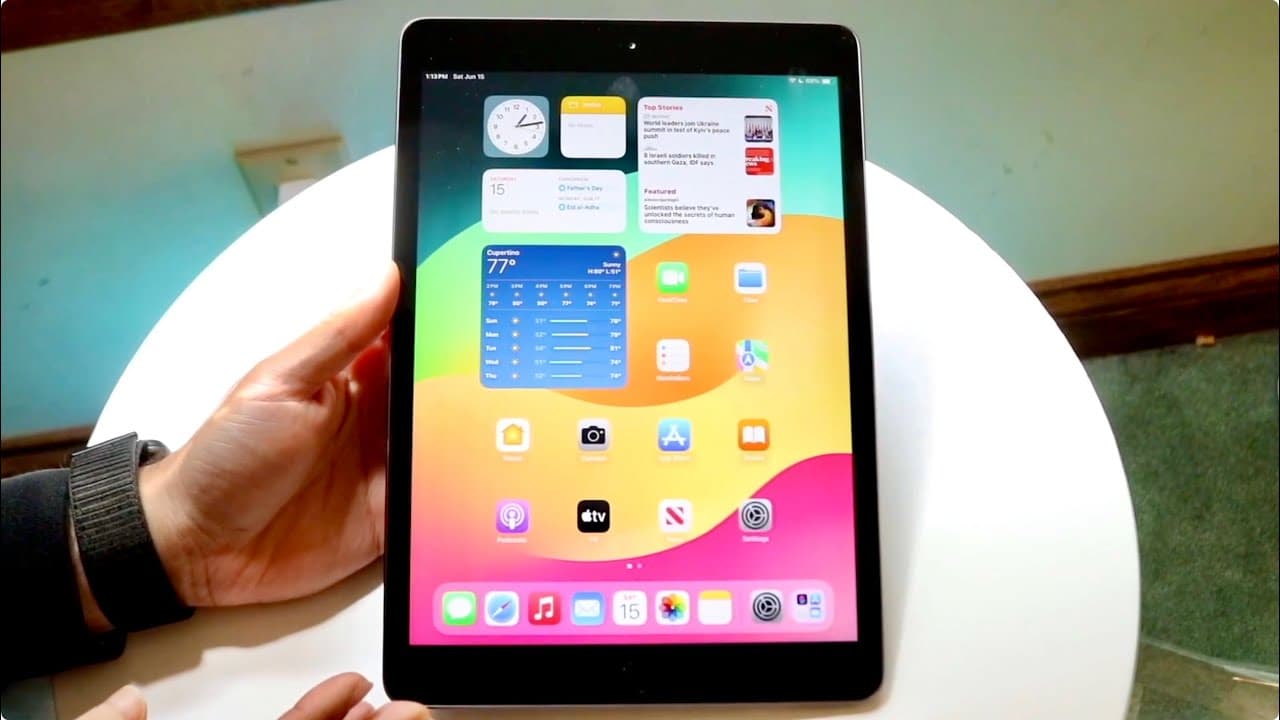
iPad OS 18 runs surprisingly well on the older iPad 7 model.
Transcript
so I just got the chance of installing iPad OS 18 on the oldest supported iPad that is supported on this version of software and what was pretty crazy to me was that this was actually a much better version of software than I actually thought iPad 8 bought a lot of stuff to the table but iPad but the iPad that is the oldest supported one on iPad OS ... Read More
Key Insights
- 🧑🤝🧑 The iPad 7, despite its release date, effectively supports iPad OS 18, showcasing Apple's dedication to software compatibility.
- 👶 Users can expect a robust performance on the iPad 7, largely due to similarities with newer hardware like the iPhone 7 Plus.
- 😀 iPad OS 18 offers enhanced features, including better multitasking and app performance, making it suitable for everyday tasks on the iPad 7.
- 🥶 The stability of iPad OS 18 is commendable, as users report a smooth experience without major issues on the older device.
- 🤵 Existing limitations in the software indicate areas for Apple to improve in future updates, providing room for enhancements.
- 🥶 Support for older devices like the iPad 7 demonstrates Apple's commitment to user satisfaction and longevity in their product lifecycle.
- 🆘 Early adopters of iPad OS 18 on the iPad 7 should be patient for updates as they can improve the overall experience.
Install to Summarize YouTube Videos and Get Transcripts
Explore YouTube Video Summarizer or Get YouTube Transcript Extractor
Questions & Answers
Q: What are the standout features of iPad OS 18 on the iPad 7?
iPad OS 18 brings a range of new features to the iPad 7, including improved multitasking capabilities and enhanced app performance. Users can enjoy better stability and a smoother interface, which is remarkable considering the device's age. The update also provides access to some features that were previously expected only on newer iPads, enhancing the user experience significantly.
Q: How does the iPad 7 compare to newer iPad models in terms of performance?
The iPad 7, while not as powerful as newer models like the iPad Pro, exhibits comparable performance to the iPhone 7 Plus due to its similar chipset. This performance is sufficient for everyday tasks, casual gaming, and media consumption, showing that Apple has maintained a level of support for older hardware, making it a competitive option even years after its release.
Q: Are there any major issues reported with iPad OS 18 on the iPad 7?
There haven't been any significant issues reported with iPad OS 18 on the iPad 7. The software generally operates smoothly, but the reviewer notes that some improvements are necessary for optimal performance. Users may still encounter minor bugs or limitations typical for newer releases, but these do not detract from the overall positive experience.
Q: Is it recommended to install iPad OS 18 immediately on the iPad 7?
The reviewer advises against immediate installation of iPad OS 18. Although the software performs well, it may still have unresolved issues that could impact user experience. It is suggested to wait for further updates as the software matures and receives fixes before making the upgrade.
Summary & Key Takeaways
-
The analysis details how the iPad 7 generation, released in 2019, successfully runs iPad OS 18, showcasing unexpected software prowess for an older device.
-
Despite being overshadowed by newer models, the iPad 7 maintains commendable performance and stability with the latest updates, highlighting Apple's commitment to supporting older devices.
-
The review suggests that while there are still issues to be addressed in iPad OS 18, overall user experience is positive, making it a viable starter version of the software.
Read in Other Languages (beta)
Share This Summary 📚
Summarize YouTube Videos and Get Video Transcripts with 1-Click
Try YouTube Summary with ChatGPT & Claude or YouTube Transcript Generator
Explore More Summaries from Simple Alpaca 📚






Summarize YouTube Videos and Get Video Transcripts with 1-Click
Try YouTube Summary with ChatGPT & Claude or YouTube Transcript Generator