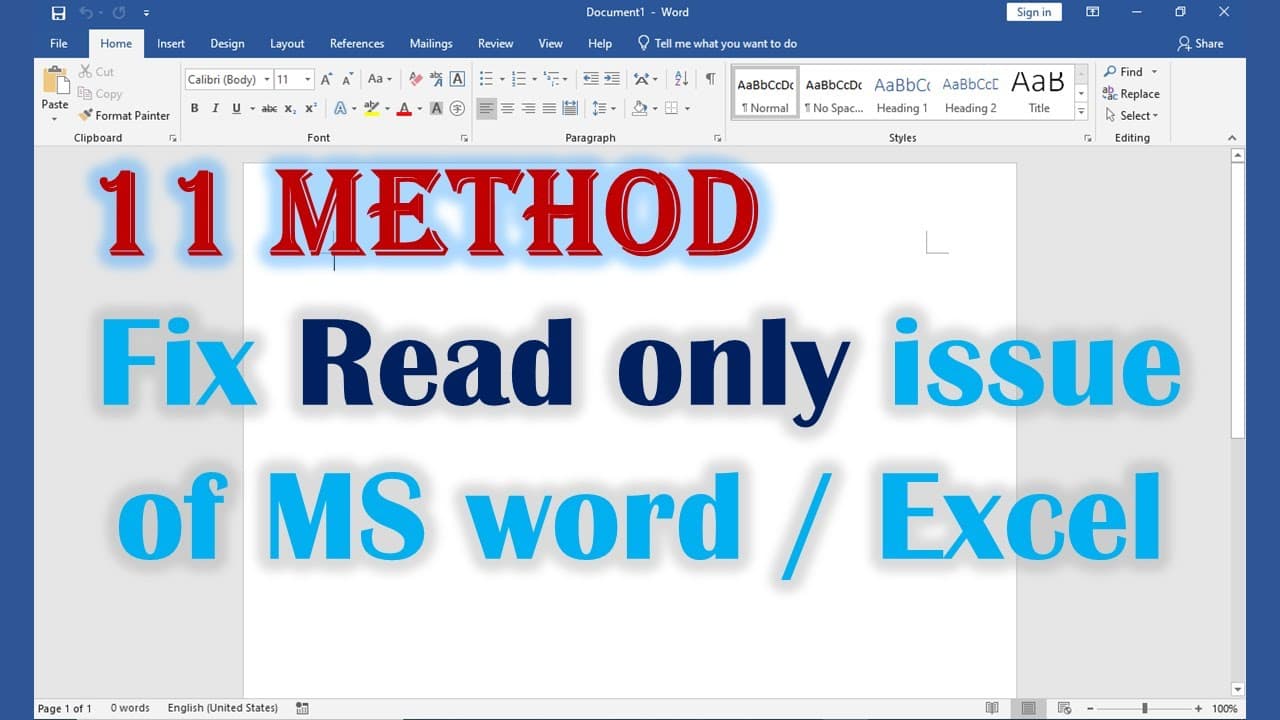
11 method Fix When MS Word Opens In Read Only Mode
TL;DR
Learn how to resolve issues that cause a Word document to open in read-only mode.
Transcript
when you open a word document if you see there is a word said read only. there are lots of reason cause that. so that walks through all the reason and try to fix that. so first you can right-click the file go to properties. if the read-only was checked uncheck it color click apply and try to open it again and sometimes will right-click properties y... Read More
Key Insights
- 📁 A file's read-only status can stem from various sources, including file attributes, security settings, or cloud storage issues.
- 🧘 Users must be proactive in managing their document properties and permissions to maintain edit access.
- 🧘 Trust Center settings are crucial for controlling various viewing and editing restrictions in Word documents.
- 🤗 Task management is a valuable tool for resolving conflicts when multiple Word documents are open simultaneously.
- 🤗 Disabling add-ins can simplify document use and reduce unexpected problems when opening files.
- 💦 Effective communication with document owners ensures adequate permissions for collaborative work.
- 🪛 Understanding how shared drives operate is essential for troubleshooting access issues.
Install to Summarize YouTube Videos and Get Transcripts
Explore YouTube Video Summarizer or Get YouTube Transcript Extractor
Questions & Answers
Q: What should I check first if a Word document opens in read-only mode?
Start by right-clicking the file and selecting Properties. If the "Read-only" attribute is checked, uncheck it, apply the changes, and then attempt to open the document again. This might resolve the issue if the attribute was set inadvertently.
Q: How can security settings affect the ability to edit a document?
Documents from external sources may come with security settings that mark them as potentially unsafe. Right-click the file, go to Properties, and if you see an option to unblock the file, select it. This removes the security restriction, potentially allowing you to edit the document.
Q: What issues might arise if OneDrive storage is full?
If your OneDrive storage is full, it can affect your ability to open or edit documents stored within it. Ensure you free up space in your OneDrive account to avoid conflicts when attempting to access your Word documents.
Q: Why would disabling add-ins help with read-only documents?
Add-ins can sometimes interfere with the normal functioning of Word. Disabling them allows for a clean environment to open documents, which may resolve issues related to read-only status if the add-in was causing the problem.
Q: What should I do if I receive a shared document that is read-only?
When a document is shared with you in read-only mode, it's typically because the document owner has set those permissions. In this case, reach out to the owner and ask them to grant you edit permissions to enable changes.
Q: How does closing other Word documents help?
Having other Word documents open can sometimes create conflicts, especially if they share resources. Closing unnecessary documents through the task manager ensures that you're not facing conflicts and can attempt to open the desired document without hindrance.
Q: How do I manage the settings in the Trust Center?
To manage settings in the Trust Center, open Word, navigate to File, then Options, and select Trust Center. From there, click on Trust Center Settings, go to Protect View, and uncheck all boxes. This can help eliminate settings that restrict document editing.
Q: What is the importance of checking if someone else is using the file on a shared drive?
If the file you’re trying to access is on a network share drive, it may be locked if another user is currently working on it. Contact the user to ensure they close the file, which will allow you to open it without the read-only limitation.
Summary & Key Takeaways
-
There are multiple reasons why a Word document may open in read-only mode, including file properties, security settings, and OneDrive storage issues.
-
Users can resolve read-only status by checking file properties, modifying trust center settings, or ensuring they have editing permissions.
-
Further troubleshooting steps include closing the document in the task manager, disabling add-ins, or contacting the document owner if the file is shared.
Read in Other Languages (beta)
Share This Summary 📚
Summarize YouTube Videos and Get Video Transcripts with 1-Click
Try YouTube Summary with ChatGPT & Claude or YouTube Transcript Generator
Explore More Summaries from E Micro Tech 📚

Summarize YouTube Videos and Get Video Transcripts with 1-Click
Try YouTube Summary with ChatGPT & Claude or YouTube Transcript Generator