How to Create a Database Design From an Idea
TL;DR
Learn how to turn an idea or set of requirements into a well-designed database in a step-by-step process.
Transcript
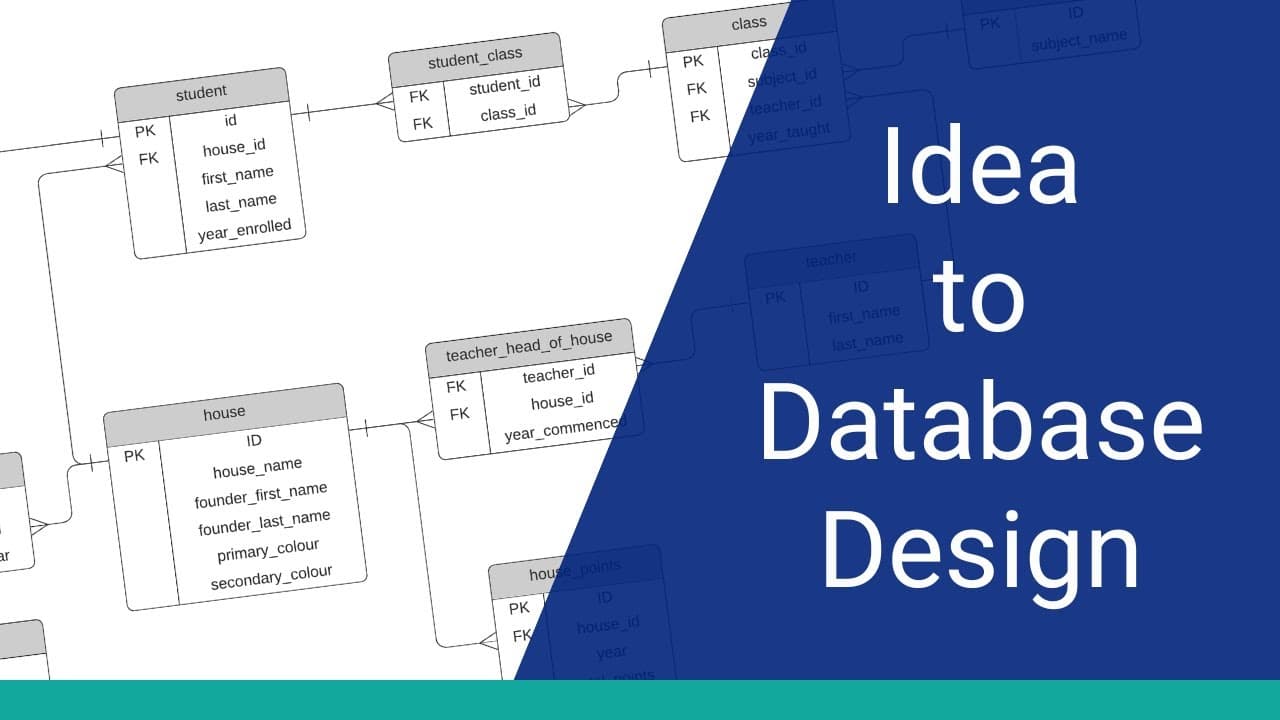
Have you got an idea for a database but don’t know how to design the database? You’re in the right place. In this video, I’ll show you the step-by-step process you can take to turn an idea or set of requirements into a database design. Welcome to the Database Star YouTube channel
- the place for developers looking to improve their database and SQL ... Read More
Key Insights
- 🗂️ Designing a database can be challenging, but it can be simplified by following a step-by-step process.
- 📝 The first step in designing a database is to write down your idea or requirements in a sentence or two.
- 🔢 Nouns in the sentence are used to create tables in the database design.
- 🎨 Attributes can be added to the tables based on the description, understanding of the idea, and assumptions.
- 🔗 Relationships between tables should be established to store data efficiently and enable advantages of relational databases.
- 🔄 Regular assessment and adjustment of the tables and fields is necessary to ensure the design captures all required data.
- 📈 The design process demonstrated in the video is a brief explanation of normalisation, a standard way to build efficient and well-designed databases.
- 💡 Further in-depth understanding of database design, relationships, and more can be gained through the Relational Database Design course on Database Star Academy.
Install to Summarize YouTube Videos and Get Transcripts
Explore YouTube Video Summarizer or Get YouTube Transcript Extractor
Questions & Answers
Q: How can I start designing a database for my idea?
To start designing a database, write down your idea or requirements in a sentence or two. This will serve as the foundation for creating tables and attributes.
Q: How do I identify the nouns in my database idea?
Read through your idea or requirement description and identify the objects or things mentioned. These are the nouns that will be used to create tables in the database.
Q: Why is it important to add relationships between tables in a database design?
Adding relationships allows data to be stored efficiently in one place and enables various advantages of relational databases, such as data integrity and the ability to retrieve related information easily.
Q: How can I assess and make adjustments to my database design?
Compare your design to the requirements and see if it aligns with the data you want to store. Make adjustments as necessary, considering additional relationships or attributes that may be needed.
Summary & Key Takeaways
-
The first step in designing a database is to write down your idea or requirements.
-
Identify the nouns in the description and use them to create tables in the database.
-
Add attributes to the tables based on the requirements and make adjustments as needed.
-
Add relationships between tables to store data efficiently.
-
Assess the design and make any necessary adjustments before moving forward.
Read in Other Languages (beta)
Share This Summary 📚
Summarize YouTube Videos and Get Video Transcripts with 1-Click
Try YouTube Summary with ChatGPT & Claude or YouTube Transcript Generator
Explore More Summaries from Database Star 📚




Summarize YouTube Videos and Get Video Transcripts with 1-Click
Try YouTube Summary with ChatGPT & Claude or YouTube Transcript Generator