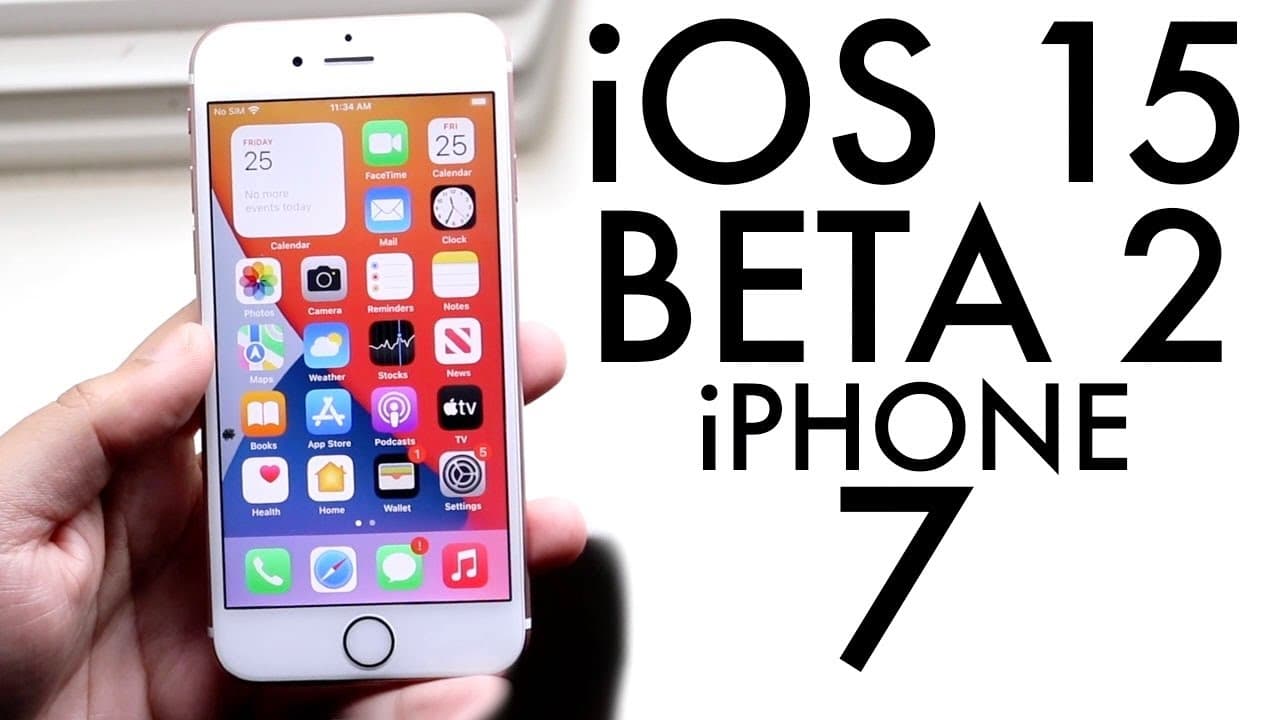
iOS 15 Beta 2 On iPhone 7! (Review)
TL;DR
iOS 15 Beta 2 includes minor improvements and bug fixes, but not for primary devices.
Transcript
welcome back everyone ios 15 beta 2 just officially got announced i guess that's one way to put it so let's take a look at it on the iphone 7. now what i can tell you is is that ios 15 is looking to be getting a little bit better overall so that's a really good thing to see this beta was i think around 1.7 gigs on pretty much all my devices as you ... Read More
Key Insights
- ❓ The iOS 15 Beta 2 installation size was around 1.7 to 1.9 GB across devices, indicating a relatively lightweight update.
- 👶 Though the beta appears stable, it still contains bugs and is primarily focused on minor fixes instead of major new features.
- 👶 Memojis have been enhanced with new outfits, adding more personalization options for users who utilize this feature.
- 👤 Overall user satisfaction is improving as reported glitches from the previous beta seem to have been minimized in this version.
- 😒 The recommendation is to use beta software on secondary devices to avoid disruption of essential functionalities on main devices.
- 🙈 Apple continues to prioritize security enhancements, as seen with the fixes for iCloud Private Relay bugs highlighted in this update.
- 👤 The update suggests a continued commitment from Apple to improve the iPhone experience through periodic beta releases and user feedback.
Install to Summarize YouTube Videos and Get Transcripts
Explore YouTube Video Summarizer or Get YouTube Transcript Extractor
Questions & Answers
Q: What are the main improvements in iOS 15 Beta 2?
iOS 15 Beta 2 introduces a few minor improvements such as a more stable Safari browser and bug fixes for iCloud Private Relay. Despite these enhancements, it doesn't offer significant changes from the previous beta and instead focuses on stability and performance improvements across devices.
Q: Is it safe to install iOS 15 Beta 2 on a primary device?
It is not advisable to install iOS 15 Beta 2 on a primary device due to potential bugs and glitches. While users have found it generally stable, beta software can still cause unpredictable behavior, which may affect your daily use and the overall performance of your main device.
Q: What changes were made to the Maps icon in this update?
The Maps icon received a visual refresh, moving away from its older design to a newer, more appealing version. This change is part of the update's usability enhancements, reflecting Apple's ongoing efforts to modernize their app interfaces for a better user experience.
Q: How does SharePlay work in iOS 15 Beta 2?
SharePlay functionality in iOS 15 Beta 2 allows users to share their screens during FaceTime calls. This features collaboration options, enabling users to view content together, such as videos or apps, making it an engaging way to connect with friends and family across Apple devices.
Summary & Key Takeaways
-
iOS 15 Beta 2 has been announced and is generally stable, with the installation process being straightforward and minimal issues reported on various devices.
-
The update includes bug fixes for iCloud Private Relay, a new Maps icon, and stylish outfits for Memojis, although its major changes are limited.
-
Users are advised against installing the beta on primary devices due to potential bugs, but it may be suitable for secondary devices like an unused iPhone 7.
Read in Other Languages (beta)
Share This Summary 📚
Summarize YouTube Videos and Get Video Transcripts with 1-Click
Try YouTube Summary with ChatGPT & Claude or YouTube Transcript Generator
Explore More Summaries from Simple Alpaca 📚






Summarize YouTube Videos and Get Video Transcripts with 1-Click
Try YouTube Summary with ChatGPT & Claude or YouTube Transcript Generator