Criss Crespo Air Table
TL;DR
Streamline event processes with Airtable and Make for efficiency.
Transcript
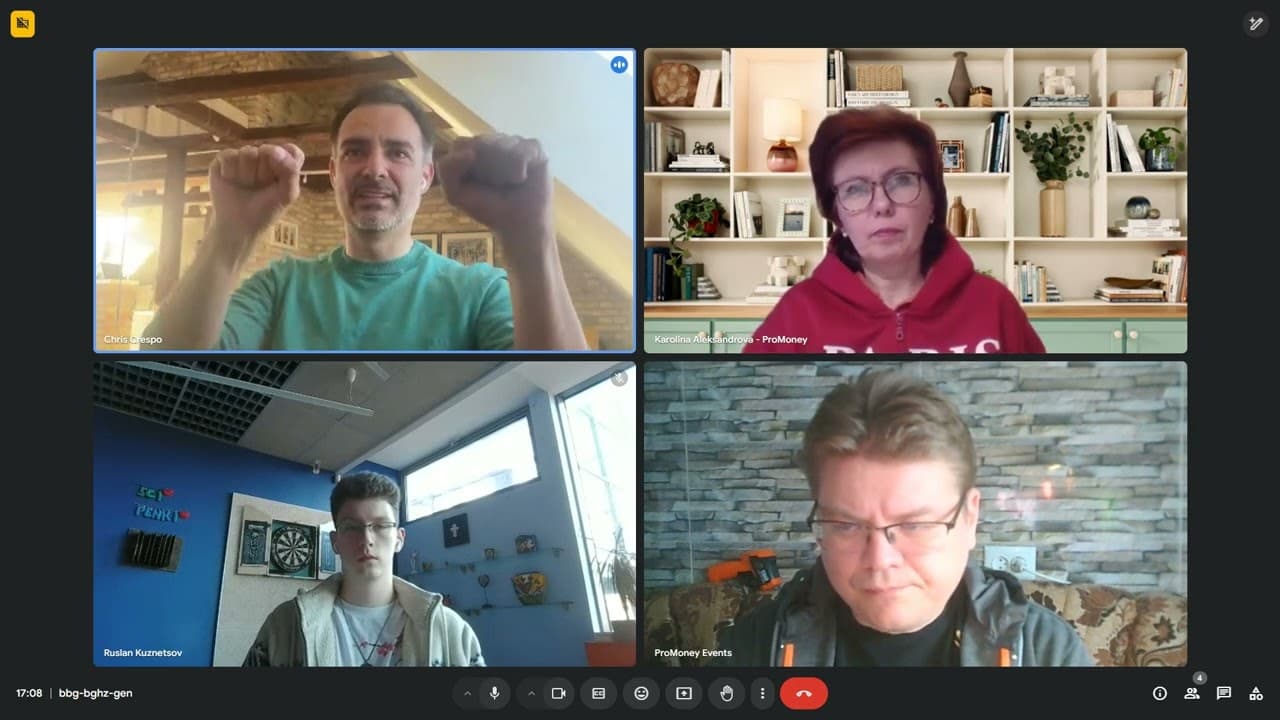
it's two weeks to the event so it's h it's all a bit hectic now I understand you yes I have another event in Rea audit leadership forum for Auditors it's not so big as Baltic but still we have about 100 delegates onite plus uh remotely so I'm going into this circle again yes I know I know it's it beco... Read More
Key Insights
- The use of Airtable and Make can significantly automate repetitive tasks in event management, such as speaker recruitment and partner onboarding, saving up to 80-90% of the time spent on these processes.
- Airtable is a cloud-based database that functions similarly to Excel but offers more functionalities, making it an ideal tool for organizing event-related data like speaker details and event schedules.
- Make.com connects various APIs to create workflows, allowing for the automation of tasks without the need for coding, which is beneficial for those without a technical background.
- Automating the speaker recruitment process involves using tools like Calendly and Fireflies.ai to schedule meetings and transcribe conversations, respectively, which then feed into Airtable.
- Creating detailed process maps is essential for automation, as it helps in defining precise instructions for the computer to follow, ensuring accuracy in task execution.
- Airtable's integration with WordPress allows for automatic updates of event websites with the latest speaker and agenda information, ensuring consistency and real-time updates.
- Using Airtable forms, event organizers can collect necessary information from speakers and partners efficiently, reducing manual data entry and potential errors.
- The speaker and partner onboarding processes can be automated to send personalized emails and reminders, ensuring timely follow-ups and engagement without manual intervention.
Install to Summarize YouTube Videos and Get Transcripts
Explore YouTube Video Summarizer or Get YouTube Transcript Extractor
Questions & Answers
Q: What is the primary benefit of using Airtable for event management?
Airtable offers a cloud-based database solution that is highly functional and user-friendly, similar to Excel but with advanced features. It allows event organizers to manage and automate various processes such as speaker recruitment, partner onboarding, and agenda scheduling, thereby saving significant time and reducing manual errors.
Q: How does Make.com enhance the automation process?
Make.com enhances automation by connecting different APIs and creating workflows that allow for seamless data transfer and task execution without any coding. This capability is particularly useful for non-technical users who want to automate repetitive tasks in event management, such as updating databases or sending emails.
Q: What role does Fireflies.ai play in the speaker recruitment process?
Fireflies.ai is used to automatically join meetings scheduled via Calendly and transcribe the discussions. It then pushes the transcriptions and meeting summaries into Airtable, which helps in maintaining accurate records of speaker agreements and follow-up actions without manual note-taking.
Q: How can Airtable forms be utilized in event management?
Airtable forms can be used to collect necessary information from speakers and partners, such as contact details, bios, and session preferences. Once submitted, this information is automatically updated in the Airtable database, reducing manual data entry and ensuring that all necessary data is captured efficiently.
Q: What is the significance of process mapping in automation?
Process mapping is crucial in automation as it helps define the precise steps and conditions for each task. By detailing every aspect of a process, such as speaker recruitment or partner onboarding, organizers can ensure that the automated system executes tasks accurately and efficiently, minimizing errors and omissions.
Q: How does Airtable integration with WordPress benefit event websites?
Integrating Airtable with WordPress allows for automatic updates of event websites with the latest information from the Airtable database. This ensures that the website always reflects the most current data on speakers, agendas, and other event details, providing attendees with up-to-date information without manual website updates.
Q: What challenges might one face when automating event processes?
Challenges in automating event processes may include the initial learning curve of understanding and setting up tools like Airtable and Make.com, ensuring accurate process mapping, and troubleshooting integration issues. However, these challenges are outweighed by the long-term benefits of increased efficiency and reduced manual workload.
Q: Can Airtable be used for sales processes in event management?
Yes, Airtable can be used to manage sales processes by organizing data related to sponsorship packages and partner agreements. While the current setup discussed focuses on speaker and partner onboarding, the same principles can be applied to automate proposal generation and contract management in sales processes.
Summary & Key Takeaways
-
The discussion highlights how Airtable and Make.com can automate many repetitive tasks in event management, such as speaker recruitment, partner onboarding, and sales processes. These tools help streamline operations, save time, and reduce manual errors by automating data collection and communication tasks.
-
Airtable serves as a robust database platform that can be integrated with other tools like Calendly and Fireflies.ai for efficient data management. It allows users to create forms, automate emails, and link data across various event management processes, enhancing overall workflow efficiency.
-
The conversation emphasizes the importance of understanding and mapping out event processes in detail to effectively automate them. By using Airtable and Make.com, event organizers can focus more on creative and strategic tasks while the tools handle repetitive and data-intensive operations.
Read in Other Languages (beta)
Share This Summary 📚
Summarize YouTube Videos and Get Video Transcripts with 1-Click
Try YouTube Summary with ChatGPT & Claude or YouTube Transcript Generator