Products
Features
YouTube Video Summarizer
Summarize YouTube videos
Web & PDF Highlighter
Highlight web pages & PDFs
Chat with PDF
Ask any PDF questions with AI
Ask AI Clone
Chat with your highlights & memories
Audio Transcriber
Transcribe audio files to text
Glasp Reader
Read and highlight articles
Kindle Highlight Export
Export your Kindle highlights
Idea Hatch
Hatch ideas from your highlights
Integrations
Obsidian Plugin
Notion Integration
Pocket Integration
Instapaper Integration
Medium Integration
Readwise Integration
Snipd Integration
Hypothesis Integration
Apps & Extensions
Chrome Extension
Safari Extension
Edge Add-ons
Firefox Add-ons
iOS App
Android App
Discover
Discover
Ideas
Discover new ideas and insights
Articles
Curated articles and insights
Books
Book recommendations by great minds
Posts
Essays and notes from readers
Quotes
Inspiring quotes collection
Videos
Curated videos and summaries
Explore Glasp
Glasp Newsletter
Weekly insights and updates
Glasp Talk
Interview series with great minds
Glasp Blog
Latest news and articles
Glasp Use Cases
Learn how others use Glasp
Build & Support
Glasp API
Access Glasp's API for developers
MCP Connector
Connect Glasp to Claude & ChatGPT
Community
Glasp Reddit Community
Students
Student discount and benefits
FAQs
Frequently Asked Questions
AboutPricing
DashboardLog inSign up

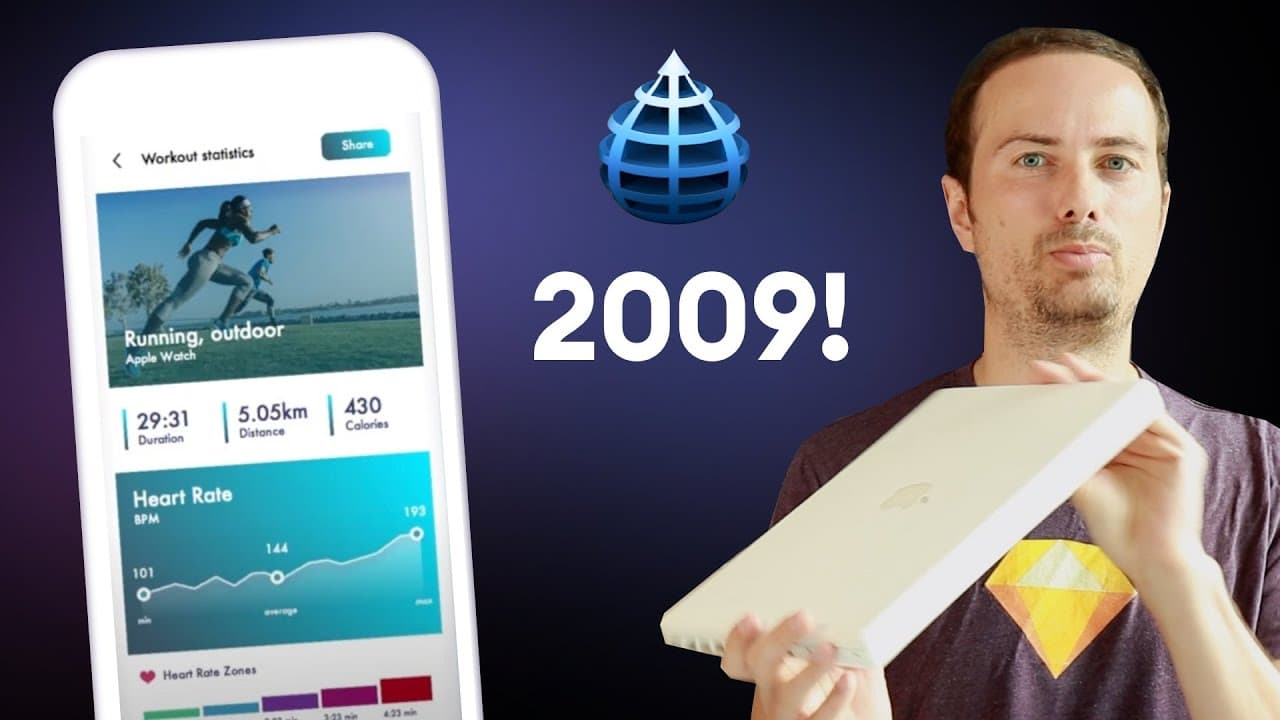
Designing UI in a 10 year old version of Sketch
1.1K views
•
May 20, 2020
by
Malewicz
YouTube video player
Designing UI in a 10 year old version of Sketch

TL;DR

The video shows the process of designing a modern interface using an outdated version of Sketch on a 2009 MacBook, highlighting the limitations and challenges faced.

Transcript

a few days ago while looking through the basement I found my old laptop it's a 2009 macbook white macbook 2.16 intel core2duo or four gigs of ram and it had a very slow and crappy hard drive in it so I bought an SSD and quickly replaced it so the goal was actually to give it to my grandma so she could have some Skype calls with us but I'm gonna kee... Read More

Key Insights

  • 🎨 The designer's challenge in using an outdated version of Sketch highlights the progress and advancements of design software over the years.
  • 🚠 Despite the limitations, the designer is still able to create a visually appealing interface, showcasing that skills and knowledge matter more than the tool itself.

Install to Summarize YouTube Videos and Get Transcripts

Explore YouTube Video Summarizer or Get YouTube Transcript Extractor

Questions & Answers

Q: What is the goal of using Sketch 1.2 on the old MacBook?

The initial goal was to give the laptop to the designer's grandmother for Skype calls, but the designer decided to create a modern design using an older version of Sketch as a challenge.

Q: What limitations does Sketch 1.2 have for designing digital products?

Sketch 1.2 was not originally designed for creating digital products, making certain tasks, like aligning elements and working with artboards, more challenging and time-consuming.

Q: How does the designer work around the limitations of Sketch 1.2?

The designer uses the fonts already installed and manually adjusts alignments and gradients to overcome the limitations of the software. They also discover hidden features like rounded corners by double-clicking on nodes.

Q: How does the designer describe the difference in speed between the old MacBook and a newer version of Sketch?

While the old MacBook performs well with the outdated software, completing a screenshot with a high level of detail took around 45 minutes, compared to only 10 minutes with a newer version of Sketch.

Summary & Key Takeaways

  • The video showcases the use of an old MacBook to design a modern interface using an outdated version of Sketch.

  • Despite the limitations of the software and hardware, the designer is able to create a simple graph with a gradient and rounded corners.

  • Designing on the old MacBook and older software takes significantly longer compared to newer versions of Sketch.


Read in Other Languages (beta)

English

Share This Summary 📚

Summarize YouTube Videos and Get Video Transcripts with 1-Click

Download browser extensions on:

Try YouTube Summary with ChatGPT & Claude or YouTube Transcript Generator

Explore More Summaries from Malewicz 📚
Master UI Design FREE - Daily Challenge thumbnail
Master UI Design FREE - Daily Challenge
Malewicz
Looking at your designs - UI UX audit and tutorial thumbnail
Looking at your designs - UI UX audit and tutorial
Malewicz
High-fidelity UI design - Google UX Course review by a senior designer - part 5 thumbnail
High-fidelity UI design - Google UX Course review by a senior designer - part 5
Malewicz
99% of designers MESS UP their resume thumbnail
99% of designers MESS UP their resume
Malewicz
Dark Mode UI Course 2 thumbnail
Dark Mode UI Course 2
Malewicz
They did WHAT??? thumbnail
They did WHAT???
Malewicz

Summarize YouTube Videos and Get Video Transcripts with 1-Click

Download browser extensions on:

Try YouTube Summary with ChatGPT & Claude or YouTube Transcript Generator

Apps & Extensions

  • Chrome Extension
  • Safari Extension
  • Edge Add-ons
  • Firefox Add-ons
  • iOS App
  • Android App

Key Features

  • YouTube Video Summarizer
  • Web & PDF Summarizer
  • Web & PDF Highlighter
  • Chat with PDF
  • Ask AI Clone
  • Audio Transcriber
  • Glasp Reader
  • Kindle Highlight Export
  • Idea Hatch

Integrations

  • Obsidian Plugin
  • Notion Integration
  • Pocket Integration
  • Instapaper Integration
  • Medium Integration
  • Readwise Integration
  • Snipd Integration
  • Hypothesis Integration

More Features

  • APIs
  • MCP Connector
  • Blog & Post
  • Embed Links
  • Image Highlight
  • Personality Test
  • Quote Shots

Company

  • About us
  • Blog
  • Community
  • FAQs
  • Job Board
  • Newsletter
  • Pricing
Terms

•

Privacy

•

Guidelines

© 2026 Glasp Inc. All rights reserved.