How to Download All Your Amazon Photos at Once
TL;DR
To download all your Amazon photos in one go, first install the Amazon Photos app and log in to your account. Then, select the option to download all or specific folders, and create a dedicated folder for your downloads to organize your images effectively.
Transcript
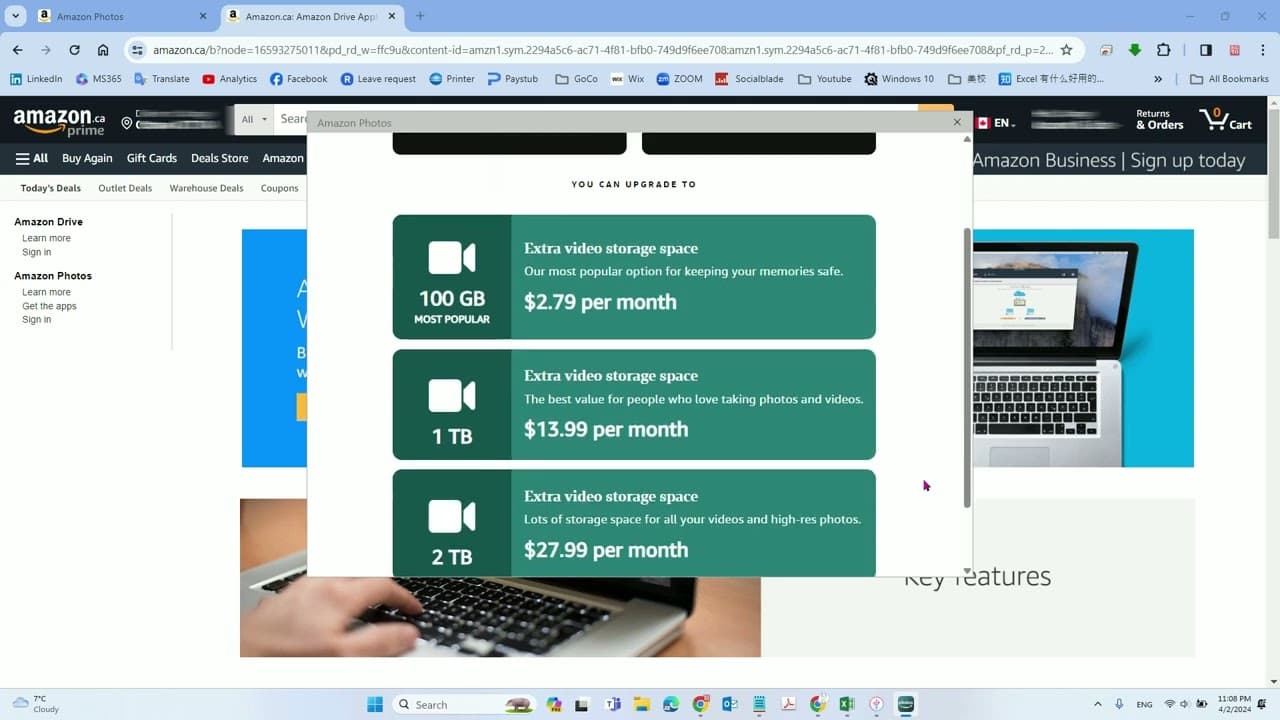
hello in this video we'll talk about how to download all Amazon photos only once okay so to do that you need to install Amazon apps so let's search Amun photo apps okay so G photo apps you can find the first one then go the apps download apps okay so I already download it so I will draw it now I ask you login to your account okay click go to it and... Read More
Key Insights
- 😀 Users must install the Amazon Photos app to download their photos effectively.
- 👻 The account login process allows access to a full library of stored Amazon images.
- 😀 The app provides options to download all images or select specific folders for greater control.
- 📷 Creating a dedicated folder for downloads simplifies photo organization after completing the download.
- 👤 The video emphasizes an easy-to-follow guide, making it accessible for users of all technical levels.
- 😀 Utilizing the Amazon Photos app streamlines the process of managing and downloading personal media.
- 😀 Knowing how to navigate the app enhances user experience and convenience.
Install to Summarize YouTube Videos and Get Transcripts
Explore YouTube Video Summarizer or Get YouTube Transcript Extractor
Questions & Answers
Q: What is the first step in downloading Amazon photos?
The initial step in downloading your Amazon photos is to install the Amazon Photos app. You can easily locate it by searching "Amazon Photos" in your app store. After downloading the app, it's essential to log in to your Amazon account to access your photo library and proceed with the download process effectively.
Q: Do I need any specific software to download Amazon photos?
Yes, you need to download the Amazon Photos app to initiate the downloading process. The app is designed to help users manage their photos and makes it easy to download either individual pictures or entire folders. This ensures a seamless experience when accessing your photo collection stored on Amazon.
Q: Can I download all my Amazon photos at once?
Absolutely! The video outlines how to select multiple photos or entire folders for download. Once you log into your Amazon account through the app, you'll have the option to choose "download all" for efficient downloading. This feature is especially useful for users with a substantial number of photos to retrieve quickly.
Q: How do I organize my downloaded photos?
The video recommends creating a specific folder for your downloaded Amazon photos to keep them organized. By designating a separate folder, you can easily locate and manage your images post-download. This step helps maintain order and ensures that your photo archive stays tidy on your device.
Summary & Key Takeaways
-
This video demonstrates the step-by-step process to download all photos stored on Amazon, emphasizing the need for the correct app.
-
Viewers are guided to search for and install the Amazon Photos app, followed by account login to access their photo library.
-
The tutorial details selecting specific folders and creating a designated download folder, making the process straightforward and user-friendly.
Read in Other Languages (beta)
Share This Summary 📚
Summarize YouTube Videos and Get Video Transcripts with 1-Click
Try YouTube Summary with ChatGPT & Claude or YouTube Transcript Generator
Explore More Summaries from E Micro Tech 📚

Summarize YouTube Videos and Get Video Transcripts with 1-Click
Try YouTube Summary with ChatGPT & Claude or YouTube Transcript Generator