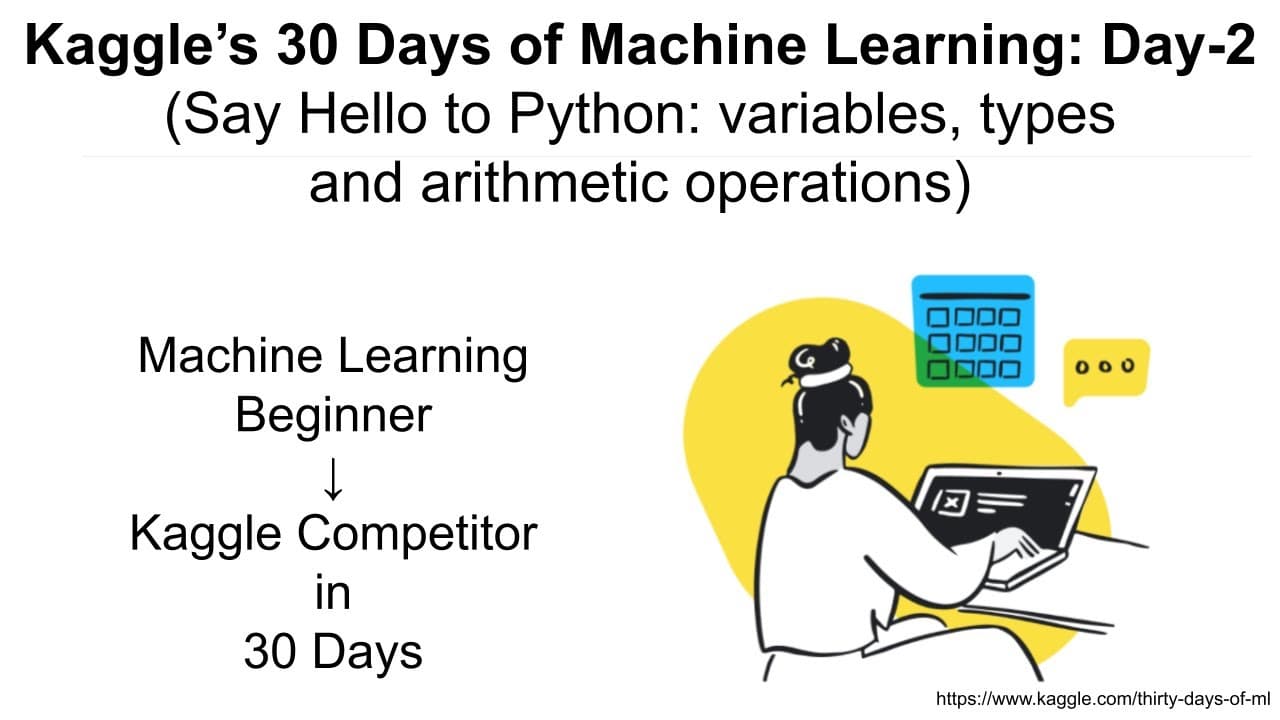
Kaggle's 30 Days Of ML (Day-2): Say Hello to Python: variables, types and arithmetic operations
TL;DR
This video tutorial introduces the basics of Python programming and provides an overview of Kaggle, with a hands-on exercise to practice Python coding.
Transcript
hello everyone and welcome to day two of 30 days of ml by kaggle and today we are going to learn some really basic stuff about python so if you're not familiar with python you start today yesterday uh we took a look at how to make a submission in the titanic competition but i think that was way too advanced so today it's a day where you should star... Read More
Key Insights
- 🎰 Kaggle is a platform for data science competitions and collaborative machine learning projects.
- 🅰️ Python allows variable assignment without declaring the type and supports different data types.
- 🅰️ Python operators have different meanings depending on the type of data they are applied to.
- 🎭 Inbuilt functions like print(), min(), and max() are useful for displaying values and performing calculations.
- 🤗 The hands-on exercise helps reinforce Python syntax and concepts through practical coding tasks.
- 😒 Python uses indentation to define code blocks, replacing curly brackets used in other languages.
- 🅰️ Python supports operator overloading, where operators have different meanings depending on the type of data they are applied to.
Install to Summarize YouTube Videos and Get Transcripts
Explore YouTube Video Summarizer or Get YouTube Transcript Extractor
Questions & Answers
Q: What is Kaggle and what are some key features of the platform?
Kaggle is a platform for data science competitions and collaborative machine learning projects. It allows users to make submissions, participate in competitions, and access notebooks. Key features include leaderboards, discussions, and shared datasets.
Q: How does Python handle variable assignment and data types?
In Python, variables are assigned without the need to declare their type. Python supports different data types such as integers, floats, and strings. The type() function can be used to determine the type of a variable.
Q: What are some commonly used operators in Python?
Python supports various operators, including + (addition), - (subtraction), * (multiplication), / (true division), // (floor division), % (modulus), ** (exponential), and parentheses for grouping expressions.
Q: How can Python functions like print(), min(), and max() be used?
The print() function is used to display values on the screen. The min() function returns the minimum value from a set of values, while the max() function returns the maximum value. These functions are particularly useful for data analysis and manipulation.
Q: What is the purpose of the hands-on exercise in the tutorial?
The exercise allows viewers to apply the Python concepts taught in the tutorial. It involves tasks such as variable assignment, mathematical operations, and using built-in functions to solve a problem.
Summary & Key Takeaways
-
The video provides an overview of the Kaggle platform and the basics of how it works, including submissions, leaderboards, and Kaggle notebooks.
-
The tutorial focuses on teaching Python basics, including variable assignment, print statements, conditional statements, operators, data types, inbuilt functions, and basic math operations.
-
The video includes a hands-on exercise where viewers can practice Python coding using variables, operators, and functions.
Read in Other Languages (beta)
Share This Summary 📚
Summarize YouTube Videos and Get Video Transcripts with 1-Click
Try YouTube Summary with ChatGPT & Claude or YouTube Transcript Generator
Explore More Summaries from Abhishek Thakur 📚

Summarize YouTube Videos and Get Video Transcripts with 1-Click
Try YouTube Summary with ChatGPT & Claude or YouTube Transcript Generator