How to Make Free Podcast Waveforms with Headliner
TL;DR
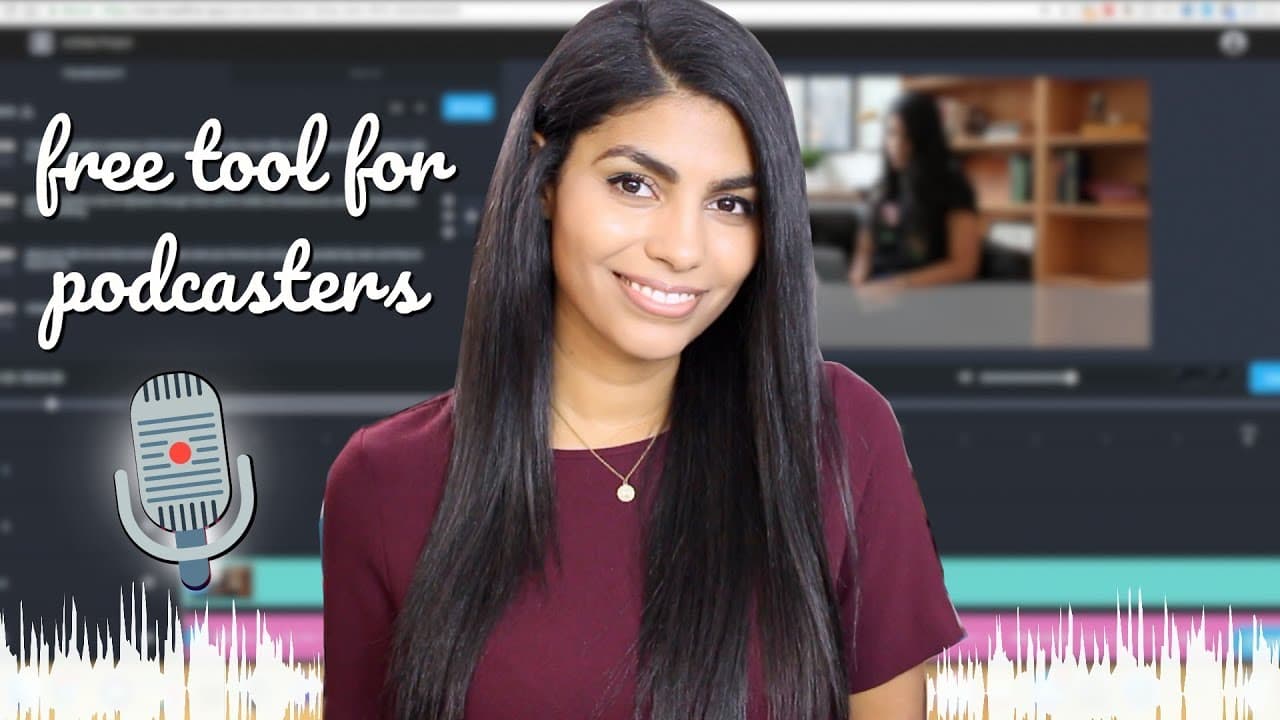
Headliner is a free tool that allows you to create waveforms and short videos for podcast promotion. It also offers features for social media managers to create engaging content. The platform provides easy-to-use options for adding audio, images, and text, making it a versatile tool for content creation.
Transcript
hey guys what's up welcome back to my channel okay so I get a lot of questions about podcasting on here and on Instagram and I haven't done a whole video about that but make sure to let me know if you would like me to by leaving this video a thumbs up and maybe I'll go a little bit more in depth but for now what I wanted to talk about because this ... Read More
Key Insights
- Headliner is a free tool for creating podcast waveforms and videos.
- It allows for the creation of audiograms by selecting an audio file and customizing its appearance.
- Users can choose different aspect ratios for various social media platforms.
- The tool offers a library of stock images and videos for enhancing content.
- Headliner supports transcription and caption customization, improving accessibility.
- Projects can be exported in different formats and resolutions, such as 1080p.
- The platform enables the addition of intros and outros to videos, enhancing professionalism.
- Headliner allows users to edit entire vlogs or social media videos without expensive software.
Install to Summarize YouTube Videos and Get Transcripts
Explore YouTube Video Summarizer or Get YouTube Transcript Extractor
Questions & Answers
Q: How to create a podcast waveform using Headliner?
To create a podcast waveform using Headliner, upload your audio file and select the audiogram wizard. Customize the waveform’s appearance by choosing a style and color. You can also add a background image and adjust the text overlay. Finally, export the project in your desired format.
Q: What features does Headliner offer for social media managers?
Headliner offers social media managers features like waveform and video creation, access to stock images and videos, and customizable templates. It supports various aspect ratios, making it easy to create content suited for platforms like Instagram, Facebook, and Twitter. Additionally, users can add captions and export in multiple formats.
Q: Why is Headliner a good tool for podcasters?
Headliner is an excellent tool for podcasters because it provides free, easy-to-use features for creating audiograms and promotional videos. It supports transcription and captioning, enhancing accessibility. The ability to export in different formats and resolutions helps podcasters share content across multiple platforms.
Q: Can Headliner be used for video editing?
Yes, Headliner can be used for video editing. It allows users to splice together audio, video, and images, making it possible to create entire vlogs or social media videos. The platform's user-friendly interface and access to stock media simplify the editing process, even for those without advanced software.
Q: How does Headliner help with content creation?
Headliner aids content creation by offering tools to create engaging audiograms and videos. It provides customizable templates, access to stock media, and transcription services. Users can easily export projects in various formats, making it suitable for sharing content on different social media platforms.
Q: What customization options does Headliner provide?
Headliner offers several customization options, including waveform styles and colors, background images, and text overlays. Users can also adjust the aspect ratio for different social media platforms, add captions, and include intros and outros to enhance the professionalism of their videos.
Q: Is Headliner suitable for beginners?
Headliner is suitable for beginners due to its intuitive interface and straightforward tools. It simplifies the content creation process with easy-to-use features for adding audio, images, and text. The platform’s comprehensive guides and templates make it accessible for users with minimal editing experience.
Q: What are the benefits of using Headliner for video creation?
The benefits of using Headliner for video creation include its cost-effectiveness, ease of use, and comprehensive features. It allows for the creation of visually appealing content with customizable templates, access to stock media, and support for various formats. These features make it ideal for podcasters and social media managers.
Summary & Key Takeaways
-
Headliner is a versatile, free tool that helps podcasters and social media managers create engaging content. It offers features like waveform creation, transcription, and access to stock media. Users can export projects in various formats, making it easy to share on different platforms.
-
The platform provides customizable templates for audiograms and supports different aspect ratios for social media. Users can add intros and outros, ensuring a polished look for their videos. Headliner’s ease of use and comprehensive features make it a valuable tool for content creators.
-
With Headliner, users can enhance their podcasts and social media presence by creating visually appealing videos. Its free access to stock media and transcription tools simplifies the content creation process, making it an ideal choice for budget-conscious creators.
Read in Other Languages (beta)
Share This Summary 📚
Summarize YouTube Videos and Get Video Transcripts with 1-Click
Try YouTube Summary with ChatGPT & Claude or YouTube Transcript Generator
Explore More Summaries from Latasha James 📚




Summarize YouTube Videos and Get Video Transcripts with 1-Click
Try YouTube Summary with ChatGPT & Claude or YouTube Transcript Generator