Using Computers : How to Store MP3s Online
TL;DR
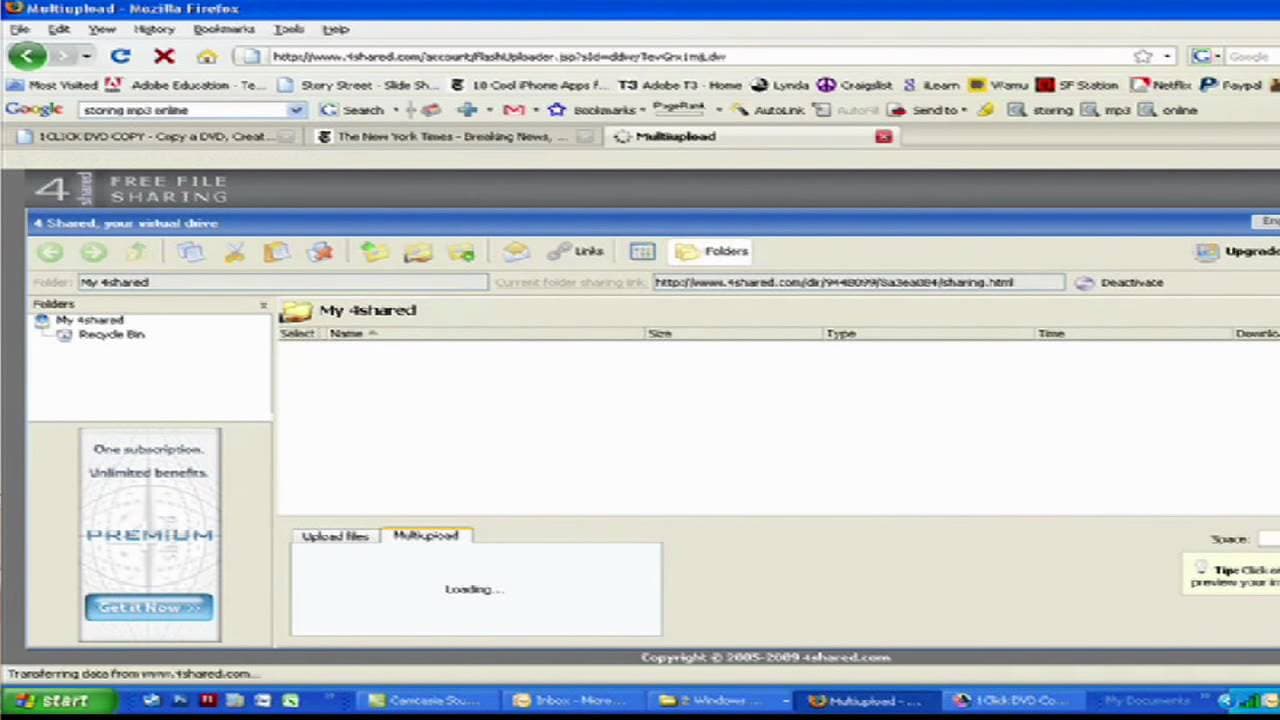
Learn how to store and upload MP3 files and other files using the free file sharing service called ForShared, with 5GB of storage space.
Transcript
hi my name is dave casuto and i am the director of san francisco computer tutors here in san francisco california in this video we are going to show you how to store and upload your mp3 files and any other file that you like using a very cool free service called for shared they do have a premium one that has a little more space but the free one has... Read More
Key Insights
- 🥶 ForShared is a free file sharing service that offers 5GB of storage space.
- 🥹 It is a great option for backing up files and transferring them between computers.
- 👤 Users can upload files through the platform's upload feature.
- 📁 ForShared allows both single file and multiple file uploads.
- 👤 The upload speed depends on the user's internet connection.
- 🧑💻 Once uploaded, files can be easily accessed and downloaded by logging back into the account.
- 📁 The file structure remains the same, making it convenient for organizing and finding files.
Install to Summarize YouTube Videos and Get Transcripts
Explore YouTube Video Summarizer or Get YouTube Transcript Extractor
Questions & Answers
Q: How can I upload files to ForShared?
To upload files, create an account and log in. Use the upload feature on the platform, either for single file upload or multiple file upload by selecting multiple files from your computer.
Q: Is there a limit to the number of files I can upload?
You can upload as many files as you like, as long as the total size doesn't exceed the 5GB storage limit provided by ForShared.
Q: How long does it take to upload files?
The upload speed depends on your internet connection. The video suggests that it could take some time, with the uploader estimating around seven minutes for uploading four songs.
Q: How can I access my uploaded files?
After logging back into your ForShared account, you can find your files in the same file structure where they were uploaded. You can then easily download them whenever needed.
Summary & Key Takeaways
-
San Francisco Computer Tutors director, Dave Casuto, demonstrates how to use ForShared to store and upload MP3 files and other files.
-
ForShared offers 5GB of free space, making it ideal for backups and transferring files between computers.
-
Users can create an account, upload files, and easily download them whenever needed.
Read in Other Languages (beta)
Share This Summary 📚
Summarize YouTube Videos and Get Video Transcripts with 1-Click
Try YouTube Summary with ChatGPT & Claude or YouTube Transcript Generator
Explore More Summaries from ehow 📚

Summarize YouTube Videos and Get Video Transcripts with 1-Click
Try YouTube Summary with ChatGPT & Claude or YouTube Transcript Generator