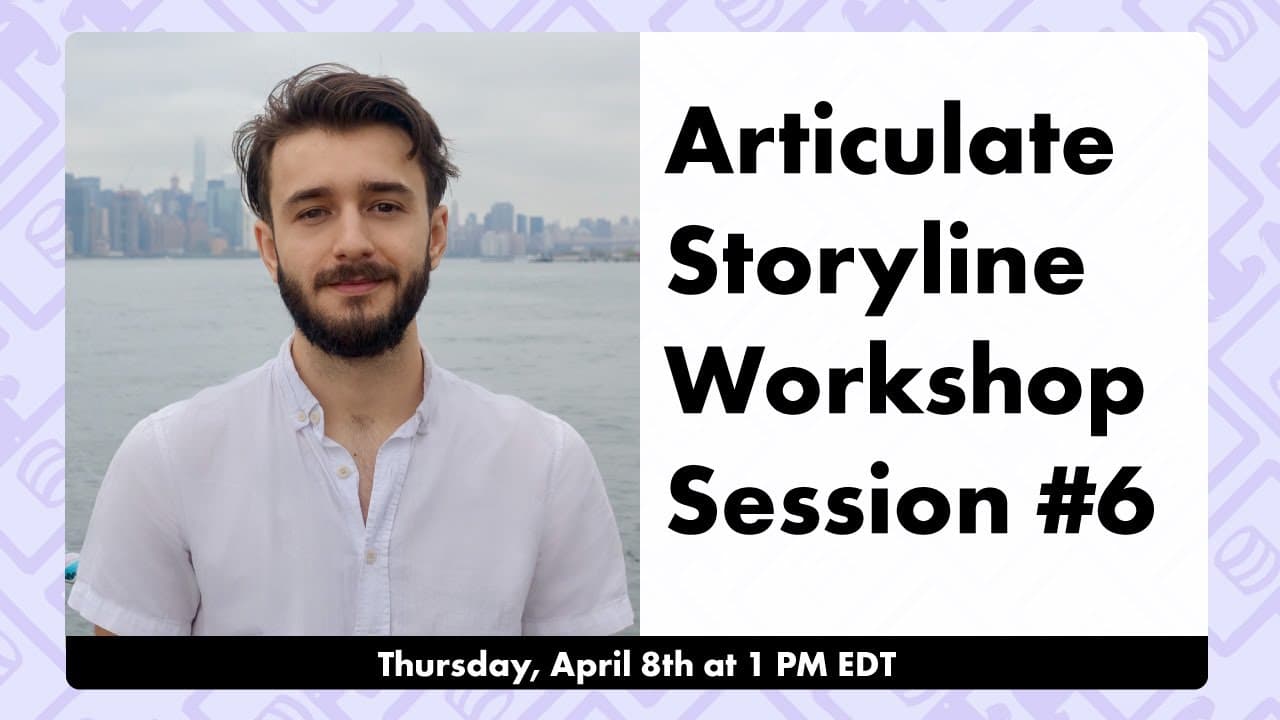
How to Create an Interactive Slide in Storyline with Narration
TL;DR
Learn how to create an interactive animated slide with narration in Articulate Storyline, including adding images, text, and animations.
Transcript
hello everybody and welcome to another articulate storyline workshop um these are the sessions where you vote for what we build and today it looks like the winner is an interactive animated slide with narration it won with almost 75 of the votes so if what you voted for did not win that will be an option at the session two weeks from now and we wil... Read More
Key Insights
- 🛝 The workshop focuses on creating an interactive animated slide with narration in Articulate Storyline.
- 👀 It is recommended to watch the recording of the workshop before attempting to follow along, as it covers various steps and techniques.
- 🥳 The workshop covers aspects such as adjusting the aspect ratio, adding images and text, aligning elements, and using animations to create interactivity.
- 😥 Understanding the timeline, cue points, and triggers is crucial for controlling the flow and interactivity of the slide.
- 😯 The text-to-speech feature can be used for narration, but it is recommended to replace it with professional voiceover in the final version.
- 🛝 Attention to detail, such as alignment and timing, is important for creating a visually appealing and cohesive slide.
Install to Summarize YouTube Videos and Get Transcripts
Explore YouTube Video Summarizer or Get YouTube Transcript Extractor
Questions & Answers
Q: Can I follow along with the workshop if I have Articulate Storyline open?
Yes, you can follow along with the workshop, but it is recommended to watch the recording first and take notes before attempting to build the slide.
Q: Where are the images used in the workshop from?
The images used in the workshop are from the website "getillustrations.com," which offers various illustration packs that can be purchased.
Q: How do I duplicate a text box in Articulate Storyline?
To duplicate a text box, select the text box, hold down the Ctrl key on the keyboard, and drag it to the desired location. Release the Ctrl key to create a duplicate of the text box.
Q: How do I add narration using the text-to-speech feature in Articulate Storyline?
To add narration using text-to-speech in Articulate Storyline, go to the Insert tab, select Audio, and choose Text to Speech. Enter the desired text for narration and select the voice and settings before inserting the narration.
Summary & Key Takeaways
-
Introduction to the Articulate Storyline workshop and the topic of creating an interactive animated slide with narration.
-
Walkthrough of setting up the slide, adjusting the aspect ratio, adding images of characters, and aligning them on the slide.
-
Explanation of adding text instructions, changing the font and size, and aligning the text boxes.
-
Demonstration of adding narration using the text-to-speech feature, adjusting the audio placement on the timeline, and adding animations to the slide.
Read in Other Languages (beta)
Share This Summary 📚
Summarize YouTube Videos and Get Video Transcripts with 1-Click
Try YouTube Summary with ChatGPT & Claude or YouTube Transcript Generator
Explore More Summaries from Devlin Peck 📚






Summarize YouTube Videos and Get Video Transcripts with 1-Click
Try YouTube Summary with ChatGPT & Claude or YouTube Transcript Generator