How to edit WIX multi language Event page
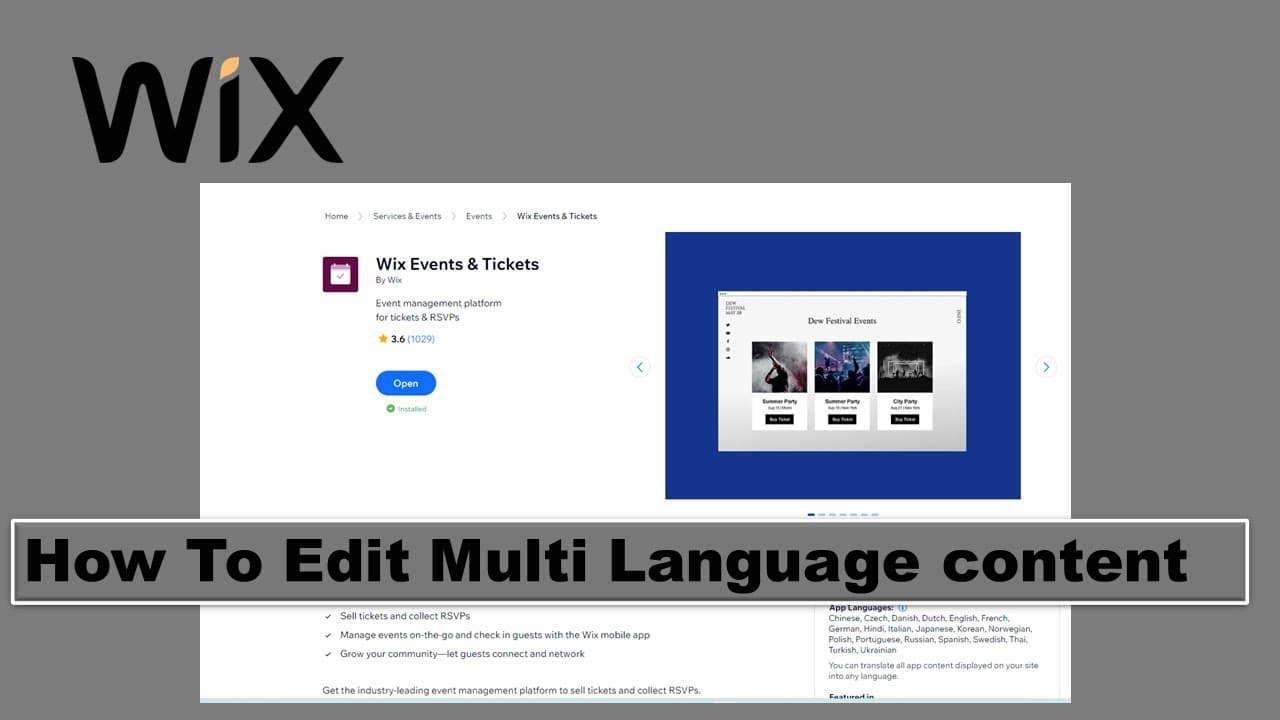
TL;DR
This content provides a step-by-step guide to enabling multi-language support on a website.
Transcript
foreign multi-language so I have a vix website I have an event over here what I don't have is the multi-language so I need add the multi language first so you need to login to the control panel and then go to uh refresh so now you go to the settings choose language and region add language so it will pop up the plugin let's add it to the website go ... Read More
Key Insights
- 👤 Multi-language support is essential for reaching a broader audience and enhancing user experience on websites.
- 🫥 The initial setup involves a crucial step of ensuring both languages are enabled, or they won't be visible on the website.
- ✋ Manual verification of automated translations is vital for maintaining high-quality content and minimizing errors.
- 🏣 The process of editing translations for existing events can be cumbersome if many posts are accumulated, emphasizing the need for an organized approach.
- 💱 The importance of publishing changes cannot be overstated, as it refreshes the website to display updates accurately.
- 🎟️ Creating operational steps like saving or refreshing can troubleshoot missing features within the control panel.
- 🤩 Understanding the functionality of control panel menus is key to navigating and managing multilingual content efficiently.
Install to Summarize YouTube Videos and Get Transcripts
Explore YouTube Video Summarizer or Get YouTube Transcript Extractor
Questions & Answers
Q: What steps are necessary to enable multi-language support on my website?
To enable multi-language support, log into the control panel, navigate to the settings, and choose language and region. Add the desired languages, ensuring that visibility is activated for each. You'll also need to publish changes to refresh your website and display the language options correctly.
Q: How can I ensure proper translations when using automated services like Google Translate?
While automated translations can be beneficial for efficiency, they are not always accurate. After using Google Translate, manually review and, if necessary, adjust the translations to ensure clarity and correctness in the content displayed on the website.
Q: What should I do if the save button for event editing does not appear?
If the event save button does not appear, try adding a temporary letter or word to trigger the button's visibility. Alternatively, use the Google Translate option to replace existing content, which can also refresh the control panel and make the save button accessible.
Q: How can I access the multilingual options after adding new languages?
After adding new languages, refresh your control panel page. The multilingual menu will then appear, allowing you to select weeks or events for translation. You can proceed to edit each event's title in the respective languages once the option is visible.
Summary & Key Takeaways
-
The guide details how to log into the control panel to add multiple languages to a website, essential for diverse user accessibility.
-
It emphasizes ensuring the visibility and functionality of the added language options, avoiding issues with automated translations like Google Translate.
-
The content explains how to edit and save event titles in multiple languages, addressing common problems encountered during this process.
Read in Other Languages (beta)
Share This Summary 📚
Summarize YouTube Videos and Get Video Transcripts with 1-Click
Try YouTube Summary with ChatGPT & Claude or YouTube Transcript Generator
Explore More Summaries from E Micro Tech 📚

Summarize YouTube Videos and Get Video Transcripts with 1-Click
Try YouTube Summary with ChatGPT & Claude or YouTube Transcript Generator