Audio Post Production for Film 101 - Pro Tools Session Setup
TL;DR
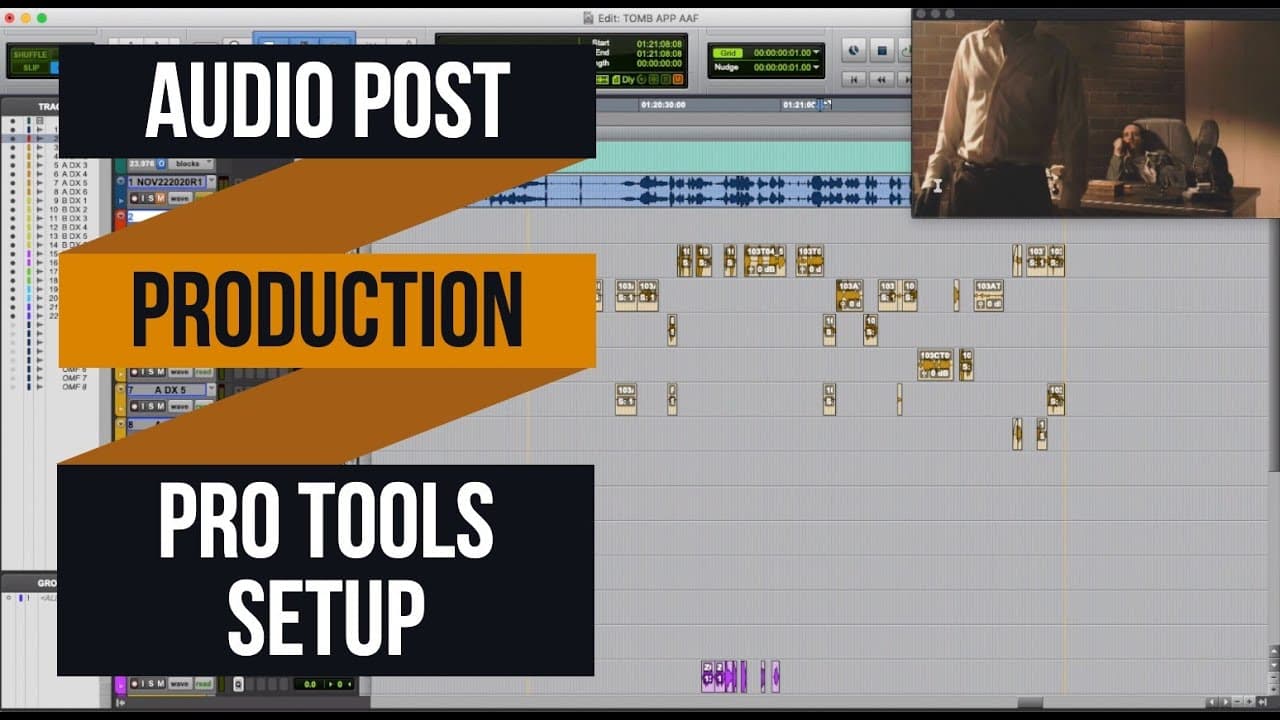
Tom discusses the essential steps for audio post-production in narrative projects.
Transcript
hey guys my name is tom and i am a re-recording mixer and sound editor i've been doing this for about i think 14 years now and i've done a lot of independent films tv shows video games you can check my credits out on imdb what i'd like to do for this class is go through the complete audio post-production process for a narrative project so whether i... Read More
Key Insights
- 👂 The AAF file from the editor is fundamental for syncing and organizing sound in audio post-production.
- ☠️ Proper file formats and sample rates are crucial for ensuring high-quality audio editing.
- 👂 Video conversion is essential for optimal performance while editing sound.
- 👋 Good track organization and naming conventions streamline the editing process drastically.
- 🔄 Sync issues in audio can often be resolved by examining visual markers and adjusting accordingly.
- 👂 Futz tracks serve a specific purpose in mimicking conversations through devices like telephones for a realistic sound.
- 👂 Original production sound should be prioritized as it better reflects the environment and performance nuances.
Install to Summarize YouTube Videos and Get Transcripts
Explore YouTube Video Summarizer or Get YouTube Transcript Extractor
Questions & Answers
Q: What is the significance of receiving an AAF from the editor?
The AAF is crucial because it contains all the necessary audio clips in sync, along with volume automation. It serves as the foundation for the audio post-production process, simplifying the organization and integration of various sound elements into the audio session.
Q: Why does Tom recommend using 24-bit, 48 kHz for audio sessions?
24-bit depth and 48 kHz sample rate are industry standards that ensure high-quality audio capture and playback. This format balances file size and audio fidelity, providing sufficient dynamic range and clarity needed for professional sound mixing.
Q: How does Tom suggest handling video files for audio editing?
Tom advises converting compressed video formats like H.264 to less compressed ones like ProRes or DNxHD for easier editing. This helps maintain better sync and performance while working on the audio, as compressed video may lag and disrupt the editing workflow.
Q: What is the purpose of organization in audio post-production?
Organization is paramount in audio post-production to avoid confusion and ensure a smooth workflow. By structuring tracks logically, using clear naming conventions, and housing all necessary material, mixers can quickly access and manipulate the required audio components without unnecessary delays.
Q: How does Tom approach syncing audio when there are discrepancies?
Tom often eyeballs sync discrepancies by comparing the guide track to the original audio clips. He finds that manually adjusting and realigning tracks based on visual cues and audio reference points often yields better results than relying solely on automated sync functions.
Q: What are futz tracks, and when are they used?
Futz tracks are used for audio that needs to sound processed, like phone calls. They involve applying EQ to replicate the characteristic sound of a conversation through a phone, allowing the audio to sound realistic and fitting for the scene.
Q: Why does Tom advocate for using original production sound over temp sound effects?
Tom believes that using original production sound typically provides a more authentic and high-quality listening experience. It captures the natural ambiance and nuances of the scene, making the final mix sound more cohesive as compared to often generic temp sound effects.
Q: What will Tom cover in the next episode?
In the next episode, Tom will focus on editing dialogue, explaining techniques to ensure seamless transitions and a natural-sounding audio track, allowing viewers to understand the intricacies of refining dialogue in the post-production phase.
Summary & Key Takeaways
-
Tom, a seasoned re-recording mixer, outlines the complete audio post-production process for narrative projects, from receiving materials to mixing.
-
He emphasizes the importance of getting the right files from the editor, including AAFs and reference videos, to work effectively and efficiently.
-
The video guides viewers through setting up an audio session, organizing tracks, and syncing audio, preparing for the final mix.
Read in Other Languages (beta)
Share This Summary 📚
Summarize YouTube Videos and Get Video Transcripts with 1-Click
Try YouTube Summary with ChatGPT & Claude or YouTube Transcript Generator