How to Add Depth in Adobe After Effects & Premiere Pro
TL;DR
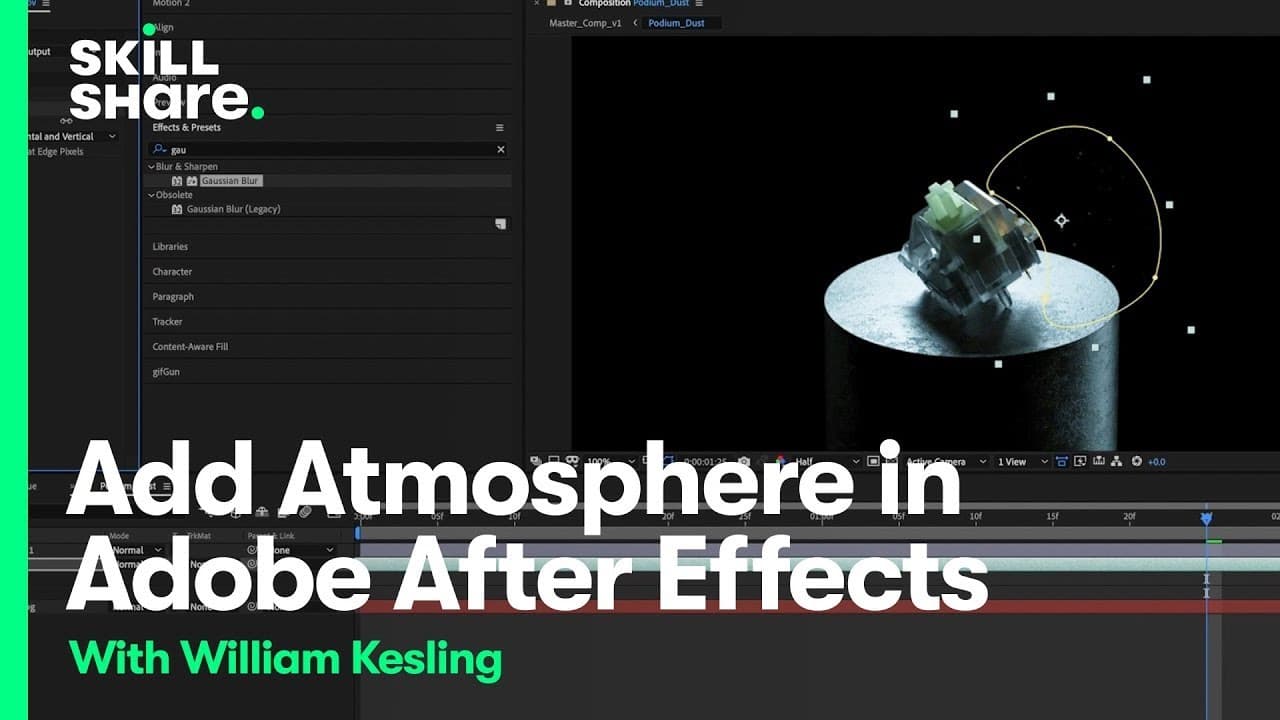
Learn how to source and incorporate extra footage, such as dust particles, to add depth and atmosphere to your motion design projects.
Transcript
foreign hey guys welcome to my class my name is William kessling and I'm a digital design artist living and working in California once in After Effects we're going to go over some tips and tricks to really elevate your motion design edit I'm really excited for you guys to take this class because taking control of the programs that you're using allo... Read More
Key Insights
- 🥶 Sourcing and incorporating free footage can enhance the visual effects and storytelling of motion design projects.
- 🥶 YouTube can be a valuable resource for finding free footage, although there are other stock footage websites available.
- 🧑🏭 Adjusting factors like rotation, opacity, and color correction can optimize the impact of sourced footage.
- 👻 Using adjustment layers allows for simultaneous application of effects to multiple layers.
- 🐎 Time remapping can be used to control the speed and duration of sourced footage.
- 🪶 Paying attention to details like masking, feathering, and chokers can make sourced footage blend more naturally with the project.
- 🎨 Creative exploration and fine-tuning are important to achieve the desired depth and atmosphere in motion design projects.
Install to Summarize YouTube Videos and Get Transcripts
Explore YouTube Video Summarizer or Get YouTube Transcript Extractor
Questions & Answers
Q: Where can I find free footage to incorporate into my motion design projects?
You can search for free royalty-free footage on YouTube or explore stock footage websites.
Q: How can I use sourced footage, such as dust particles, to add depth to my projects?
By adjusting factors like rotation, opacity, and color correction, you can incorporate dust particles into your projects and create a more immersive experience.
Q: Is it important to source free footage that is labeled as "free to use"?
Yes, it is recommended to ensure that the sourced footage is labeled as "free to use" to avoid any copyright issues. Even if it is for internal use, it is good practice to respect copyright rules.
Q: Can I adjust the lighting and colors of the sourced footage to match my project?
Yes, you can use adjustment layers in After Effects to apply color correction and adjust lighting to match the tone and atmosphere of your project.
Summary & Key Takeaways
-
Instructor William Kessling shares tips on using sourced footage to enhance motion design projects and make them more enjoyable and efficient.
-
He suggests searching for free royalty-free footage on YouTube or other stock footage websites.
-
By incorporating dust particles into a project and adjusting factors like rotation, opacity, and color correction, motion designers can add depth and atmosphere to their work.
Read in Other Languages (beta)
Share This Summary 📚
Summarize YouTube Videos and Get Video Transcripts with 1-Click
Try YouTube Summary with ChatGPT & Claude or YouTube Transcript Generator
Explore More Summaries from Skillshare 📚






Summarize YouTube Videos and Get Video Transcripts with 1-Click
Try YouTube Summary with ChatGPT & Claude or YouTube Transcript Generator