What iOS 16 Settings Should You Change for Better Performance?
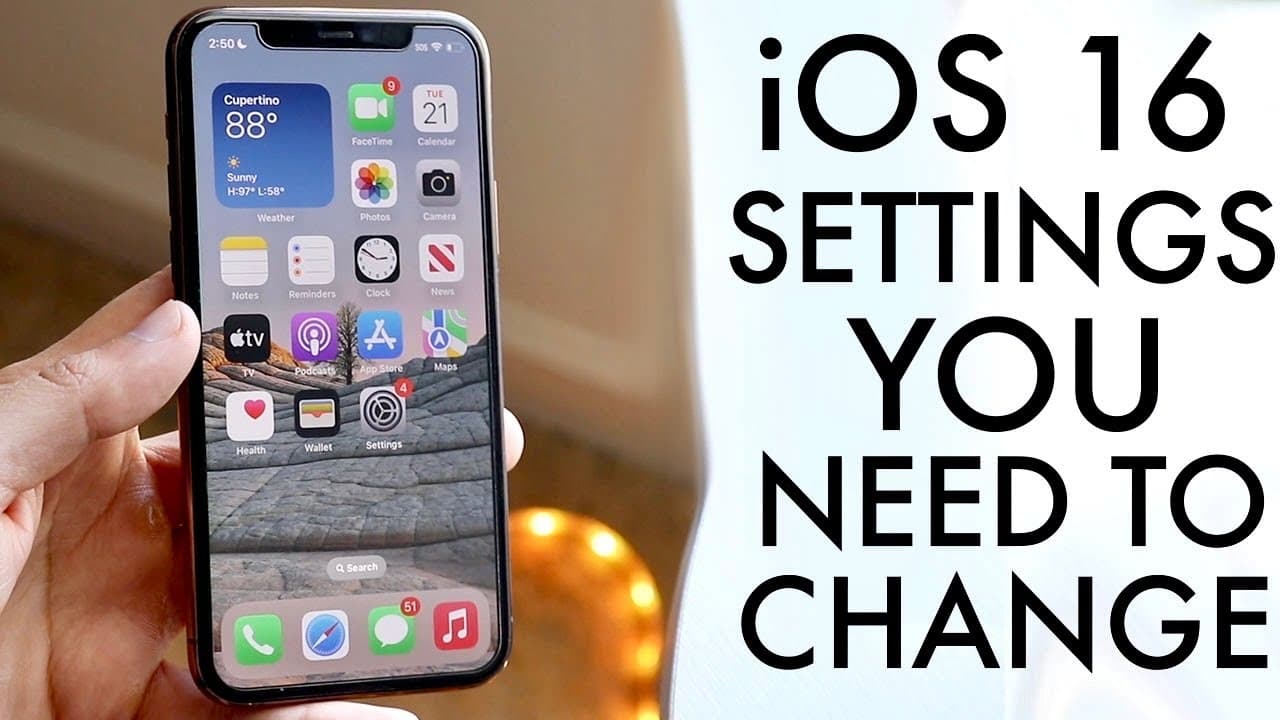
TL;DR
To improve your iPhone experience with iOS 16, change Siri's voice for personalization, toggle between light and dark modes for visual comfort, and manage 5G settings to save battery. Consider setting default email and browser apps, disabling live photos for storage efficiency, and customizing your lock screens and control center for optimal usability.
Transcript
well everyone i'm going to go ahead and showcase to you some ios 16 settings that you should actually go ahead and change on really any iphone that is supported with ios 16. now luckily for you this is pretty easy so the first thing i want to go ahead and showcase you guys is actually changing the voice within siri so within siri most of you know i... Read More
Key Insights
- 👤 Customizing Siri's voice enhances user interaction and personalization for a better experience.
- 🙂 The ability to toggle between light and dark mode aids in visual comfort and can conserve battery life.
- 🈸 Setting default apps streamlines tasks, making it easier for users to work with preferred applications.
- 🥺 Disabling live photos can lead to significant storage savings and a more straightforward photography experience.
- ⏲️ Reducing the number of lock screens and their widgets can improve battery performance over time.
- 👻 Customizing control center shortcuts allows users to access important features quickly, improving usability.
- 😀 iOS 16 offers a variety of options for voice, display settings, and app defaults that cater to individual preferences.
Install to Summarize YouTube Videos and Get Transcripts
Explore YouTube Video Summarizer or Get YouTube Transcript Extractor
Questions & Answers
Q: How can I change Siri's voice on my iPhone running iOS 16?
To change Siri's voice, go to Settings, then select "Siri & Search." From there, tap on "Siri Voice" to choose from various accents and voice options, including American, British, and more. This customization adds a personal touch to your Siri experience.
Q: What are the steps to enable or disable dark mode in iOS 16?
To switch between light and dark mode, navigate to Settings, then select "Display & Brightness." You will see options at the top of the screen to toggle between light and dark modes. This setting not only improves visibility but also helps save battery life, particularly on OLED screens.
Q: Is it possible to set a default web browser or email app in iOS 16?
Yes, iOS 16 allows you to set a default web browser or email app. To do this, you must first download the desired app, then go to Settings, find the app in the list, and select "Default Browser App" or "Default Mail App." This feature provides flexibility in how you access the internet and email.
Q: Why is it advisable to disable live photos in iOS 16?
Disabling live photos can help declutter your camera experience and reduce storage usage. While live photos can be fun, they are often considered unnecessary. To turn this feature off, go to Settings, select "Camera," and adjust the "Live Photo" settings to your preference.
Q: How can I manage multiple lock screens to maximize battery life?
Managing your lock screens involves deleting any unused ones to save battery life. Long press on the lock screen you want to remove, then select "Delete Wallpaper" to remove it. Fewer lock screens with fewer widgets can help extend your battery's longevity.
Q: What is the benefit of customizing the control center in iOS 16?
Customizing the control center allows quick access to frequently used settings and features. You can add shortcuts by going to Settings, selecting "Control Center," and adding or removing widgets such as screen recording. This personalization enhances user convenience and efficiency.
Summary & Key Takeaways
-
This content provides key recommendations for customizing essential settings on iPhones running iOS 16, focusing on enhancing user experience and functionality.
-
Users are guided on how to change Siri's voice, toggle light and dark modes, and adjust 5G settings effortlessly through the device's settings options.
-
Additional advice includes setting default email and browser apps, disabling live photos, managing lock screens to save battery, and customizing control center shortcuts for ease of use.
Read in Other Languages (beta)
Share This Summary 📚
Summarize YouTube Videos and Get Video Transcripts with 1-Click
Try YouTube Summary with ChatGPT & Claude or YouTube Transcript Generator
Explore More Summaries from Simple Alpaca 📚






Summarize YouTube Videos and Get Video Transcripts with 1-Click
Try YouTube Summary with ChatGPT & Claude or YouTube Transcript Generator