How to Prepare for a Senior Android Developer Interview
TL;DR
To excel in a Senior Android Developer interview, understand key Android concepts such as the differences between Dalvik and ART, secure data handling, and the use of coroutines versus RxJava. Be prepared to discuss architectural patterns like MVVM and demonstrate your ability to mentor junior developers effectively.
Transcript
this is a real interview I had with a big bank here in the Netherlands for a senior Android developer position and I remember all of the questions almost this was the kind of interview where uh the questions are kind of straightforward but they're the type that you don't really think about every day you'll see what I mean when we start yes I change... Read More
Key Insights
- Android is an operating system based on the Linux kernel, offering security features derived from Linux.
- Dalvik and ART are runtimes for the Java virtual machine; ART introduced ahead-of-time compilation, unlike Dalvik's just-in-time compilation.
- Securing user data in Android apps involves using encrypted shared preferences or encrypted files with keys stored in the keystore.
- Secure server communication in Android apps is achieved through TLS and HTTPS, with certificate pinning as a defense against man-in-the-middle attacks.
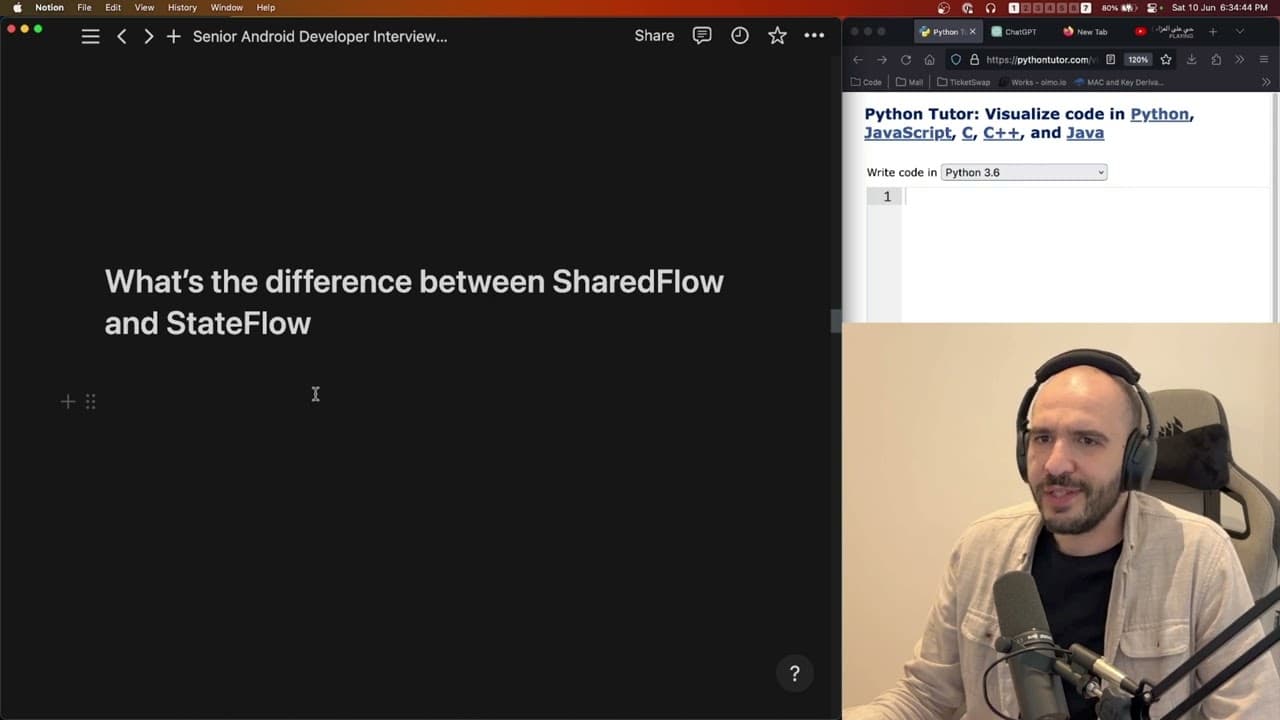
- StateFlow and SharedFlow are part of Android's recommended architecture; StateFlow is lifecycle-aware and emits data based on state changes.
- Coroutines simplify asynchronous programming in Android, offering a more straightforward alternative to RxJava's complex chains.
- Understanding runBlocking in coroutines is crucial, as it blocks the main thread until its execution completes, even with async calls.
- Effective mentoring involves guiding junior developers through implementing views and connecting them to the data layer, fostering their growth and understanding.
Install to Summarize YouTube Videos and Get Transcripts
Explore YouTube Video Summarizer or Get YouTube Transcript Extractor
Questions & Answers
Q: What is the difference between Dalvik and ART in Android?
Dalvik and ART are both runtimes for Android applications, serving as the Java virtual machine where code is executed. Dalvik uses just-in-time (JIT) compilation, which compiles code as it is needed during execution. ART, on the other hand, uses ahead-of-time (AOT) compilation, which compiles code before it is run, leading to improved performance and reduced battery consumption.
Q: How do you secure user data in an Android application?
Securing user data in Android applications involves using encrypted storage solutions. Encrypted shared preferences or encrypted files can be used to store sensitive data, with encryption keys managed securely in the Android keystore. This ensures that even if data is accessed, it remains unreadable without the proper decryption keys.
Q: What is the purpose of certificate pinning in Android security?
Certificate pinning is a security measure used to prevent man-in-the-middle attacks in Android applications. It involves binding a specific server certificate to the app, so only connections to servers with that certificate are trusted. This prevents attackers from intercepting and tampering with data by posing as a trusted server. However, it requires careful management to avoid issues with certificate updates.
Q: Why might you choose coroutines over RxJava for Android development?
Coroutines are often preferred over RxJava in Android development due to their simplicity and ease of use. Coroutines provide a straightforward way to handle asynchronous tasks without the complexity of RxJava's operator chains. They integrate seamlessly with Kotlin, offering a more readable and maintainable codebase while still providing powerful concurrency capabilities.
Q: What is the difference between StateFlow and SharedFlow in Android?
StateFlow and SharedFlow are both flow APIs used in Android for handling data streams. StateFlow is a state-holder observable flow that emits updates only to the most recent subscriber and is lifecycle-aware, making it suitable for UI state management. SharedFlow, however, is a hot stream that broadcasts updates to multiple subscribers and is not lifecycle-aware, making it suitable for events and broadcasts.
Q: How do you handle asynchronous operations in Android using coroutines?
In Android, coroutines handle asynchronous operations by allowing code to be suspended and resumed at a later time, avoiding blocking the main thread. This is achieved using coroutine builders like launch and async, and functions like delay and await. Coroutines provide a structured concurrency model that simplifies error handling and cancellation, improving the overall responsiveness of Android applications.
Q: What are some key considerations when mentoring junior developers?
Mentoring junior developers involves providing clear guidance, setting achievable goals, and fostering a supportive learning environment. Key considerations include breaking down complex tasks into manageable parts, encouraging questions, offering constructive feedback, and demonstrating best practices. It's important to balance hands-on teaching with opportunities for independent problem-solving to build confidence and competence.
Q: How would you approach planning a project with junior developers?
Planning a project with junior developers requires careful task delegation and clear communication. Start by defining project goals and breaking them into smaller tasks. Assign tasks based on skill levels, providing guidance and resources as needed. Regular check-ins and code reviews help ensure progress and quality. Encourage collaboration and learning, allowing juniors to take ownership of tasks while providing support for challenges.
Summary & Key Takeaways
-
The interview focused on foundational Android concepts such as understanding the Android operating system, its versions, and runtime environments like Dalvik and ART. Security questions emphasized encrypting sensitive information and defending against common vulnerabilities.
-
The technical portion included discussions on architectural patterns such as MVVM, differences between StateFlow and SharedFlow, and the use of coroutines versus RxJava for asynchronous programming. Practical coding questions tested the candidate's problem-solving skills.
-
Leadership and mentoring capabilities were also assessed, with scenarios involving the management of junior developers and project planning. The interview highlighted the importance of clear communication and the ability to teach and guide others effectively.
Read in Other Languages (beta)
Share This Summary 📚
Summarize YouTube Videos and Get Video Transcripts with 1-Click
Try YouTube Summary with ChatGPT & Claude or YouTube Transcript Generator