How to Set Up Your Coding Environment with Node.js
TL;DR
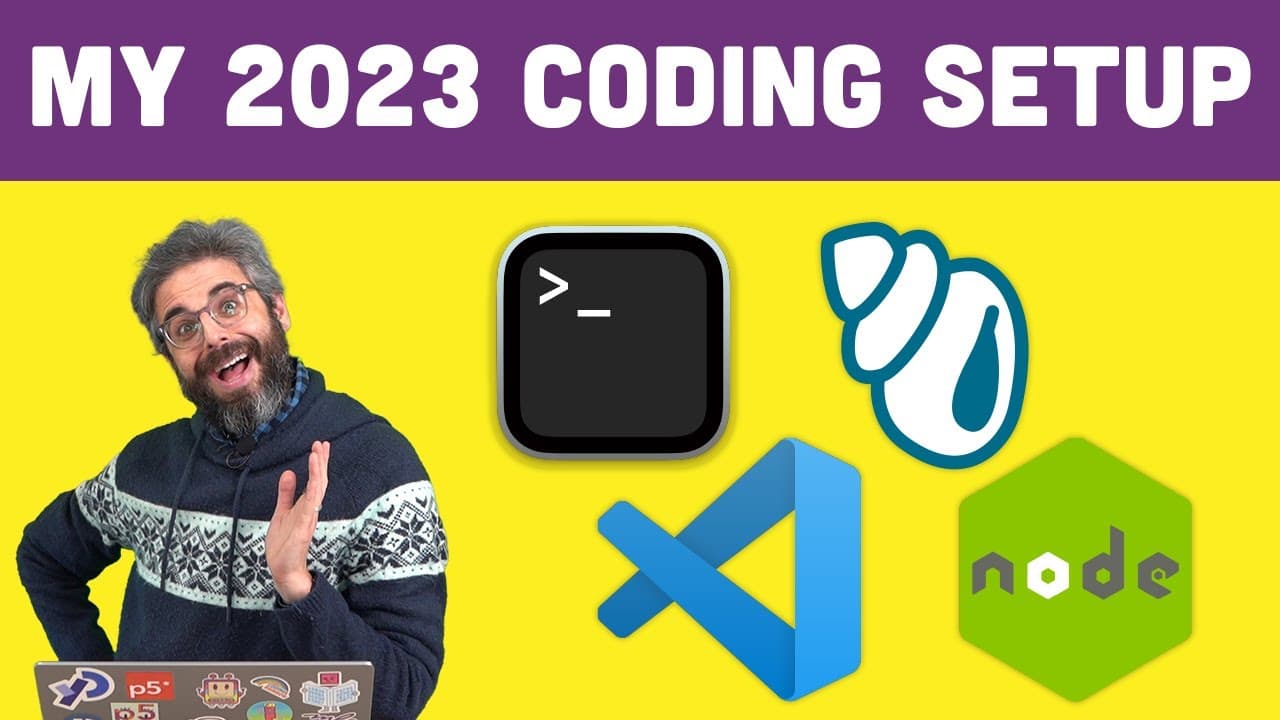
To set up your coding environment with Node.js, start by accessing your terminal and install Node.js through nodejs.org. Use Node Version Manager (NVM) to manage multiple Node versions, and set up Visual Studio Code as your text editor. Familiarize yourself with basic Unix commands for efficient terminal navigation, and consider using extensions like Prettier for code formatting.
Transcript
hello in 2018 or thereabouts I was making a lot of video tutorials around different kinds of things you can make with code that weren't processing or P5 GS and I am ready to do some of that again in particular I am going to make a series about how to code a Discord bot in JavaScript with no JS so I wanted to take a minute for this in what you're wa... Read More
Key Insights
- 👤 Terminal access provides a text-based interface to interact with the operating system, offering more control and efficiency compared to graphical user interfaces.
- 📁 Unix commands in terminal, such as Echo, PWD, CD, and LS, are essential for navigating and interacting with the file system.
- 🐚 Shell types, like Zsh, provide additional functionality and customization options, and tools like oh my zsh further enhance the shell experience with themes and plugins.
- 👻 Node Version Manager (NVM) allows for the installation and management of multiple versions of Node.js, enabling flexibility for different projects and compatibility requirements.
- 👨💻 Visual Studio Code is a powerful and customizable code editor that offers features like automatic formatting, easy navigation, and integration with various tools and extensions.
- 👨💻 Extensions like Prettier can be used to automatically format code in Visual Studio Code, improving code readability and consistency.
Install to Summarize YouTube Videos and Get Transcripts
Explore YouTube Video Summarizer or Get YouTube Transcript Extractor
Questions & Answers
Q: What is the purpose of having terminal access and how does it differ from using graphical user interfaces?
Terminal access allows you to operate your computer using text-based commands, providing a deeper understanding of how the operating system functions. It provides greater control and efficiency compared to graphical user interfaces.
Q: How do I install and use Node.js for running JavaScript code?
You can install Node.js by visiting the Node.js website and downloading the version compatible with your operating system. Node.js is a JavaScript runtime that allows you to execute JavaScript code outside of a browser. Once installed, you can use the "node" command in terminal to run JavaScript scripts.
Q: What are some recommended text editors for coding outside of Processing and P5.js?
While there are various text editors available, Visual Studio Code is a popular choice among developers. It offers numerous features, extensions, and customization options to enhance the coding experience.
Q: How can I format my code automatically in Visual Studio Code?
You can use extensions like Prettier to automatically format your code in Visual Studio Code. Once installed, you can configure the extension's settings to format your code according to your preferred style, and enable the "Format on Save" option to automatically format your code every time you save the file.
Summary & Key Takeaways
-
This video serves as an introduction to coding outside of Processing and P5.js, focusing on terminal access, installing Node.js, and utilizing a text editor like Visual Studio Code.
-
The content covers basic Unix commands in terminal, shell and different shell types, installing and using oh my zsh with themes, installing and using Node Version Manager (NVM) to manage multiple versions of Node.js, and setting up Visual Studio Code as a code editor.
-
The video also explains how to format code with extensions like Prettier, configure and customize Visual Studio Code's settings, and use the code command in terminal to open folders and files in Visual Studio Code.
Read in Other Languages (beta)
Share This Summary 📚
Summarize YouTube Videos and Get Video Transcripts with 1-Click
Try YouTube Summary with ChatGPT & Claude or YouTube Transcript Generator
Explore More Summaries from The Coding Train 📚






Summarize YouTube Videos and Get Video Transcripts with 1-Click
Try YouTube Summary with ChatGPT & Claude or YouTube Transcript Generator