What Are the Best Tips and Tricks for iPhone 14?
TL;DR
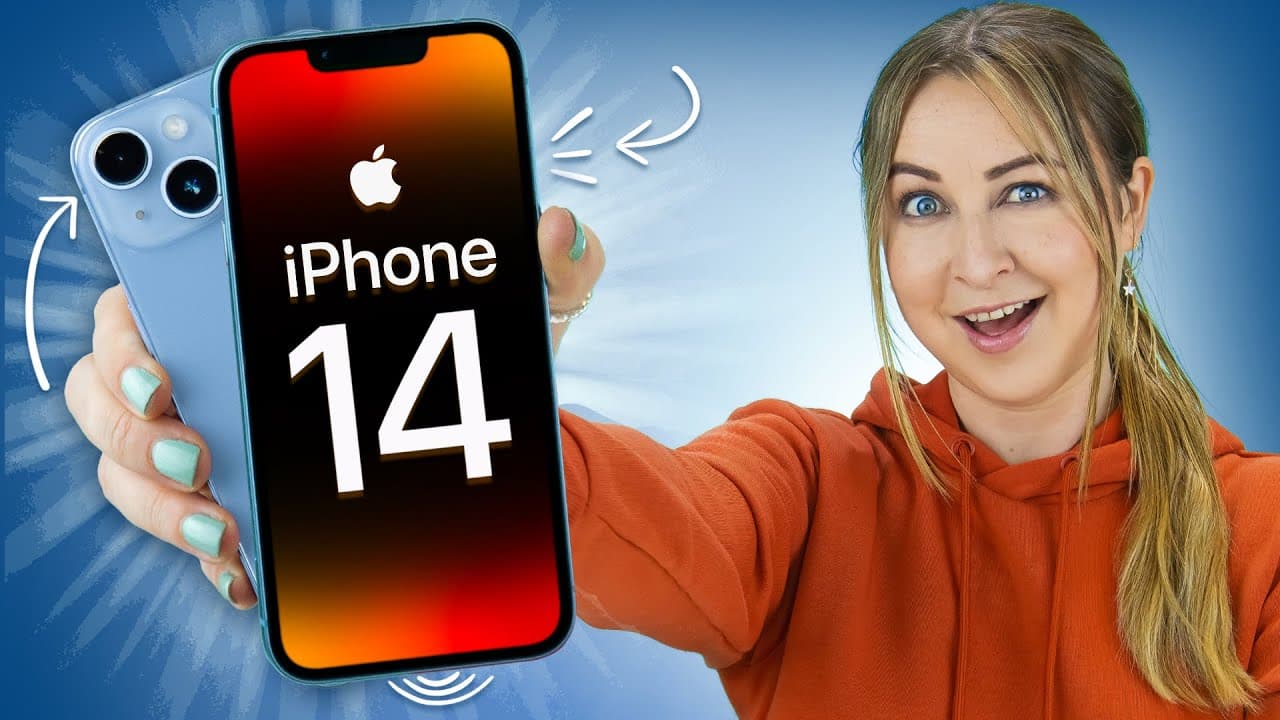
The iPhone 14 and 14 Plus offer multiple useful features, such as advanced camera stabilization for smoother videos, easy background removal from multiple images, and customizable lock screens with moving widgets. Additionally, security features like lockdown mode and emergency SOS enhance user safety, while live captions and translation tools improve accessibility.
Transcript
you may think the iPhone 14 Pros have it all but the iPhone 14 and 14 plus are packed with a ton of features like removing the background on hundreds of photos some sweet customization and blocking your phone from hackers so let me show you the best tips and tricks because there's a lot so the iPhone 14 and 14 plus come with an amazing new camera t... Read More
Key Insights
- 🦸 The iPhone 14 and 14 Plus have advanced camera features, including super stabilization and focus adjustments in post-production.
- ⚡ Night mode enables users to capture high-quality photos in low-light conditions.
- ⏰ Customization options for the lock screen include adding moving widgets and custom images.
- ❓ The iPhone 14 offers background removal options for multiple images.
- 🫒 Translation tools and live caption features enhance accessibility.
- 🆘 Security features, such as lockdown mode and emergency SOS, provide added protection.
- 👤 Various hidden features, such as flash notifications and backtap capabilities, improve user experience.
Install to Summarize YouTube Videos and Get Transcripts
Explore YouTube Video Summarizer or Get YouTube Transcript Extractor
Questions & Answers
Q: How does camera stabilization work on the iPhone 14 and 14 Plus?
Camera stabilization on these models allows for super smooth video recording, even during vigorous activities like running. This feature can be activated in video mode, and action mode low light helps capture darker shots.
Q: Can I edit focus on videos shot with the panic mode?
Yes, in post-production, you can adjust the focus of your video using the panic mode. By clicking on edits, you can change the depth of focus and select the desired subject. Keyframes are automatically created for each subject selected.
Q: Is it possible to remove the background of multiple images at once on the iPhone 14?
Yes, you can remove the background of multiple images by selecting them all, saving them to files, and then accessing the remove background option. This feature works for various subjects, including animals, objects, and people.
Q: What are some customization options available for the iPhone 14 and 14 Plus?
You can add moving widgets to your lock screen using the Lock Widget app, and with the Widget Smith app, you can add custom images. Live activities, which provide real-time information, are also available for certain apps.
Summary & Key Takeaways
-
The iPhone 14 and 14 Plus come with advanced camera features, including super stabilization and action mode low light, which enhance video recording quality.
-
Panic mode allows for easy adjustments of focus in post-production, and the option to edit focus on multiple Apple devices is possible by turning on all photo data.
-
Night mode enables users to capture high-quality photos in low-light conditions, and using a tripod can enhance the quality even further.
-
Background removal on multiple images is made easy by saving them to files and using the remove background option.
-
Customization options include adding moving widgets on the lock screen, using custom images with the Widget Smith app, and utilizing live activities for apps.
-
Additional tips include enabling power on/off sounds, flash notifications, battery percentage display, clean energy charging, backtap feature, camera translator, live captions, editing iMessages, and using lockdown mode for added security.
Read in Other Languages (beta)
Share This Summary 📚
Summarize YouTube Videos and Get Video Transcripts with 1-Click
Try YouTube Summary with ChatGPT & Claude or YouTube Transcript Generator
Explore More Summaries from Hayls World 📚






Summarize YouTube Videos and Get Video Transcripts with 1-Click
Try YouTube Summary with ChatGPT & Claude or YouTube Transcript Generator