How to Use Unity Netcode for Multiplayer Games
TL;DR
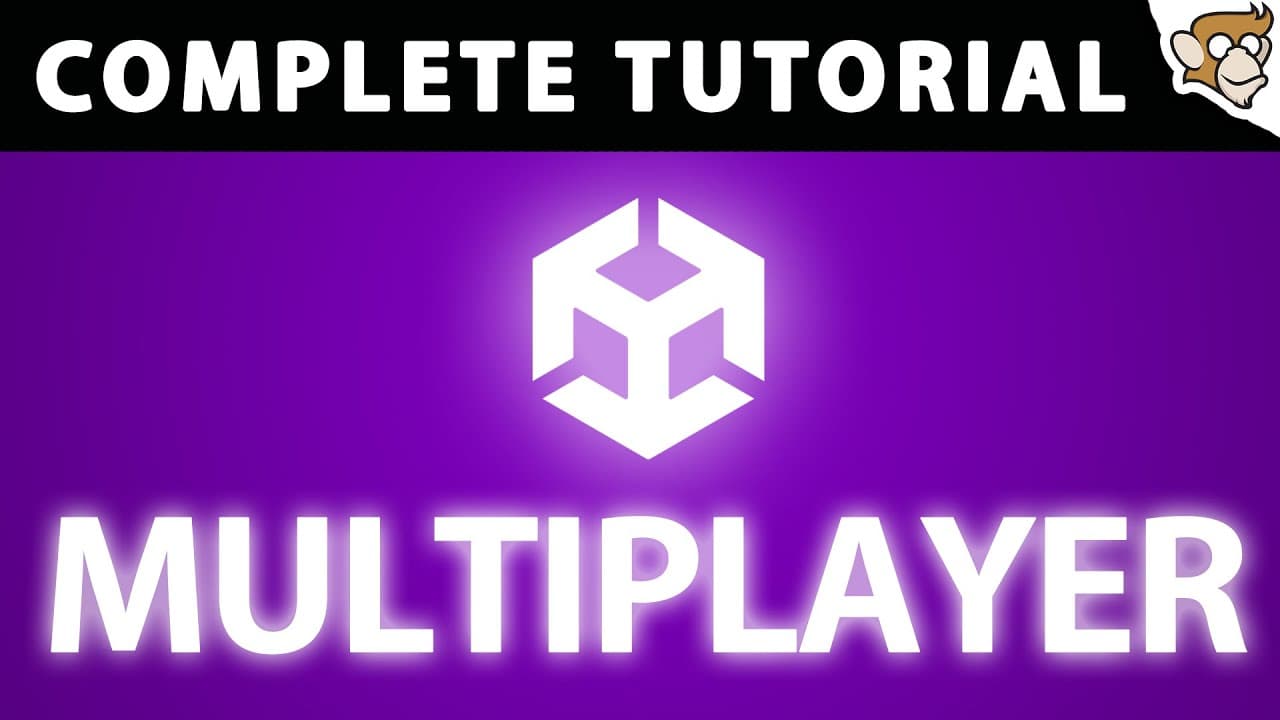
Unity's official multiplayer solution, Netcode for Game Objects, is now fully released. This tutorial provides a comprehensive guide on setting up multiplayer games using Unity, covering installation, basic setup, network variables, RPCs, object spawning, and synchronizing animations. By following this tutorial, you can create multiplayer games and understand server-client architecture, networking tools, and more.
Transcript
hello and welcome I'm your code monkey and it's finally here unity's official multiplayer solution is finally fully released I've had tons of requests to cover some multiplayer and my answer was always the same I'm waiting for the official tune to be released and that time has finally come so here let's look at unity's official multiplayer called n... Read More
Key Insights
- Netcode for Game Objects is Unity's official solution for creating multiplayer games.
- The NetworkManager component is essential for managing multiplayer sessions.
- Network variables allow easy synchronization of data across clients.
- Server and client RPCs enable communication between client and server.
- Network objects must be registered to spawn and synchronize across the network.
- NetworkAnimator synchronizes animations automatically across clients.
- Multiplayer Tools Package provides insights into network performance and data usage.
- Relay servers and NAT punchthrough are solutions for online multiplayer connectivity.
Install to Summarize YouTube Videos and Get Transcripts
Explore YouTube Video Summarizer or Get YouTube Transcript Extractor
Questions & Answers
Q: How to install Netcode for Game Objects in Unity?
To install Netcode for Game Objects, open Unity's Package Manager, select the Unity Registry, and scroll down to find 'Netcode for Game Objects.' Ensure your Unity version is 2021.3.10 or later. Alternatively, you can install it by adding the package by name using the path 'com.unity.netcode.gameobject'.
Q: What is the role of NetworkManager in Unity multiplayer?
The NetworkManager component is crucial for managing multiplayer sessions in Unity. It handles network connections, manages networked objects, and provides options for setting up server, client, or host modes. It's the central hub for configuring and controlling multiplayer behavior in a Unity project.
Q: How do network variables work in Unity's Netcode?
Network variables in Unity's Netcode are synchronized across all clients. They are defined using the NetworkVariable class and can be of any value type. Changes to these variables are automatically propagated to all clients, ensuring consistent data across the network. They must be initialized at definition or object creation.
Q: What are server and client RPCs in Unity multiplayer?
Server and client RPCs (Remote Procedure Calls) in Unity multiplayer facilitate communication between clients and the server. Server RPCs are called by clients but executed on the server, while client RPCs are called by the server and executed on clients. They are essential for sending commands and data across the network.
Q: How to synchronize animations in Unity multiplayer?
To synchronize animations in Unity multiplayer, use the NetworkAnimator component. Attach it to the animated object and assign the Animator. This component automatically synchronizes all Animator parameters across clients, ensuring consistent animation states. For client authority, use a custom NetworkAnimator with owner authority.
Q: What tools are available for monitoring network performance in Unity?
Unity provides the Multiplayer Tools Package for monitoring network performance. It includes profiler modules for network messages and objects, and a Runtime Net Stats Monitor for real-time stats on bandwidth, packet counts, and RPCs. These tools help identify and optimize network usage in multiplayer games.
Q: How to connect Unity multiplayer games over the internet?
To connect Unity multiplayer games over the internet, configure Unity Transport with the external IP and port forwarding on the host's router. Alternatively, use Unity's Relay service, which facilitates connections without manual port forwarding. NAT punchthrough is another option, attempting automatic port opening.
Q: What are the challenges of online multiplayer connectivity?
Online multiplayer connectivity faces challenges like firewall restrictions and NAT (Network Address Translation) issues, which prevent direct connections. Solutions include port forwarding, NAT punchthrough, and using relay servers. Each approach has trade-offs in terms of ease of use, reliability, and latency.
Summary & Key Takeaways
-
Unity's Netcode for Game Objects provides an official framework for developing multiplayer games. This tutorial covers installation, setup, and key features such as network variables and RPCs. It also explains how to synchronize animations and manage network objects.
-
The NetworkManager and Unity Transport are crucial for handling connections. Network variables simplify data synchronization, while RPCs facilitate client-server communication. The tutorial emphasizes the importance of server authority and client ownership.
-
Multiplayer Tools Package helps monitor network performance. For online connectivity, solutions like relay servers and NAT punchthrough are discussed. The tutorial equips developers with the knowledge to create efficient multiplayer games using Unity.
Read in Other Languages (beta)
Share This Summary 📚
Summarize YouTube Videos and Get Video Transcripts with 1-Click
Try YouTube Summary with ChatGPT & Claude or YouTube Transcript Generator
Explore More Summaries from Code Monkey 📚
![Learn C# FREE Tutorial Course Beginner to Advanced! [2026 - 12 HOURS] thumbnail](/_next/image?url=https%3A%2F%2Fi.ytimg.com%2Fvi%2FqZpMX8Re_2Q%2Fhqdefault.jpg&w=750&q=75)



Summarize YouTube Videos and Get Video Transcripts with 1-Click
Try YouTube Summary with ChatGPT & Claude or YouTube Transcript Generator