How to Use createGraphics for 3D Textures in p5.js
TL;DR
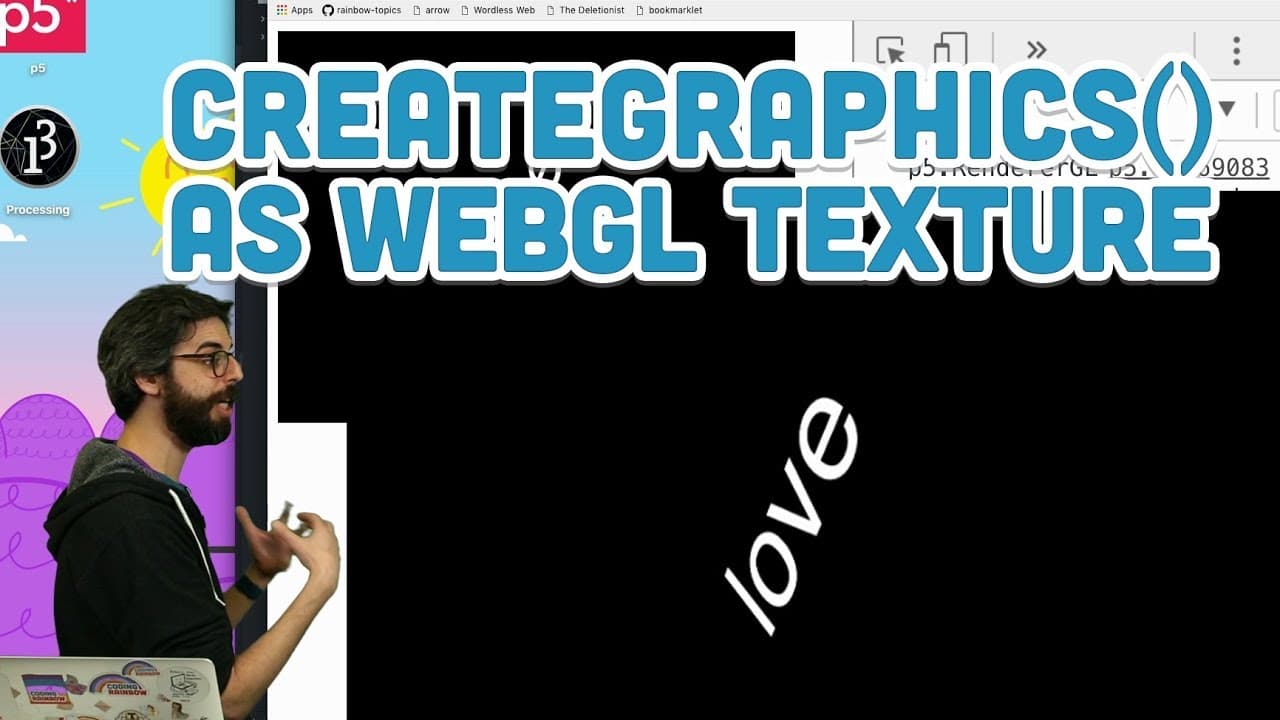
The createGraphics function in p5.js allows you to create off-screen graphics that can be used as textures in a 3D WebGL environment. You can draw shapes, images, or text onto these graphics and apply them to 3D objects. However, note that only square textures are currently supported, which may restrict the use of non-square images.
Transcript
hello welcome to another WebGL p5.js tutorial in this one I am going to actually don't even have this on my list of stuff but I'm gonna look again at the texture function and previously I looked at how to use an image or a video as a texture in this video I want to look at how to make an off-screen graphics buffer essentially like a 2d canvas that ... Read More
Key Insights
- 👻 The createGraphics function in p5.js allows the creation of off-screen graphics that can be used as textures in WebGL.
- 💻 Off-screen graphics can be customized and textured onto 3D objects, enabling a dynamic visual experience.
- ❓ Text and images can also be used as textures, providing possibilities for rendering text in 3D.
- ❎ There is a limitation in p5.js WebGL where only square textures are supported, which may affect the mapping of non-square images onto 3D objects.
Install to Summarize YouTube Videos and Get Transcripts
Explore YouTube Video Summarizer or Get YouTube Transcript Extractor
Questions & Answers
Q: How can you create off-screen graphics using p5.js?
The createGraphics function in p5.js allows you to create a graphics object, which is essentially an off-screen canvas that you can draw on. You can specify the dimensions of the graphics object, such as createGraphics(200, 200) to create a 200x200 canvas.
Q: Can you use off-screen graphics as textures on 3D objects in WebGL?
Yes, by using the texture() function in p5.js, you can apply the off-screen graphics as a texture on 3D objects. This allows you to create dynamic and customized textures for your 3D environment.
Q: What are some creative uses of off-screen graphics as textures?
Off-screen graphics as textures offer endless creative possibilities. Some ideas include creating generative designs, animating 2D graphics and transforming them into 3D textures, or even rendering texts in 3D by placing them on a 2D graphics context and texturing them onto 3D objects.
Q: Are there any limitations when using off-screen graphics as textures in WebGL?
Currently, there is a limitation in p5.js WebGL that only square textures are supported. This means that non-square images or off-screen graphics may not be properly stretched or mapped onto non-square 3D objects. However, this limitation may be fixed in future updates.
Summary & Key Takeaways
-
The tutorial explores how to create off-screen graphics using the createGraphics function in p5.js.
-
These off-screen graphics can be textured onto 3D objects in a WebGL environment.
-
The tutorial also explains how to use images and text as textures, and showcases the potential applications of this technique.
Read in Other Languages (beta)
Share This Summary 📚
Summarize YouTube Videos and Get Video Transcripts with 1-Click
Try YouTube Summary with ChatGPT & Claude or YouTube Transcript Generator
Explore More Summaries from The Coding Train 📚






Summarize YouTube Videos and Get Video Transcripts with 1-Click
Try YouTube Summary with ChatGPT & Claude or YouTube Transcript Generator