Please Don't Delete This iPhone App
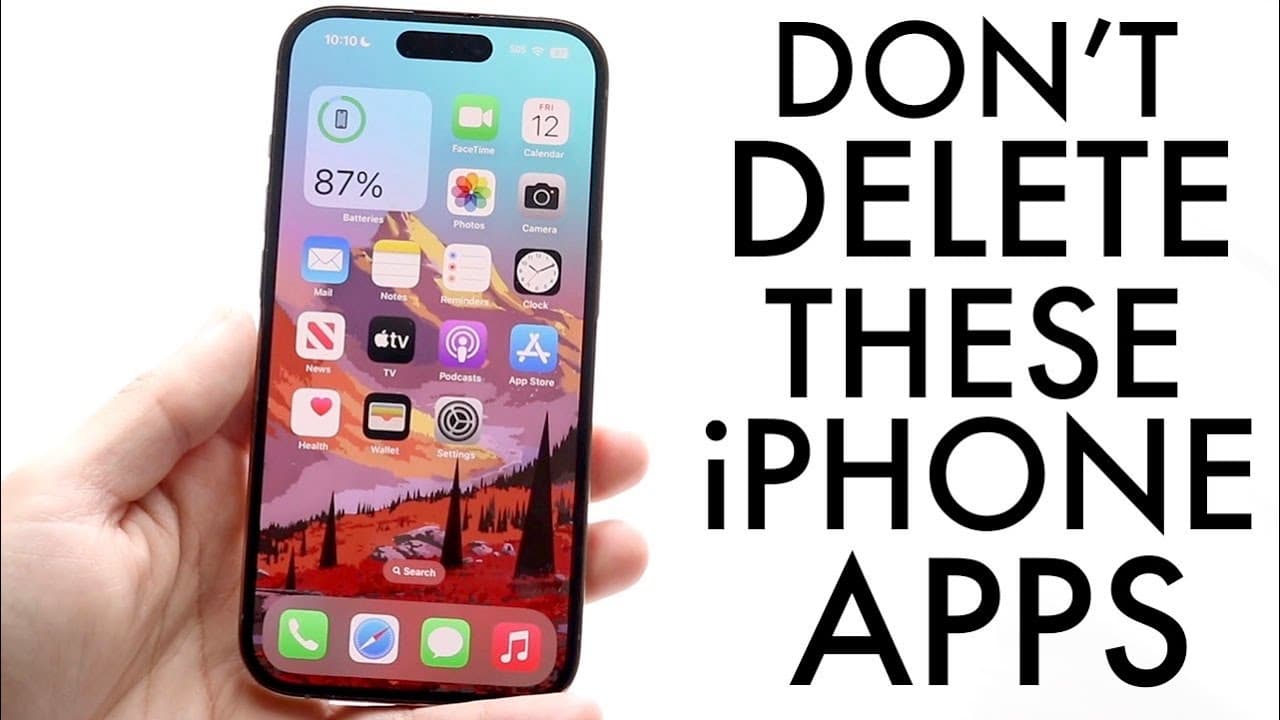
TL;DR
Keep the Files, Shortcuts, and Wallet apps on your iPhone.
Transcript
So within our iPhones there are tons of applications that are built in natively so as soon as we basically buy our iPhone you can go ahead and actually you know use your iPhone as you normally would but you can also delete a lot of applications and I would recommend to never delete these three applications that I'm going to get into and it's funny ... Read More
Key Insights
- 😀 The Files app is indispensable for anyone who regularly manages files and utilizes iCloud Drive, allowing for easy organization and deletion of entries.
- 😀 Automating tasks through the Shortcuts app can significantly enhance productivity and reduce time spent on repetitive tasks on the iPhone.
- 💳 Retaining the Wallet app is vital for users who rely on digital payments and need immediate access to their credit cards and loyalty cards.
- 😀 Deleting essential built-in apps can lead to inconvenience and operational disruptions, as their functionalities are intertwined with core iPhone operations.
- 😀 The ability to customize the iPhone through app theming and shortcuts leads to a more personalized smartphone experience, catering to individual preferences.
- 😀 Many built-in apps provide more substantial benefits than users perceive, promoting the need for awareness around app functionalities before deletion.
- 😀 Users often overlook the significance of stock apps like Camera and FaceTime, which play critical roles in daily communication and media capturing.
Install to Summarize YouTube Videos and Get Transcripts
Explore YouTube Video Summarizer or Get YouTube Transcript Extractor
Questions & Answers
Q: What are the three iPhone applications the video recommends not deleting?
The video specifically highlights the Files, Shortcuts, and Wallet applications as essential apps that should be retained on your iPhone. Each of these apps plays a critical role in enhancing your iPhone experience, aiding in file management, automation processes, and payment functionalities, respectively.
Q: Why is the Files app considered important on an iPhone?
The Files app is vital for organizing and managing files on your iPhone. It enables users to access their iCloud Drive, creating a streamlined approach to file storage and management. Moreover, it serves as a central location for downloading, deleting, and organizing documents, folders, and other content saved on the device.
Q: How does the Shortcuts app enhance the user experience on an iPhone?
The Shortcuts app allows users to create automation shortcuts, streamlining various tasks and workflows. This app can also be used for theming your iPhone, allowing you to customize icons and app actions. It adds convenience and personalization, making everyday use of the device more efficient and enjoyable.
Q: What functionalities does the Wallet app provide?
The Wallet app plays a crucial role in managing digital credit cards, coupons, and tickets. It is essential for using Apple Pay, which simplifies online and in-person transactions. By keeping this app, users can ensure they have quick access to their essential payment options and related information.
Summary & Key Takeaways
-
The video emphasizes the importance of three specific built-in iPhone applications: Files, Shortcuts, and Wallet, advising users not to delete them despite the option being available.
-
The Files app offers valuable functionality for managing files and accessing iCloud Drive, making it a critical tool for efficient phone usage.
-
Shortcuts facilitate automation and customization of your iPhone experience, while the Wallet app is crucial for managing payment methods, including Apple Pay.
Read in Other Languages (beta)
Share This Summary 📚
Summarize YouTube Videos and Get Video Transcripts with 1-Click
Try YouTube Summary with ChatGPT & Claude or YouTube Transcript Generator
Explore More Summaries from Simple Alpaca 📚






Summarize YouTube Videos and Get Video Transcripts with 1-Click
Try YouTube Summary with ChatGPT & Claude or YouTube Transcript Generator