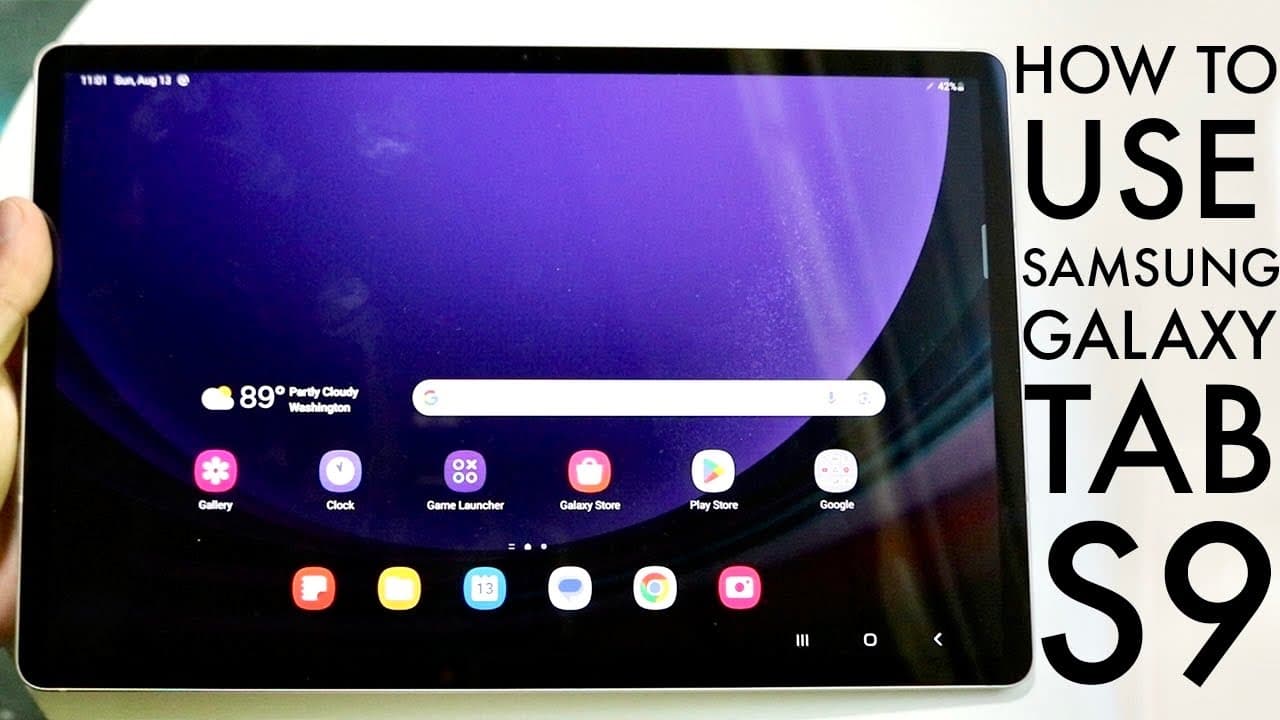
How To Use Samsung Galaxy Tab S9! (Complete Beginners Guide)
TL;DR
A detailed guide on the features and functionalities of the Samsung Galaxy Tab S9 series.
Transcript
so you may have just picked up your Samsung Galaxy Tab S9 S9 Plus or S9 Ultra and I'll go and give you a quick breakdown on exactly how to use this specific tablet now I think this is a great tablet for the most part it's a really really good one and I'm very happy that you picked it up because this thing will pretty much last for a very long perio... Read More
Key Insights
- ✋ The Galaxy Tab S9 series is ideal for users seeking a high-quality, versatile tablet showcasing robust performance and sleek design.
- 👤 Customization options allow users to personalize their home screens and navigate settings easily, enabling a tailored user experience.
- ☠️ With features like the SD card slot for expanded storage, the Galaxy Tab S9 caters to users with heavy storage needs without incurring extra costs.
- 👶 Regularly updating the software can enhance security, performance, and introduce new features, ensuring your device remains efficient and current.
- 🎅 The S Pen further enriches the tablet's usability, making it suitable not just for general tasks but also for creative and professional endeavors.
- 🈸 Understanding app management can significantly enhance performance and prolong device lifespan, with options to clear background applications effectively.
- 👻 Comprehensive settings allow for adjustments in notifications, connectivity, and privacy, providing a controlled and user-centric interface.
Install to Summarize YouTube Videos and Get Transcripts
Explore YouTube Video Summarizer or Get YouTube Transcript Extractor
Questions & Answers
Q: What are the standout features of the Samsung Galaxy Tab S9 series?
The Samsung Galaxy Tab S9 series showcases stunning AMOLED displays, which offer vibrant colors and deep contrasts, making media consumption immersive. Additionally, the tablets are equipped with the S Pen for creative tasks, a strong build quality, and expandable storage options via micro SD cards.
Q: How can I manage my home screen and apps effectively on the Galaxy Tab S9?
To effectively manage your home screen and apps on the Galaxy Tab S9, simply long-press on app icons to move or remove them. You can swipe up to access the app drawer, where all installed applications are organized, allowing easy access and customization of favorite apps on the home screen.
Q: What should I do if my Galaxy Tab S9 apps are lagging or consuming too much memory?
If your Galaxy Tab S9 is lagging or if apps are consuming excessive memory, try accessing the recent apps panel to swipe away unused applications, freeing up resources. Additionally, regularly check for software updates in the settings to ensure your tablet is running the latest version for optimal performance.
Q: Is it possible to customize the display settings on the Galaxy Tab S9?
Yes, you can customize the display settings on the Galaxy Tab S9 by going to the settings menu, where you can switch between light and dark modes, adjust resolution, and modify the Motion Smoothness setting for a 120Hz refresh rate, greatly improving user experience, especially during scrolling.
Summary & Key Takeaways
-
The Samsung Galaxy Tab S9 series, including S9, S9 Plus, and S9 Ultra, features stunning AMOLED displays and various capabilities, making them excellent tablets for everyday use.
-
Users can easily manage their device with functions like holding down icons to rearrange apps, accessing the app panel, and navigating through settings for display, notifications, and more.
-
Regular software updates are recommended to maintain device performance and security, along with options to expand storage using a micro SD card for enhanced usability.
Read in Other Languages (beta)
Share This Summary 📚
Summarize YouTube Videos and Get Video Transcripts with 1-Click
Try YouTube Summary with ChatGPT & Claude or YouTube Transcript Generator
Explore More Summaries from Simple Alpaca 📚






Summarize YouTube Videos and Get Video Transcripts with 1-Click
Try YouTube Summary with ChatGPT & Claude or YouTube Transcript Generator