How to Optimize Mixxx DJ Software Settings
TL;DR
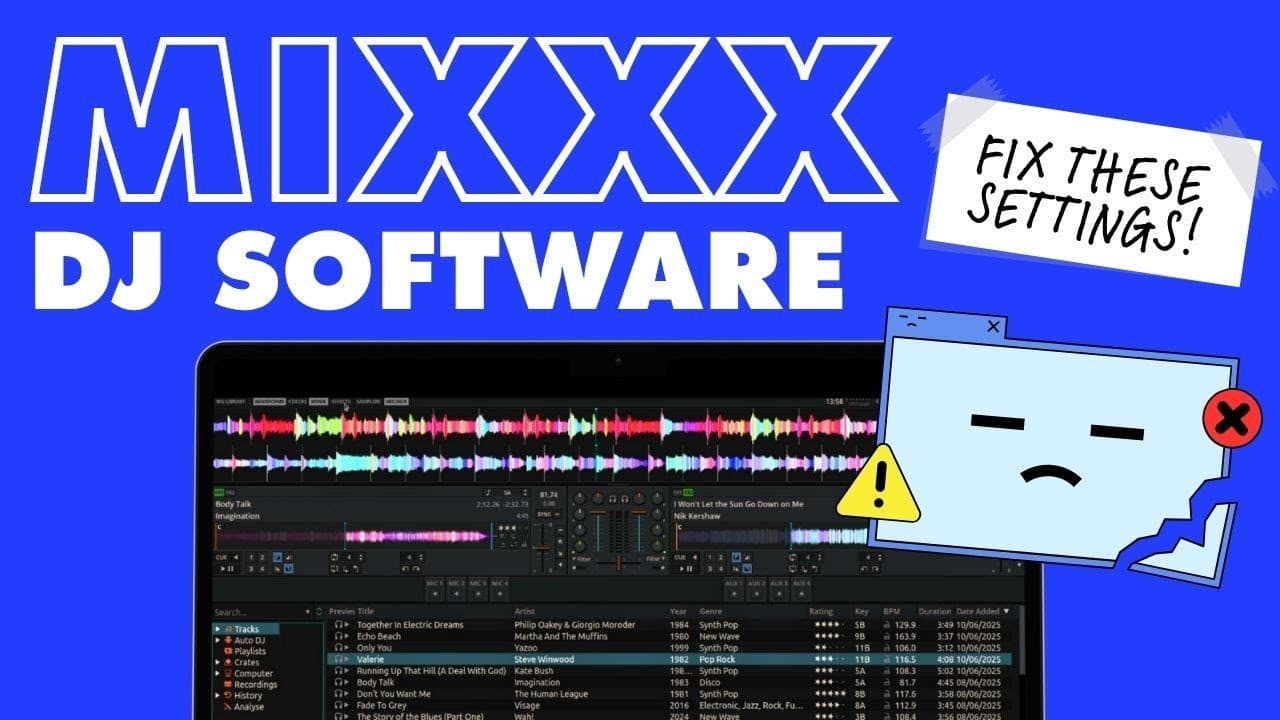
To set up Mixxx DJ software effectively, start by customizing the screen layout and accessing the hidden settings menu. Configure the audio and sound hardware, adjust the audio buffer to prevent lag, and ensure the critical metadata sync setting is enabled. These adjustments will streamline your experience and help avoid common issues.
Transcript
Recently, I've been experimenting with DJing with this piece of software. It's called Mix Mi IIXX, and it's a opensource DJ app, which means you don't pay anything for it. It works on Mac, Windows, and as I'm running it here on Linux, and it is a good experiment, a good piece of Second DJ software to mess with. Why not? It's absolutely free, and yo... Read More
Key Insights
- Mixxx is a free, open-source DJ software compatible with Mac, Windows, and Linux.
- Customizing the screen layout can improve workflow by showing only necessary controls.
- Access the hidden settings menu using Control/Command + P for more configuration options.
- Proper audio setup is crucial for performance, including selecting the correct sound hardware.
- Adjusting the audio buffer can prevent lag and glitches in audio playback.
- Syncing metadata to file tags ensures changes are reflected across different DJ software.
- Controller mappings need to be selected based on the specific hardware being used.
- Key detection settings can be adjusted to display key information in preferred formats.
Install to Summarize YouTube Videos and Get Transcripts
Explore YouTube Video Summarizer or Get YouTube Transcript Extractor
Questions & Answers
Q: How to customize the screen layout in Mixxx?
To customize the screen layout in Mixxx, access the top menu to toggle various features on and off. Users can choose between displaying a large library or additional controls, adjust the number of decks, and decide whether to show the mixer or effects strip. This flexibility allows DJs to create a personalized workspace that suits their needs.
Q: What is the purpose of the audio buffer setting in Mixxx?
The audio buffer setting in Mixxx determines the delay between actions performed on the controller or keyboard and the resulting audio output. A lower buffer reduces latency but may cause glitches if set too low, while a higher buffer increases latency. Adjusting this setting helps balance performance and audio quality, ensuring smooth playback.
Q: Why is metadata synchronization important in Mixxx?
Metadata synchronization in Mixxx ensures that changes made to track information, such as artist names or track titles, are saved within the music files themselves. This allows for consistent metadata display across different DJ software and prevents the loss of changes when tracks are used on other platforms or devices.
Q: How to set up audio and sound hardware in Mixxx?
To set up audio and sound hardware in Mixxx, access the preferences panel using Control/Command + P. Select the appropriate sound hardware for your system and configure the main and headphones outputs. This setup is essential for ensuring that audio is routed correctly and that headphones and speakers function as expected during performances.
Q: What are the key detection settings in Mixxx?
Mixxx offers several key detection settings, allowing users to display musical keys in traditional, open key, or Lancelot (similar to Camelot) formats. This flexibility helps DJs choose the most familiar or preferred method for viewing key information, facilitating harmonic mixing and enhancing the overall DJing experience.
Q: How to configure controller mappings in Mixxx?
To configure controller mappings in Mixxx, plug in your DJ controller and open the preferences panel. Navigate to the controllers tab and select the appropriate mapping for your device. If your controller is not listed, consult the Mixxx forums for user-created mappings or assistance in creating a custom mapping for your hardware.
Q: What is the importance of beat grid settings in Mixxx?
Beat grid settings in Mixxx determine how the software aligns beats for tracks. DJs can choose to assume a constant tempo for electronic music or allow for tempo variations in live music. Proper beat grid settings ensure accurate synchronization and seamless transitions between tracks, especially when mixing genres with varying tempos.
Q: How to adjust font size and display settings in Mixxx?
To adjust font size and display settings in Mixxx, access the preferences panel and navigate to the display options. Users can change the font size and spacing to improve readability, especially on smaller screens. These adjustments help create a more comfortable and efficient interface tailored to individual preferences and visual needs.
Summary & Key Takeaways
-
Mixxx is a versatile open-source DJ software that can be customized to suit individual needs. Users should start by adjusting the screen layout and accessing the hidden settings menu to configure essential features like audio setup and controller mappings. Ensuring the metadata sync setting is enabled is crucial for maintaining accurate track information across platforms.
-
Audio settings, including selecting the correct sound hardware and adjusting the audio buffer, are essential to prevent playback issues. Mixxx also offers flexibility in key detection formats, allowing DJs to choose the most suitable display for their workflow. These settings help optimize the software for both beginners and experienced DJs.
-
The software's open-source nature allows for extensive customization, making it a cost-effective alternative to commercial DJ software. By following the setup guide, users can tailor Mixxx to their specific preferences, ensuring a streamlined and efficient DJing experience without unnecessary distractions on the interface.
Read in Other Languages (beta)
Share This Summary 📚
Summarize YouTube Videos and Get Video Transcripts with 1-Click
Try YouTube Summary with ChatGPT & Claude or YouTube Transcript Generator