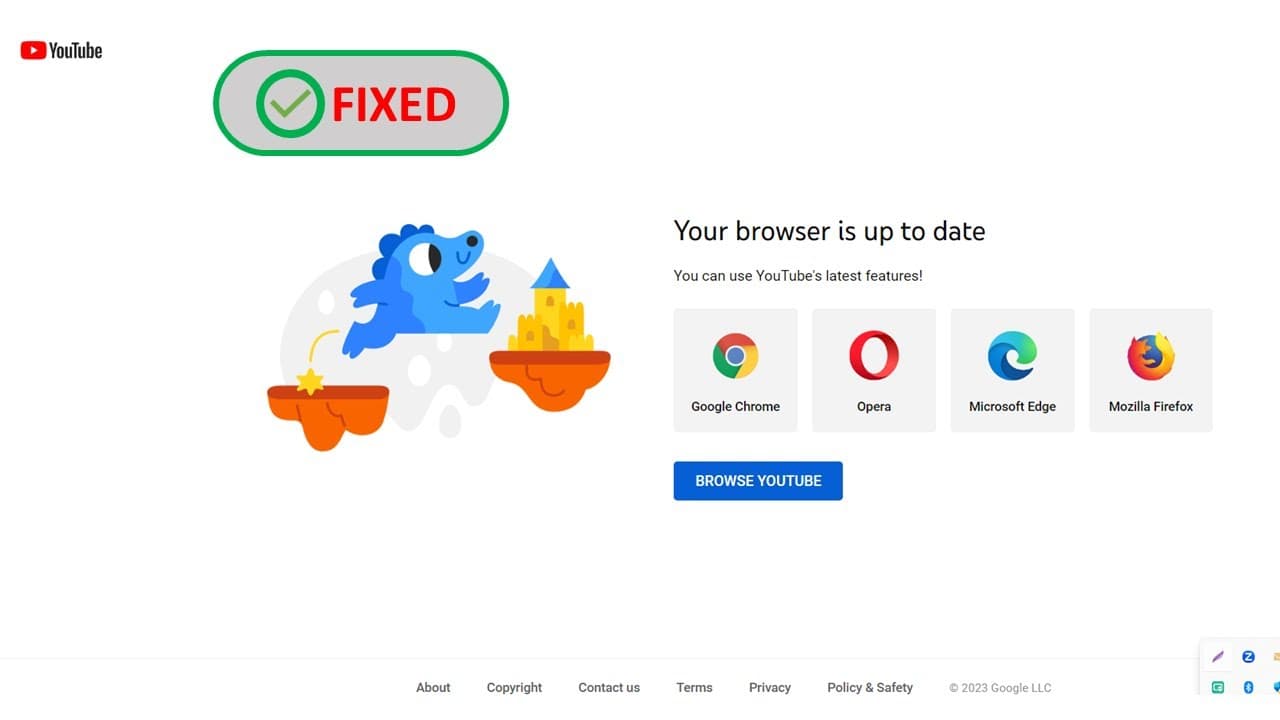
Solve MS Office Word or PowerPoint Link Redirect To ‘Your browser is up to date’ Issue
TL;DR
Learn how to properly format YouTube links for PowerPoint presentations.
Transcript
foreign using Microsoft Office that's included PowerPoint the word unpublish when you click on YouTube link you need a feed control click what happens is show the your browser is up to date and you must browse you to click that to view the actual video so before that will you click the link guys show the video directly what happened maybe it's beca... Read More
Key Insights
- 🍻 Correct formatting of YouTube links is crucial for successful embedding in presentation software like PowerPoint.
- 🍻 The video recommends starting with the link from the "share" option to avoid errors during embedding.
- 🤢 Users should be aware that direct links from the browser address bar may result in issues due to incorrect formatting.
- 🍻 Specific instructions provided include removing the "V=" parameter from the YouTube link for better functionality.
- 💦 Troubleshooting tips are included for cases where links do not work correctly after embedding.
- 🫵 The tutorial encourages viewers to practice these steps to improve their presentation skills with multimedia.
- 👨🦱 Clear, concise instruction promotes understanding of how to manipulate URL formats for optimal performance.
Install to Summarize YouTube Videos and Get Transcripts
Explore YouTube Video Summarizer or Get YouTube Transcript Extractor
Questions & Answers
Q: What common issue does the video address with YouTube links in PowerPoint?
The video addresses the frequent issue of improperly formatted YouTube links that cause them to not play correctly within PowerPoint presentations. It highlights a specific challenge when users try to directly link to a video, leading to complications in accessing the content during presentations.
Q: What specific steps are recommended for correcting a YouTube link?
To correct a YouTube link, you should use the standard URL format for YouTube. The tutorial advises removing unnecessary parts of the link, specifically deleting the "V=" parameter from the URL and replacing it with a backslash. This adjustment allows for proper embedding in a PowerPoint slide.
Q: Why is it important to use the "share" button when getting a YouTube link?
Using the "share" button on YouTube is important because it provides a simplified and correctly formatted link that is easier to use in presentations. This method reduces the chances of mistakes that may arise from copying links directly from the address line, ensuring that the link works as intended.
Q: What does the tutorial suggest to do if clicking the link leads to problems?
If clicking the embedded link in PowerPoint leads to problems, the tutorial suggests revisiting the format of the URL. It recommends using the correct version of the YouTube link, ensuring that any unnecessary characters or parameters are removed to facilitate easier access to the video.
Summary & Key Takeaways
-
The video provides a step-by-step guide on correcting YouTube links when embedding them in Microsoft PowerPoint presentations to ensure they play correctly.
-
It emphasizes the importance of correctly formatting the URL, detailing how to manipulate the link by removing certain characters for a successful embed.
-
The tutorial aims to enhance user experience by demonstrating how to directly access videos through properly formatted links, closing with a friendly sign-off.
Read in Other Languages (beta)
Share This Summary 📚
Summarize YouTube Videos and Get Video Transcripts with 1-Click
Try YouTube Summary with ChatGPT & Claude or YouTube Transcript Generator
Explore More Summaries from E Micro Tech 📚

Summarize YouTube Videos and Get Video Transcripts with 1-Click
Try YouTube Summary with ChatGPT & Claude or YouTube Transcript Generator