What Are the Best iPhone Clock App Tricks for 2024?
TL;DR
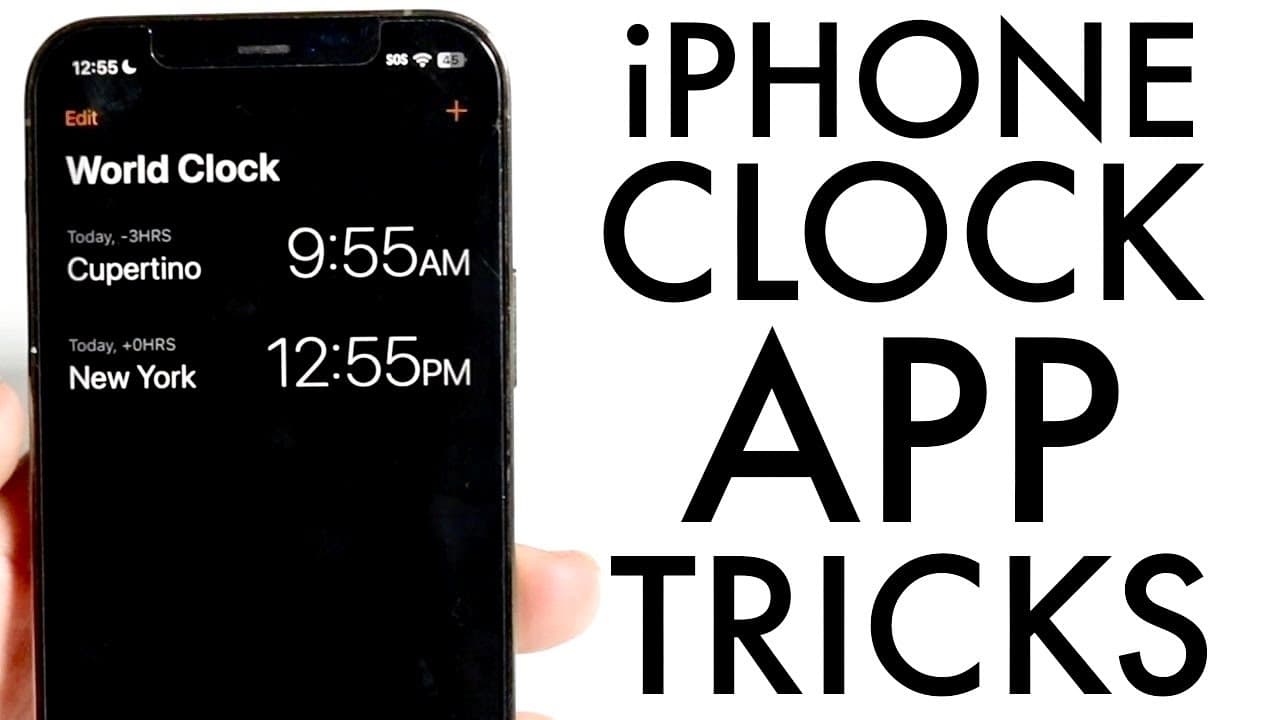
The best iPhone clock app tricks include using the world clock feature to easily check times in different locations without calculations, adding a customizable clock widget to your home screen for quick access, and utilizing advanced stopwatch functions. Additionally, you can set alarms that control background noise apps, enhancing your sleep experience.
Transcript
so as most of you know the clock application on your iPhone is a pretty popular one I'm sure a lot of people have used it and I want to go and give you some cool little tricks and tips that I would recommend you to kind of look into if you're using the clock app on a regular basis now the first thing is basically setting up your world clocks this i... Read More
Key Insights
- 🌍 The world clock feature simplifies checking international times without mental calculations.
- ⏲️ Adding the clock widget boosts convenience by providing instant access to time zones on the home screen.
- 👻 The stopwatch feature in iOS 18 has expanded, allowing users greater flexibility in timing laps and activities.
- 😀 The iPhone clock app now lets users set alarms that can control other apps, serving as an effective sleep aid.
- 👤 Users can personalize their experiences with custom world clocks to better manage their schedules globally.
- ⏲️ The clock widget visually enhances the home screen and accommodates a range of time displays.
- 👤 iOS updates continuously improve the functionality of existing applications, indicating Apple's commitment to user experience.
Install to Summarize YouTube Videos and Get Transcripts
Explore YouTube Video Summarizer or Get YouTube Transcript Extractor
Questions & Answers
Q: How do I add a world clock in the iPhone clock app?
To add a world clock, open the clock app, tap the plus button at the top, and search for the city or country you want. Once found, tap to add it, and the time will appear along with your existing world clocks. This functionality helps users keep track of international time without any math.
Q: Can I customize the clock widget on my iPhone home screen?
Yes! To customize your clock widget, long-press the home screen, select 'Edit', and click 'Add Widget.' You can choose to display multiple world clocks or a single one, and even change which clocks are shown by editing the widget at any time. This makes it easy to monitor time zones that matter to you.
Q: What new features does iOS 18 bring to the stopwatch function?
With iOS 18, users can swipe through different stopwatch faces, one of which resembles a runner's stopwatch, making it ideal for track timings. This updated functionality allows easy lap tracking, potentially useful for athletes or anyone timing workouts.
Q: How does the "stop playing" alarm feature work on the iPhone?
The "stop playing" feature allows users to set an alarm that silences background noise apps without playing a sound itself. By selecting this option when creating an alarm, the sound machine or noise app will turn off automatically at the designated time, enhancing restfulness overnight.
Summary & Key Takeaways
-
The iPhone's clock app features a world clock function that allows users to easily check the time in various locations worldwide without manual calculations.
-
Users can enhance their experience by adding a clock widget to their home screen, displaying selected world clocks for quick access to time differences.
-
The clock app includes advanced stopwatch features and customizable alarm settings that can control background noise apps.
Read in Other Languages (beta)
Share This Summary 📚
Summarize YouTube Videos and Get Video Transcripts with 1-Click
Try YouTube Summary with ChatGPT & Claude or YouTube Transcript Generator
Explore More Summaries from Simple Alpaca 📚






Summarize YouTube Videos and Get Video Transcripts with 1-Click
Try YouTube Summary with ChatGPT & Claude or YouTube Transcript Generator