Git Internals - Git Rebase
TL;DR
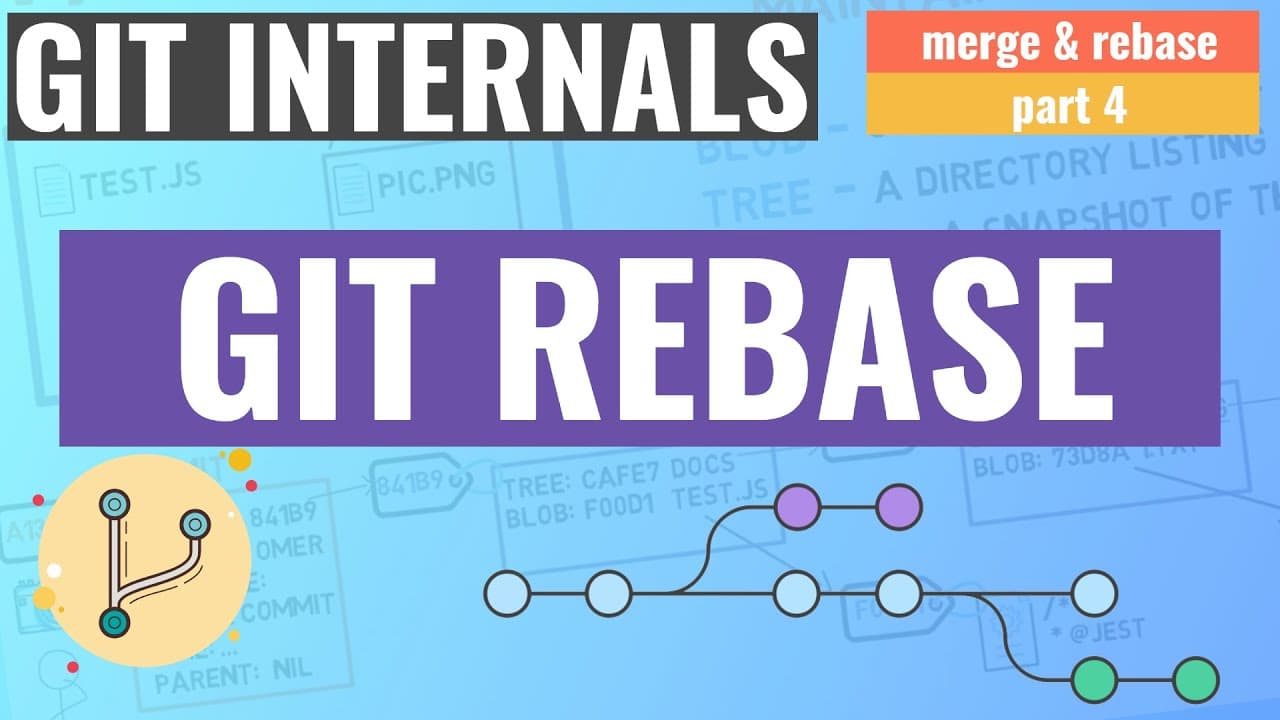
The video explains the concept and use of git rebase.
Transcript
Read and summarize the transcript of this video on Glasp Reader (beta).
Key Insights
- Git rebase is a powerful tool used to rewrite commit history, offering more linear and cleaner project histories.
- Rebasing allows developers to replay commits from one branch onto another, effectively changing the base of a branch.
- Unlike merging, rebasing rewrites history, which can lead to complications if not used carefully, especially with shared branches.
- Interactive rebase provides flexibility to squash, reorder, or edit commits, allowing for cleaner and more organized commit histories.
- Using 'git rebase --onto' allows developers to change the base of a branch, which can be useful for correcting mistakes in branching.
- Rebase can be used to resolve conflicts by replaying commits onto a new base where previous conflicts might not exist.
- While rebase offers significant control over commit history, it should be used with caution to avoid disrupting others' work.
- Rebase is best used for local commits that haven't been shared with others to prevent potential repository inconsistencies.
Install to Summarize YouTube Videos and Get Transcripts
Explore YouTube Video Summarizer or Get YouTube Transcript Extractor
Questions & Answers
Q: What is the main difference between git merge and git rebase?
Git merge combines changes from different branches by creating a merge commit, preserving the branch history. In contrast, git rebase rewrites the commit history by applying changes from one branch onto another, resulting in a linear history. This makes rebase useful for maintaining a cleaner project history.
Q: How does interactive rebase enhance commit history management?
Interactive rebase allows developers to modify commit history by squashing multiple commits into one, reordering commits, or editing commit messages. This flexibility aids in maintaining a clean and organized commit history, making it easier to understand project changes and manage codebases effectively.
Q: What precautions should be taken when using git rebase?
When using git rebase, it's crucial to ensure that the commits being rebased are not shared with others. Rewriting history on shared branches can lead to inconsistencies and conflicts, as others may have based their work on the original commits. It's best to use rebase for local changes only.
Q: How can git rebase be used to resolve conflicts?
Git rebase can help resolve conflicts by replaying commits onto a new base where previous conflicts might not exist. This is particularly useful when the original base contains conflicting changes that can be avoided by rebasing onto a different commit, thus simplifying conflict resolution.
Q: What is the purpose of the 'git rebase --onto' command?
The 'git rebase --onto' command is used to change the base of a branch. It allows developers to specify a new base for the branch's commits, effectively moving them to a new starting point. This is useful for correcting branching mistakes or adjusting the branch's position in the commit history.
Q: Why is git rebase considered a powerful tool?
Git rebase is considered powerful because it allows developers to rewrite commit history, offering control over how commits are organized and presented. This capability enables cleaner, more linear histories, making it easier to understand and manage project changes, especially in collaborative environments.
Q: What are the potential risks of using git rebase?
The primary risk of using git rebase is altering shared history, which can lead to repository inconsistencies if others have based their work on the original commits. This can cause confusion and conflicts, making it essential to use rebase cautiously and primarily on local, unshared commits.
Q: How does git rebase affect commit timestamps and identifiers?
Git rebase creates new commit objects with different timestamps and identifiers (SHA-1 hashes) compared to the original commits. This occurs because rebasing rewrites history, generating new commits even if the changes are the same. As a result, rebased commits are distinct from their original counterparts.
Summary & Key Takeaways
-
The video provides an in-depth explanation of git rebase, contrasting it with git merge. It emphasizes how rebase can create a linear history by replaying commits from one branch onto another.
-
Interactive rebase allows developers to manipulate commit history by squashing, editing, or reordering commits, offering a cleaner and more organized project history.
-
The video warns against using rebase on shared branches due to its history-rewriting nature, which can cause inconsistencies if others are working on the same branch.
Read in Other Languages (beta)
Share This Summary 📚
Summarize YouTube Videos and Get Video Transcripts with 1-Click
Try YouTube Summary with ChatGPT & Claude or YouTube Transcript Generator
Explore More Summaries from Brief 📚






Summarize YouTube Videos and Get Video Transcripts with 1-Click
Try YouTube Summary with ChatGPT & Claude or YouTube Transcript Generator