10 Essential FUJIFILM X Series Camera Tips, Plus Lots of Other Valuable and Informative Goodies 📷
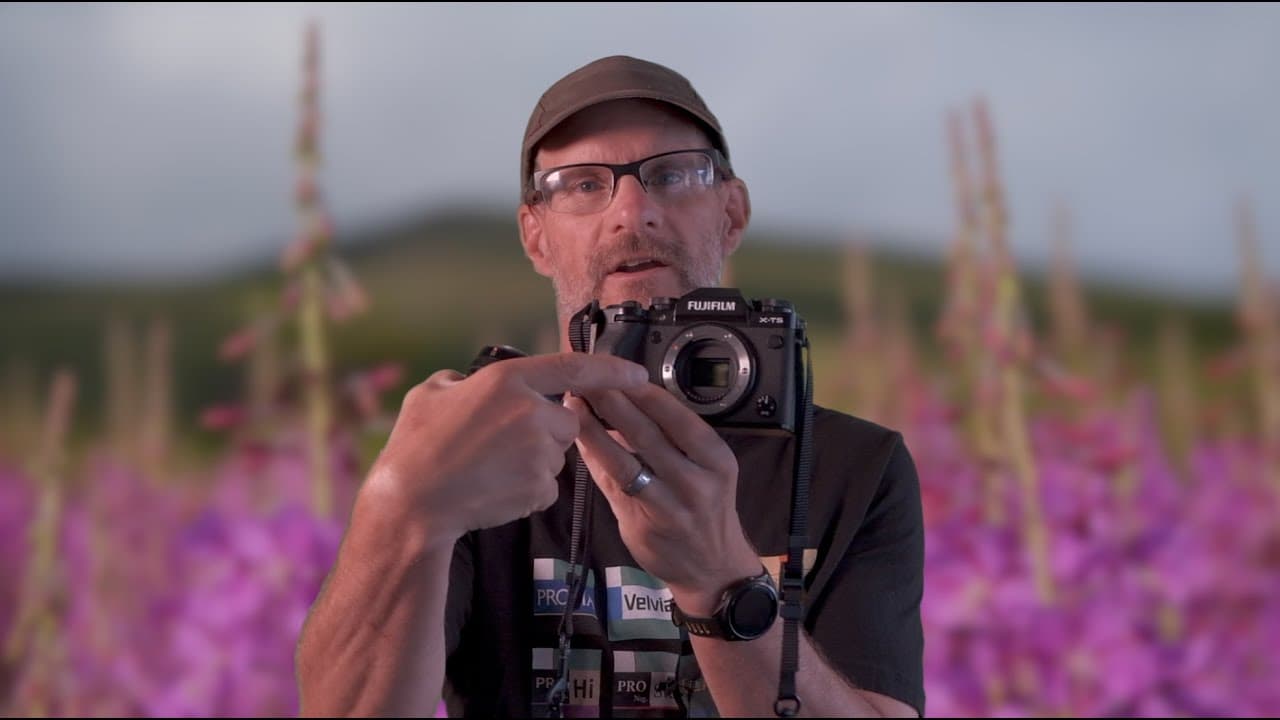
TL;DR
Discover 11 essential tips to master Fujifilm X cameras.
Transcript
Read and summarize the transcript of this video on Glasp Reader (beta).
Key Insights
- The Fujifilm X Series cameras offer customizable function buttons and swipe gestures, allowing photographers to tailor their shooting experience to personal preferences and enhance workflow efficiency.
- Electronic shutters provide silent operation and incredibly fast shutter speeds up to 1/180,000th of a second, ideal for capturing dynamic action without camera noise.
- Back button focus is a popular technique among photographers, though not universally recommended, as it adds complexity for beginners. Fujifilm lenses offer alternative focus button options.
- The T-mode on X Series cameras allows for precise shutter speed adjustments in third-stop increments, enabling creative long exposure photography up to 15 minutes.
- Fujifilm's custom film simulation recipes allow photographers to create and save personalized settings, enhancing creative expression by simulating various film styles directly in-camera.
- The Fujifilm X App provides remote control capabilities, firmware updates, and image downloads directly to smartphones, expanding the functionality and convenience of the camera system.
- Photometry in mirrorless cameras offers real-time exposure feedback, allowing photographers to adjust settings on the fly for accurate image capture, reducing the need for traditional metering modes.
- Bracketing options in the X Series cameras include exposure, ISO, white balance, film simulation, and focus bracketing, offering versatility for different shooting scenarios and post-processing needs.
Install to Summarize YouTube Videos and Get Transcripts
Explore YouTube Video Summarizer or Get YouTube Transcript Extractor
Questions & Answers
Q: What is the benefit of using the electronic shutter on Fujifilm X Series cameras?
The electronic shutter on Fujifilm X Series cameras offers silent operation, making it ideal for environments where noise is a concern, such as events or wildlife photography. Additionally, it allows for extremely fast shutter speeds up to 1/180,000th of a second, enabling photographers to capture high-speed action with precision and without the mechanical noise associated with traditional shutters.
Q: How can photographers customize function buttons on Fujifilm X Series cameras?
Photographers can customize function buttons on Fujifilm X Series cameras by pressing and holding the display back button until the function button assignment menu appears. From there, they can select any button or swipe gesture and assign a desired function from a comprehensive list of over 75 options, tailoring the camera's controls to their specific shooting needs and preferences.
Q: What are the advantages of using T-mode on Fujifilm X Series cameras?
T-mode on Fujifilm X Series cameras allows photographers to select shutter speeds using the rear command dial, providing precise control with third-stop increments. This mode supports long exposures up to 15 minutes, offering creative possibilities for capturing star trails, Milky Way shots, or smooth water effects. It enhances manual exposure control, making it suitable for various photography styles and scenarios.
Q: How does the Fujifilm X App enhance the functionality of X Series cameras?
The Fujifilm X App enhances the functionality of X Series cameras by enabling remote control of the camera via a smartphone, allowing photographers to adjust settings and capture images from a distance. The app supports firmware updates directly from the phone, eliminating the need for memory cards, and facilitates easy image downloads, making it a versatile tool for managing and enhancing the camera's capabilities.
Q: What is the purpose of creating custom film simulation recipes on Fujifilm cameras?
Creating custom film simulation recipes on Fujifilm cameras allows photographers to personalize their image processing by simulating various film styles directly in-camera. This feature enables users to adjust settings like white balance, highlight, and shadow tones, and save these configurations for consistent and unique image aesthetics, enhancing creative expression and reducing the need for extensive post-processing.
Q: Why might some photographers prefer back button focus, and what alternatives exist?
Some photographers prefer back button focus because it separates focusing from the shutter release, allowing more control over focus lock and recomposing shots. However, this method can be complex for beginners. Alternatives include using focus buttons on certain Fujifilm lenses, which provide left-hand focus control, offering a more intuitive and easier-to-manage solution for maintaining focus while shooting.
Q: How does real-time exposure feedback in mirrorless cameras benefit photographers?
Real-time exposure feedback in mirrorless cameras benefits photographers by providing a live view of how exposure adjustments affect the final image. This feature eliminates guesswork, as photographers can see the impact of changes directly through the viewfinder or LCD screen, ensuring accurate exposure settings. It simplifies the shooting process, reduces reliance on traditional metering, and enhances overall image quality.
Q: What bracketing options are available on Fujifilm X Series cameras, and how are they used?
Fujifilm X Series cameras offer several bracketing options, including exposure, ISO, white balance, film simulation, and focus bracketing. These features allow photographers to capture multiple versions of a scene with varying settings, providing flexibility for different lighting conditions and creative effects. Bracketing is useful for HDR photography, ensuring optimal exposure, and creating focus-stacked images for improved depth of field.
Summary & Key Takeaways
-
The video offers 11 essential tips for Fujifilm X Series cameras, covering topics such as formatting memory cards, using electronic shutters, and customizing function buttons to enhance shooting efficiency and creativity.
-
Dan Bailey discusses the benefits of using the Fujifilm X App for remote control and firmware updates, and explores the advantages of electronic shutters for silent shooting and fast action photography.
-
The content provides insights into creating custom film simulation recipes, using T-mode for long exposures, and understanding photometry in mirrorless cameras for real-time exposure adjustments.
Read in Other Languages (beta)
Share This Summary 📚
Summarize YouTube Videos and Get Video Transcripts with 1-Click
Try YouTube Summary with ChatGPT & Claude or YouTube Transcript Generator