How to Save Time With Instagram Quick Replies for Direct Messages
TL;DR
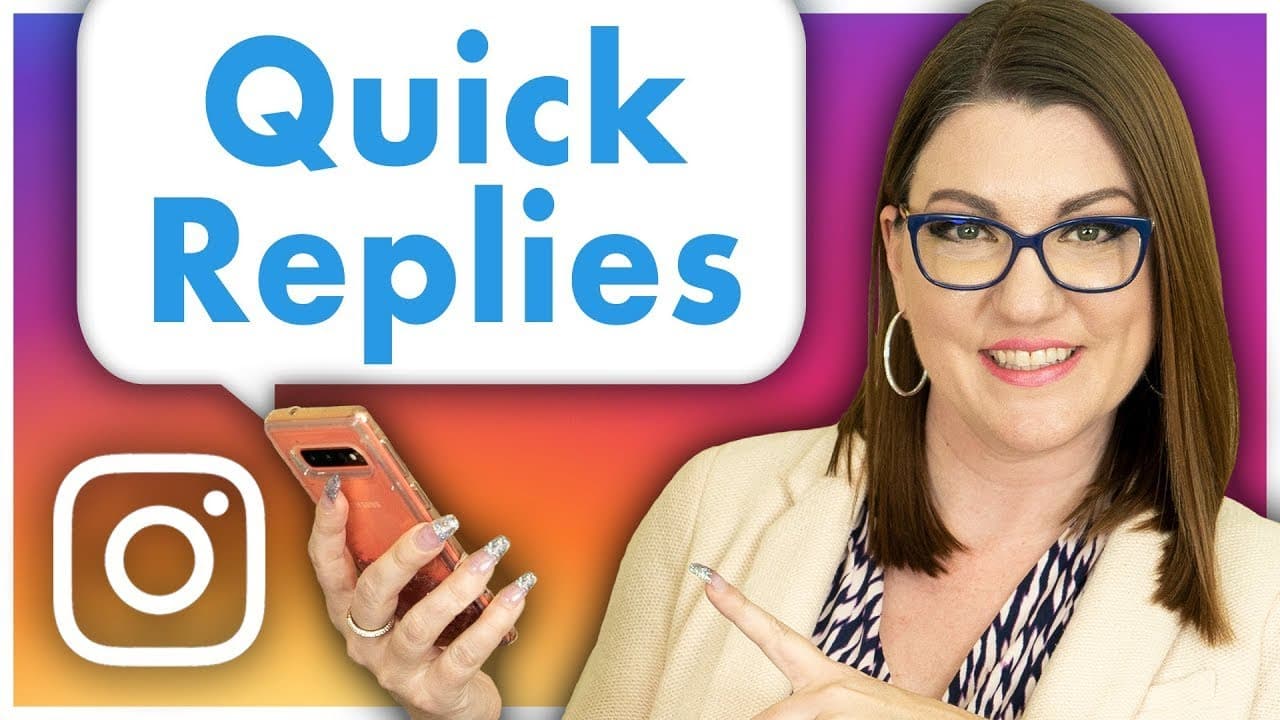
Learn to set up Instagram Quick Replies for efficient messaging.
Transcript
- We love Instagram Direct Messages for customer service and engaging with our audience, but many of us have burned out our thumbs with constant replies to the same question, fortunately, Instagram has quick replies for direct messages to make your life a little bit easier. Let's set it up. (bright music) In this video, we'll show you how to set up... Read More
Key Insights
- Instagram Quick Replies can significantly reduce the time spent on responding to frequently asked questions in Direct Messages, making customer service more efficient.
- Setting up Quick Replies involves accessing the business settings on Instagram, where you can create and manage your quick responses.
- Quick Replies are exclusive to business profiles, providing a valuable tool for businesses to maintain consistent communication.
- Common Quick Replies include business hours, service rates, and contact information, ensuring quick and accurate responses to common inquiries.
- Quick Replies allow for customization, enabling businesses to personalize messages before sending them, ensuring a personal touch in communication.
- The feature is particularly beneficial for agencies managing multiple accounts, as it ensures uniform responses across different platforms.
- Industries like medical, legal, or technical fields benefit from Quick Replies due to the need for precise and consistent information sharing.
- Existing messages can be repurposed into Quick Replies, streamlining the setup process and leveraging previous communication efforts.
Install to Summarize YouTube Videos and Get Transcripts
Explore YouTube Video Summarizer or Get YouTube Transcript Extractor
Questions & Answers
Q: How do you set up Instagram Quick Replies?
To set up Instagram Quick Replies, navigate to your profile settings, select the business tab, and choose Quick Replies. From there, you can create new quick replies or edit existing ones. This feature is only available for business profiles, making it a valuable tool for efficient communication.
Q: What types of messages are suitable for Quick Replies?
Common messages for Quick Replies include business hours, frequently asked questions, service rates, and contact information. These ensure that businesses can provide quick and consistent responses to common inquiries, enhancing customer service efficiency and communication accuracy.
Q: Can Quick Replies be used in comment sections?
No, Quick Replies are exclusive to Direct Messages and cannot be used in comment sections or other areas of Instagram. This feature is designed to streamline private communication between businesses and their audience, ensuring efficient handling of direct inquiries.
Q: How can existing messages be used for Quick Replies?
Existing messages can be repurposed into Quick Replies by tapping and holding on the message in the Direct Message thread. This allows you to save the message as a Quick Reply, edit it if needed, and assign a shortcut keyword for easy future use, streamlining the setup process.
Q: Why are Quick Replies beneficial for agencies?
Quick Replies are beneficial for agencies because they ensure consistent communication across multiple accounts. Agencies managing content for various clients can use Quick Replies to maintain uniformity in responses, reducing the risk of miscommunication and improving overall customer service efficiency.
Q: What customization options do Quick Replies offer?
Quick Replies can be customized before sending, allowing businesses to personalize responses for individual recipients. This ensures that while the core message remains consistent, it can be tailored to address specific customer needs or include personalized touches, enhancing the customer experience.
Q: Which industries benefit most from Quick Replies?
Industries such as medical, legal, and technical fields benefit significantly from Quick Replies due to the need for precise and consistent information sharing. Quick Replies ensure that complex inquiries receive accurate responses without waiting for expert intervention, enhancing communication efficiency.
Q: Are Quick Replies available for personal and creator profiles?
No, Quick Replies are not available for personal or creator profiles. This feature is exclusive to business profiles on Instagram, providing businesses with a tool to enhance their customer service and streamline communication through efficient and consistent messaging.
Summary & Key Takeaways
-
Instagram Quick Replies streamline communication by allowing businesses to pre-set responses for frequently asked questions, saving time and ensuring consistency.
-
This feature is accessible only to business profiles and can be set up through Instagram's business settings, offering a practical tool for customer service.
-
Quick Replies can be customized and personalized, making them a versatile option for various industries, including legal and medical fields, where precision is crucial.
Read in Other Languages (beta)
Share This Summary 📚
Summarize YouTube Videos and Get Video Transcripts with 1-Click
Try YouTube Summary with ChatGPT & Claude or YouTube Transcript Generator
Explore More Summaries from Social Media Examiner 📚



Summarize YouTube Videos and Get Video Transcripts with 1-Click
Try YouTube Summary with ChatGPT & Claude or YouTube Transcript Generator