AI tools for UI Designers 🛠
TL;DR
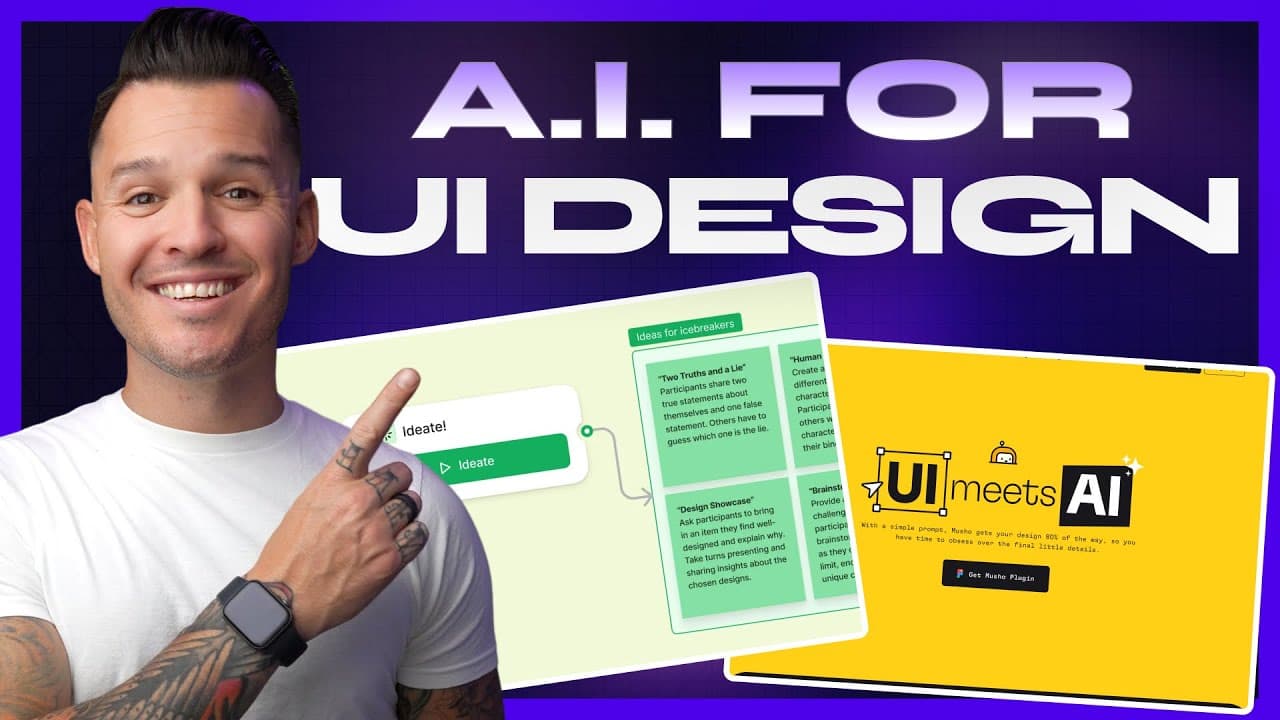
Explore 10 AI tools to enhance UI design workflow.
Transcript
Read and summarize the transcript of this video on Glasp Reader (beta).
Key Insights
- FigJam AI in Figma helps automate wireframing and user flow diagrams, saving UI/UX designers time on monotonous tasks.
- Mushu allows designers to quickly generate landing pages and screens, reaching about 80% completion with AI assistance.
- ChatGPT is a versatile tool for generating copy, building user personas, and conducting user research, enhancing creativity and productivity.
- MidJourney remains a leading AI image generator, offering high-quality images and creative exploration through Discord.
- Adobe's Firefly AI technology provides text-to-image, generative fill, and unique text effects, integrated into Adobe Express for convenient access.
- FontJoy uses AI to create unique font pairings, helping designers overcome challenges in typography selection.
- Colormind generates AI-driven color palettes, simplifying the process of creating visually appealing designs.
- Visily offers AI-driven tools like sketch-to-design conversion, enabling rapid transformation from low to high fidelity designs.
Install to Summarize YouTube Videos and Get Transcripts
Explore YouTube Video Summarizer or Get YouTube Transcript Extractor
Questions & Answers
Q: How does FigJam AI assist UI designers?
FigJam AI, integrated into Figma, assists UI designers by automating the creation of wireframes and user flow diagrams. Designers can input prompts like 'a flowchart for a mobile banking app login' and FigJam AI generates the diagram, saving time on detailed, repetitive tasks.
Q: What is the primary function of Mushu?
Mushu is an AI tool that helps designers quickly generate landing pages and screens by inputting prompts. It can create a one-page landing page design in seconds, providing a structured start with elements like newsletter signups and hero images, which can be further customized.
Q: In what ways can ChatGPT benefit UI designers?
ChatGPT benefits UI designers by generating copy, building user personas, and conducting user research. It can quickly produce content for various design elements, sparking creativity and enhancing productivity by handling tasks that require written content and conceptual development.
Q: Why is MidJourney considered a top AI image generator?
MidJourney is considered a top AI image generator due to its ability to produce high-quality, creative images. Operating through Discord, it offers features like upscaling and zooming, and remains popular for its versatility and continuous improvements, making it a preferred choice for designers.
Q: What capabilities does Adobe's Firefly AI offer?
Adobe's Firefly AI offers capabilities such as text-to-image generation, generative fill, and unique text effects. It integrates with Adobe Express, providing designers with tools to create innovative and visually appealing designs, including generative recolor and text-to-vector graphics.
Q: How does FontJoy assist with typography selection?
FontJoy assists with typography selection by using AI to generate unique and interesting font pairings. Designers can lock specific fonts and prompt the tool to create complementary pairings, helping overcome challenges in finding harmonious typography combinations for design projects.
Q: What is the function of Colormind in design?
Colormind functions as an AI-driven color palette generator, allowing designers to create visually appealing and unique color schemes. Users can lock and tweak individual colors, with AI making decisions to generate cohesive palettes, simplifying the process of selecting and building color themes.
Q: What does Visily offer for UI design?
Visily offers AI-driven tools for UI design, including a sketch-to-design feature that converts hand-drawn sketches into high-fidelity designs. It provides various tools like theme generators and low-fi to high-fi conversions, enabling rapid design transformation and exploration of creative possibilities.
Summary & Key Takeaways
-
This video introduces 10 AI tools that UI designers can use to streamline their workflow. From wireframing to color palette generation, these tools leverage AI to enhance creativity and efficiency in the design process.
-
The featured tools include FigJam AI, Mushu, ChatGPT, MidJourney, and Adobe Firefly, each offering unique capabilities to assist designers in various aspects of UI design.
-
Viewers are encouraged to explore these AI tools to revolutionize their design process, with links provided for easy access. The video also invites feedback and engagement from the audience.
Read in Other Languages (beta)
Share This Summary 📚
Summarize YouTube Videos and Get Video Transcripts with 1-Click
Try YouTube Summary with ChatGPT & Claude or YouTube Transcript Generator
Explore More Summaries from Jesse Showalter 📚






Summarize YouTube Videos and Get Video Transcripts with 1-Click
Try YouTube Summary with ChatGPT & Claude or YouTube Transcript Generator