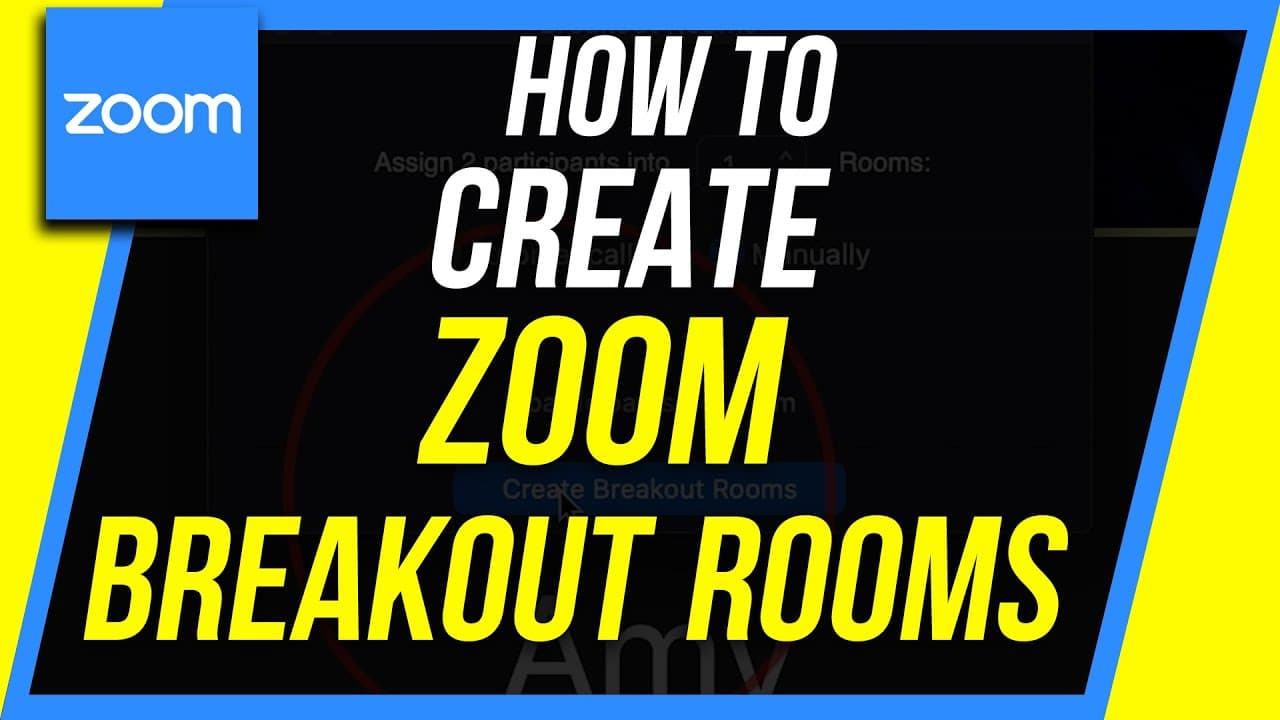
How to Activate and Use Breakout Room in Zoom
TL;DR
Learn how to activate and use breakout rooms in Zoom, allowing you to create separate meetings within larger group calls.
Transcript
everyone in today's oome video I'm gonna show you how to use breakout rooms inside of the zoom app now this is an advanced feature so by default it is not turned on you have to turn it on in the setting and then it comes on the next time you use zoom so if you're in the middle of a meeting and you wanted to breakout rooms you can't you have to rest... Read More
Key Insights
- 🤵 Breakout rooms need to be activated in the Zoom account settings before they can be used.
- 👻 Breakout rooms allow for separate meetings within a larger group call.
- 🤵 Breakout rooms can be assigned manually or automatically, and the host can easily join and leave different rooms.
- 🥶 Breakout rooms can be used with both the paid and free plans in Zoom.
- 🤵 Breakout rooms can be preset when scheduling a meeting in Zoom.
- 🤵 Participants can be assigned to breakout rooms using CSV files.
- 👻 The host can communicate with participants in breakout rooms by broadcasting messages.
Install to Summarize YouTube Videos and Get Transcripts
Explore YouTube Video Summarizer or Get YouTube Transcript Extractor
Questions & Answers
Q: How do I activate breakout rooms in Zoom?
To activate breakout rooms, go to your Zoom account settings, select "Breakout Room," and turn on the option to allow the host to split meeting participants into separate smaller rooms.
Q: Can breakout rooms be used with both the paid and free plans in Zoom?
Yes, breakout rooms are available for both the paid and free plans in Zoom.
Q: Can I assign participants to breakout rooms when scheduling a meeting?
Yes, you can preset breakout rooms when scheduling a meeting in Zoom by using the "Breakout Room Pre-assign" option and importing participants through a CSV file.
Q: How can I communicate with participants in breakout rooms?
As the host, you can broadcast messages to participants in breakout rooms, providing updates or reminders. Participants will receive these messages in their Zoom app.
Summary & Key Takeaways
-
Breakout rooms in Zoom allow you to create separate meetings within a larger group call, ideal for dividing participants into smaller groups.
-
To activate breakout rooms, you need to go to your Zoom account settings and turn on the "Breakout Room" option.
-
Breakout rooms can be assigned manually or automatically, and participants can easily join and leave these rooms during the meeting.
Read in Other Languages (beta)
Share This Summary 📚
Summarize YouTube Videos and Get Video Transcripts with 1-Click
Try YouTube Summary with ChatGPT & Claude or YouTube Transcript Generator
Explore More Summaries from Howfinity 📚

Summarize YouTube Videos and Get Video Transcripts with 1-Click
Try YouTube Summary with ChatGPT & Claude or YouTube Transcript Generator