Which ChatGPT Extensions Boost Productivity the Most?
TL;DR
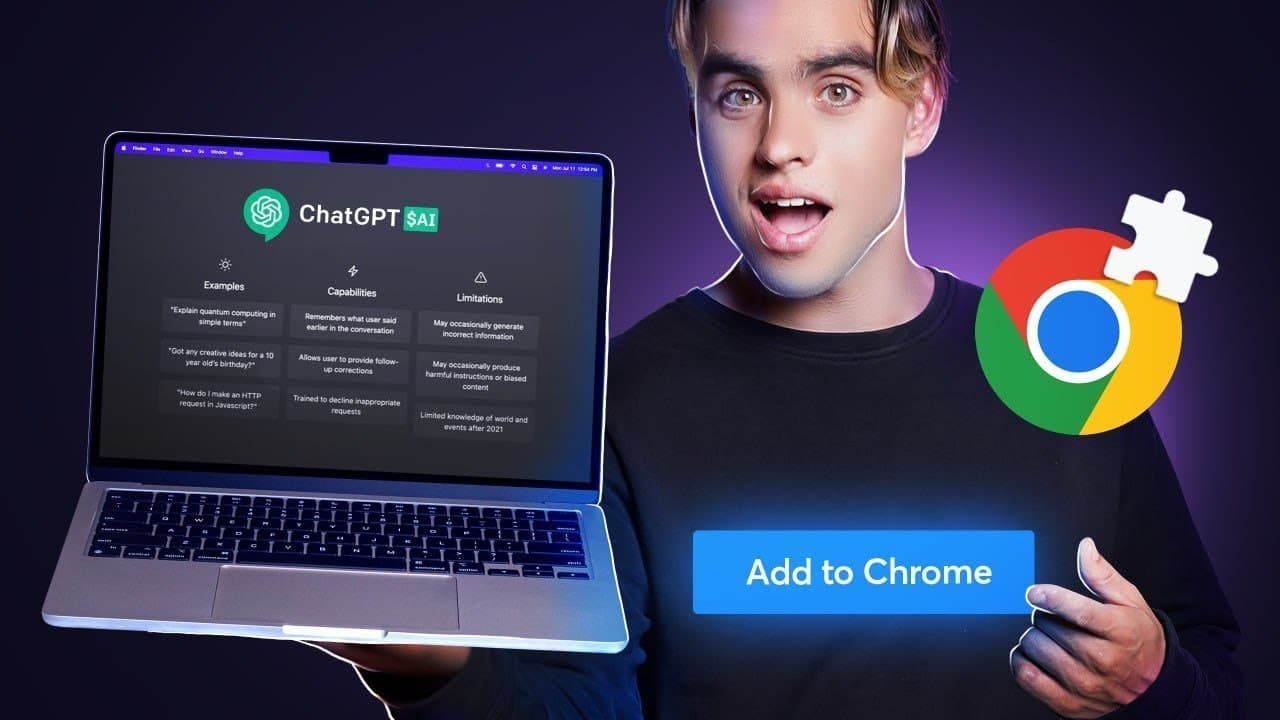
The video reveals top Chrome extensions that significantly enhance ChatGPT's functionality. Key tools include Share GPT for integrated search results, Burdine for automating tasks, YouTube Summaries for concise video insights, and AIPRM for streamlined content creation with prompt templates.
Transcript
I've tried every single Chad GPT Chrome extension and here's the list of my favorites that will save you the most time every extension that you're going to see in this video are free to use the first extension is called share GPT for search engines it will display chat GPT answer next to your Google search answer let's try it out let's type our sea... Read More
Key Insights
- 🔍 The first Chrome extension, "Share GPT for Search Engines," allows you to see ChatGPT answers directly in Google search results, eliminating the need to open multiple links and deal with ads or difficult website formats.
- ✉️ With the "Berdin" extension, you can automate workflows using OpenAI to perform tasks like summarizing Wikipedia pages or generating personalized outreach messages based on LinkedIn posts, saving time and effort.
- 📋 YouTube Summaries for ChatGPT is a popular extension that generates a transcript summary for YouTube videos, though it opens a new tab. Similar results can be achieved with Bardine AI, which eliminates the need for additional tabs.
- 🌐 "Web Chat GPT" extension enables ChatGPT to access and scrape information from the web beyond 2021, providing the ability to get current and relevant search results in your prompts.
- 📝 The AIPRM extension offers prompt templates for OpenAI, making it easier to generate content for copywriting, SEO titles, YouTube descriptions, and more, saving time and improving creativity.
- ✍️ Merlin and ChatGPT Writer are Chrome extensions for writing that allow you to select text on web pages or in emails and generate responses or copywriting results based on the selected information.
- 🌟 Subscribing to the channel mentioned in the content will keep you updated on the latest advancements in artificial intelligence, helping you stay on the cutting edge of this field.
Install to Summarize YouTube Videos and Get Transcripts
Explore YouTube Video Summarizer or Get YouTube Transcript Extractor
Questions & Answers
Q: How does Share GPT enhance Google search results?
Share GPT is a Chrome extension that displays Chat GPT answers alongside Google search results, saving time by eliminating the need to open multiple links and deal with ad-filled websites. It also allows for asking additional contextual questions, providing a seamless search experience.
Q: What are the features of the Burdine Chrome extension?
Burdine is a workflow automation tool that utilizes AI to simplify tasks. It can summarize Wikipedia pages, generate personalized outreach messages on LinkedIn based on post content, and create custom prompts and actions using OpenAI. It streamlines processes and increases efficiency.
Q: How does YouTube Summaries for Chat GPT differ from YouTube's built-in transcript feature?
YouTube Summaries for Chat GPT offers a summary of the video transcript without opening new tabs, providing a more efficient way to access content. It clusters information together, making it easier to consume compared to YouTube's granular timestamped transcript view.
Q: How does Web Chat GPT overcome the limitations of Chat GPT's pre-training data?
Web Chat GPT is a Chrome extension that allows Chat GPT to access search results beyond 2021. By scraping the web search results and combining them with Chat GPT's scraping and summarization capabilities, it provides up-to-date information and insights, expanding the scope of Chat GPT's knowledge.
Q: How does AIPrm assist with content creation and SEO optimization?
AIPrm is a Chrome extension that brings prompt templates directly to OpenAI. It offers numerous templates for various purposes, such as copywriting and generating SEO-optimized titles, descriptions, and tags for YouTube videos. It saves time and provides valuable guidance for content creators seeking to improve their SEO strategies.
Q: What is the primary function of the Merlin Chrome extension?
Merlin is a Chrome extension for writing that allows users to browse the web, select text, and generate content based on the selected information. It offers a convenient shortcut and provides copywriting suggestions and results, enhancing the writing process and boosting productivity.
Q: What distinguishes Chat GPT Writer from other writing-focused Chrome extensions?
Chat GPT Writer is a free Chrome extension designed for writing tasks. It offers similar functionality as other writing extensions, such as generating replies to emails, but is available for free and boasts a user-friendly interface. It provides an accessible tool for efficient and effective written communication.
Summary & Key Takeaways
-
The first Chrome extension highlighted is Share GPT, which displays Chat GPT answers alongside Google search results and allows for additional contextual questions.
-
The second extension, Burdine, is a workflow automation tool that leverages AI to create custom workflows, such as summarizing Wikipedia pages and generating personalized outreach messages on LinkedIn.
-
The video also introduces YouTube Summaries for Chat GPT, which provides transcript summaries without opening new tabs, and Web Chat GPT, which allows access to web search results beyond 2021 for use with Chat GPT.
-
Lastly, the fifth extension, AIPrm, offers hundreds of prompt templates directly within OpenAI, aiding in copywriting and generating titles, descriptions, and SEO tags for YouTube videos.
-
The video concludes by showcasing two Chrome extensions for writing: Merlin, which allows for browsing the web and generating content with selected text, and Chat GPT Writer, a free alternative with a user-friendly interface.
Read in Other Languages (beta)
Share This Summary 📚
Summarize YouTube Videos and Get Video Transcripts with 1-Click
Try YouTube Summary with ChatGPT & Claude or YouTube Transcript Generator
Explore More Summaries from Bardeen 📚



Summarize YouTube Videos and Get Video Transcripts with 1-Click
Try YouTube Summary with ChatGPT & Claude or YouTube Transcript Generator