How To Scrape Any Website Using Hidden APIs
TL;DR
Learn to extract data from websites using APIs and developer tools.
Transcript
Read and summarize the transcript of this video on Glasp Reader (beta).
Key Insights
- Public APIs are the simplest method for data extraction, as they are well-documented and straightforward to use.
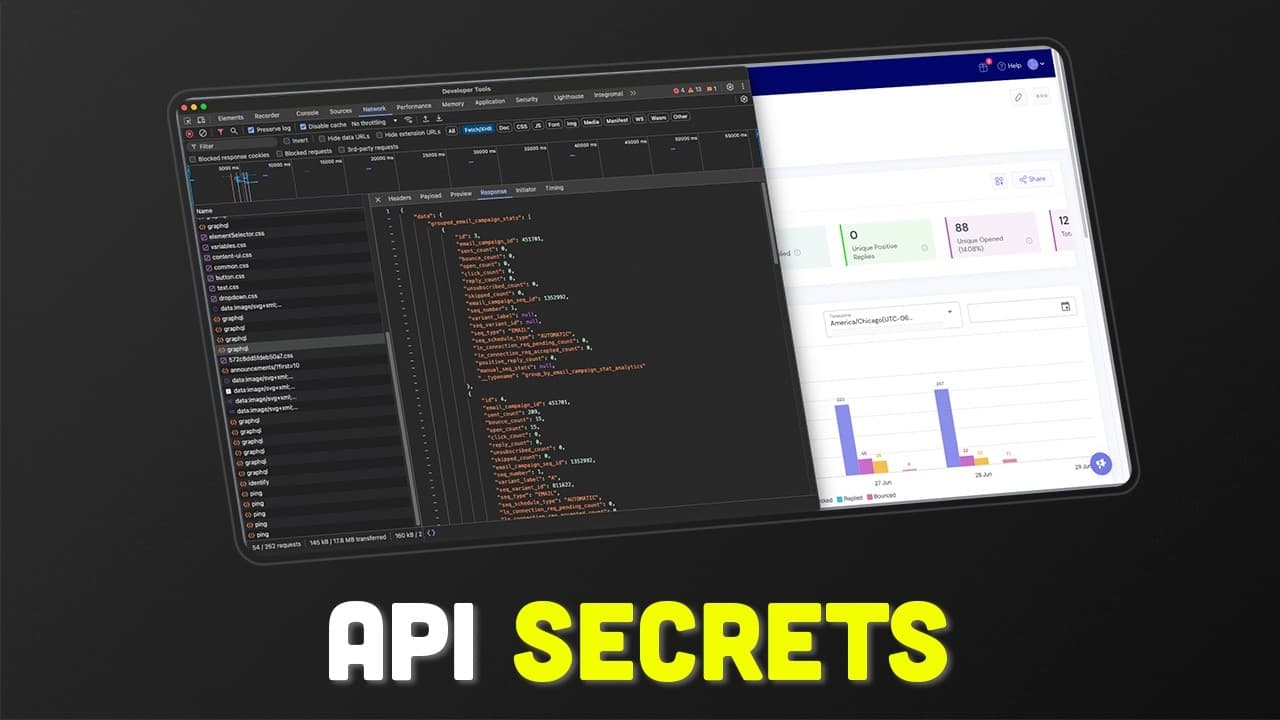
- When public APIs are unavailable, developers can use hidden API calls by inspecting network activity through developer tools.
- Understanding GraphQL and REST API formats is crucial for effectively using hidden APIs.
- Authorization methods vary; some APIs use tokens, while others require cookies, affecting how data is accessed.
- Cookies need to be updated regularly, and using a Chrome extension can automate this process.
- Developer tools help identify the necessary API calls by examining network requests and responses.
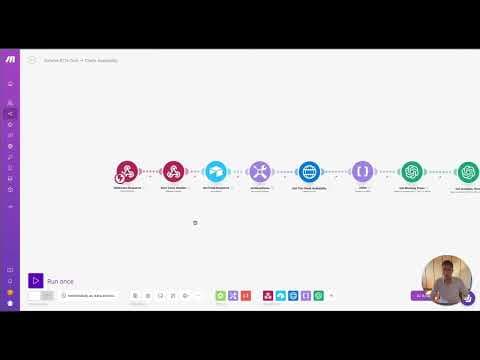
- Automation platforms like make.com can execute API calls outside the browser to retrieve data.
- A Chrome extension can facilitate cookie management, crucial for APIs requiring cookie-based authorization.
Install to Summarize YouTube Videos and Get Transcripts
Explore YouTube Video Summarizer or Get YouTube Transcript Extractor
Questions & Answers
Q: What is the simplest method for extracting data from a website?
The simplest method for extracting data from a website is using public APIs. These APIs are well-documented, making it easy to understand how to make requests and retrieve data. Public APIs provide predefined endpoints and authentication methods, allowing for straightforward integration with automation platforms or third-party software.
Q: How can hidden APIs be accessed when public APIs are unavailable?
Hidden APIs can be accessed by inspecting network activity using developer tools. By examining network requests and responses, developers can identify API calls made by the website's front-end to its back-end. This involves understanding the structure of GraphQL or REST API calls and replicating these requests using tools like make.com to extract the desired data.
Q: What is the role of developer tools in data extraction?
Developer tools play a crucial role in data extraction by allowing developers to inspect network activity. By using the network tab, developers can view all the requests made by a website, identify relevant API calls, and understand the data being exchanged. This information is essential for replicating API calls outside the browser to access hidden data.
Q: What are the differences between authorization methods in APIs?
APIs use various authorization methods, including tokens and cookies. Token-based authorization typically involves a fixed token that grants access to the API. In contrast, cookie-based authorization requires managing cookies, which can change frequently. Understanding these methods is crucial for accessing APIs and ensuring that requests are authenticated properly.
Q: How can cookies be managed for API authorization?
Cookies can be managed using a Chrome extension that automates the process of retrieving and storing cookies. This is important for APIs that require cookie-based authorization, as cookies can expire or change regularly. The extension can update cookies in a database like Airtable, ensuring that API calls remain authenticated and functional.
Q: What is the significance of GraphQL in hidden APIs?
GraphQL is significant in hidden APIs as it allows for flexible and efficient data retrieval. Unlike REST APIs, which have fixed endpoints, GraphQL enables developers to specify exactly what data they need. This flexibility is particularly useful when accessing hidden APIs, as it allows for more precise data extraction based on the website's data structure.
Q: How can automation platforms like make.com be used with hidden APIs?
Automation platforms like make.com can be used to execute API calls outside the browser, providing a means to access hidden APIs. By replicating the API requests identified through developer tools, make.com can automate data extraction processes, enabling seamless integration with other tools and workflows for data analysis or business automation.
Q: What resources are available for further learning about API-based automation?
Ricardo provides various resources for further learning about API-based automation, including free templates and playbooks available for download. Additionally, he offers a 100% free make.com course on YouTube, which covers business automation training and demonstrates real-world applications of these techniques. These resources are designed to help individuals and businesses enhance their automation capabilities.
Summary & Key Takeaways
-
The video explains how to extract data from websites using three methods: public APIs, hidden APIs with authorization, and hidden APIs with cookie authorization. It emphasizes the importance of understanding API documentation and network requests.
-
Ricardo demonstrates the use of developer tools to identify hidden API calls and how to replicate these calls using automation platforms like make.com, enabling data extraction even when public APIs are unavailable.
-
The video also introduces a custom Chrome extension for managing cookies, essential for accessing APIs requiring cookie-based authorization, and provides resources for further automation learning and consultation.
Read in Other Languages (beta)
Share This Summary 📚
Summarize YouTube Videos and Get Video Transcripts with 1-Click
Try YouTube Summary with ChatGPT & Claude or YouTube Transcript Generator
Explore More Summaries from Riccardo Vandra | AI Systems 📚

Summarize YouTube Videos and Get Video Transcripts with 1-Click
Try YouTube Summary with ChatGPT & Claude or YouTube Transcript Generator