How To Make Good YouTube Videos With Your Phone
TL;DR
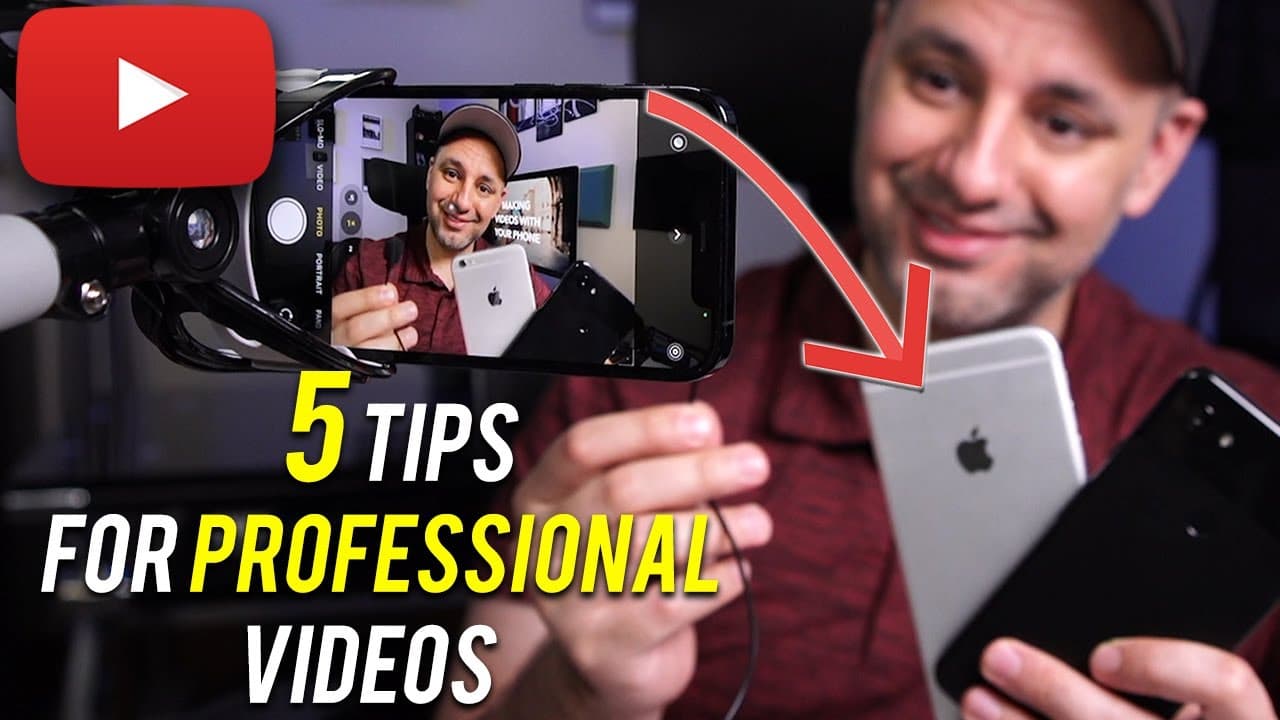
Learn how to achieve professional-quality cinematic footage using your smartphone by following five essential tips.
Transcript
so is it possible to get really high quality cinematic footage using your phone so this could be an iphone it could be an android i have a few here and pretty much with any smartphone in the last few years the video quality is really comparable with high-end video cameras in fact some of the high-end cameras that i use for my cinematography work an... Read More
Key Insights
- 🎥 Smartphone cameras have evolved to rival high-end video cameras in terms of resolution and features.
- 🗯️ Composition, including centering the subject, managing headroom, and selecting the right shot size, is crucial for professional-looking footage.
- 🚵 Choosing the appropriate lens and stabilizing the phone with a tripod or mount are essential for achieving stable shots.
- 🙂 Good lighting significantly improves video quality and can be achieved with inexpensive LED lights.
- 🔊 Sound quality is often overlooked but is crucial for a high-quality video. Consider using a lavalier microphone for better audio capture.
- 📱 Investing in expensive camera equipment is not necessary for most YouTube creators, and starting with a smartphone is a cost-effective option.
- 🗯️ With the right techniques and equipment, anyone can achieve cinematic footage with their smartphone.
Install to Summarize YouTube Videos and Get Transcripts
Explore YouTube Video Summarizer or Get YouTube Transcript Extractor
Questions & Answers
Q: Can you achieve high-quality cinematic footage using a smartphone camera?
Yes, smartphone cameras can capture cinematic footage with their high-quality 4K resolution capabilities. However, following specific guidelines is necessary for professional results.
Q: How should I compose my shots for YouTube videos?
For YouTube videos, follow the fundamental rules of cinematography. Place yourself in the center frame and use the rule of thirds to ensure proper composition. Pay attention to headroom and choose an appropriate shot size, typically a medium shot.
Q: Which lens should I choose when filming with my phone?
Most smartphones have multiple lenses, including a front-facing camera and multiple rear cameras. To achieve higher quality, avoid using the front-facing camera and select the lenses on the back of the phone. Choose a lens that best suits your desired shot size, whether wide, regular, or telephoto.
Q: How can I stabilize my phone for steady shots?
Using a tripod or a stabilizing mount, such as a phone clamp attached to a desk, can help stabilize your shots and minimize camera shake. This is essential for achieving professional-looking footage.
Q: Why is good lighting important for video quality?
Lighting plays a significant role in enhancing the overall quality of your videos. Using inexpensive LED lights and setting them up properly can significantly improve the lighting on your face and ensure even illumination.
Q: How can I improve the sound quality when recording with my phone?
Phone cameras are not designed for capturing high-quality sound. Therefore, using a lavalier microphone that connects directly to your phone can result in much better audio. Place the microphone on your shirt, ensuring it is hidden from view.
Q: Is it necessary to invest in expensive camera equipment for high-quality footage?
While high-end cameras can produce even better video quality, it is not necessary for most YouTube creators. Starting with a smartphone and gradually investing in more affordable camera options can still lead to excellent results.
Summary & Key Takeaways
-
Smartphone cameras can produce high-quality 4K resolution footage comparable to high-end video cameras.
-
Proper composition, including centering the subject, managing headroom, and choosing the right shot size, is essential for professional results.
-
Selecting the appropriate lens and using a tripod or stabilizing mount are crucial for stable shots.
-
Good lighting and sound quality are vital for improving the overall video quality.
Read in Other Languages (beta)
Share This Summary 📚
Summarize YouTube Videos and Get Video Transcripts with 1-Click
Try YouTube Summary with ChatGPT & Claude or YouTube Transcript Generator
Explore More Summaries from Howfinity 📚






Summarize YouTube Videos and Get Video Transcripts with 1-Click
Try YouTube Summary with ChatGPT & Claude or YouTube Transcript Generator