How to Improve Dodonpachi Performance on Xbox 360
TL;DR
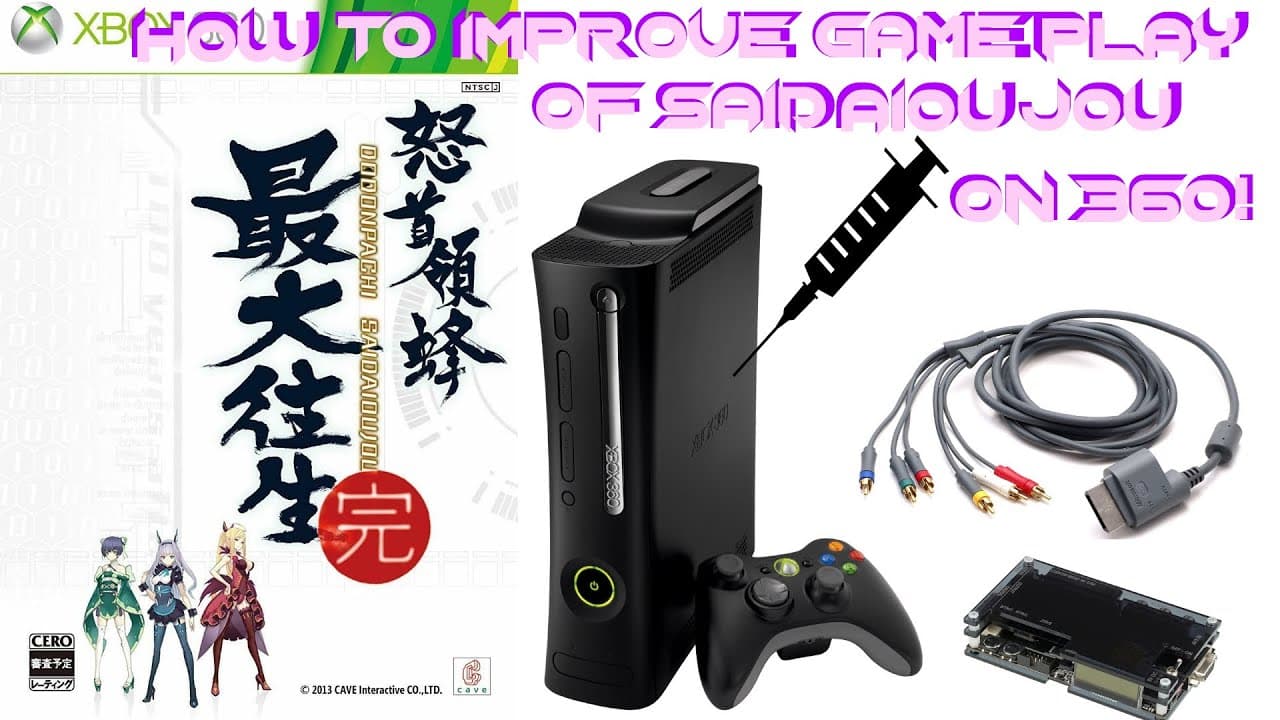
To enhance Dodonpachi SaiDaiOuJou's performance on Xbox 360, switch the display to 480i using component cables and a CRT or an OSSC. This setup reduces input lag and slowdown compared to playing in 720p or 1080p on HDMI. The game feels more stable and responsive, offering a better overall experience.
Transcript
everyone so I'm really excited today to share a discovery that I made which is something I have suspected for a long time but today I finally got around to actually testing it out which is how to make s DOJ run better on the Xbox 360 as we all know at least fans of sto J we know that that 360 port is extremely controversial it isn't really that wel... Read More
Key Insights
- Dodonpachi SaiDaiOuJou runs better on Xbox 360 at 480i than at 720p or 1080p.
- Using a CRT or OSSC with component cables reduces input lag and slowdown.
- Switching the display to 4:3 mode and turning off smoothing improves performance.
- HDMI connections may introduce lag and instability in gameplay.
- The game's performance varies significantly between different resolutions.
- 480i settings provide a more consistent and stable gaming experience.
- Testing with replays shows noticeable performance differences between 480i and 720p.
- The issue may be related to how the game was originally tested and optimized.
Install to Summarize YouTube Videos and Get Transcripts
Explore YouTube Video Summarizer or Get YouTube Transcript Extractor
Questions & Answers
Q: How to reduce input lag in Dodonpachi on Xbox 360?
To reduce input lag in Dodonpachi SaiDaiOuJou on Xbox 360, play the game in 480i resolution using component cables and a CRT or an OSSC. This setup minimizes the lag compared to playing in higher resolutions like 720p or 1080p on HDMI, providing a more stable and responsive gaming experience.
Q: What are the benefits of playing Dodonpachi in 480i?
Playing Dodonpachi SaiDaiOuJou in 480i offers reduced input lag and less slowdown compared to higher resolutions. This setting provides a more consistent and stable performance, enhancing the overall gameplay experience. The use of a CRT or OSSC with component cables further improves these benefits.
Q: Why does HDMI cause more lag in Dodonpachi on Xbox 360?
HDMI connections can introduce more lag in Dodonpachi SaiDaiOuJou on Xbox 360 due to potential processing delays in converting and displaying higher resolutions like 720p and 1080p. This can affect the game's responsiveness, making it feel less stable compared to playing in 480i with component cables.
Q: How to set up Dodonpachi for better performance on Xbox 360?
To set up Dodonpachi SaiDaiOuJou for better performance on Xbox 360, connect the console to a CRT or an OSSC using component cables and switch the display to 480i resolution. Adjust the game's settings by turning off wide mode and smoothing to further enhance performance and reduce lag.
Q: What differences are observed between 480i and 720p in Dodonpachi?
In Dodonpachi SaiDaiOuJou, playing in 480i results in noticeable differences compared to 720p, including reduced input lag and less slowdown. The game feels more stable and responsive, providing a better overall experience. These differences are highlighted through side-by-side comparisons using replays.
Q: Why does Dodonpachi perform better on CRTs?
Dodonpachi SaiDaiOuJou performs better on CRTs because they inherently have lower input lag compared to modern displays. Additionally, playing in 480i resolution on a CRT minimizes the processing delays associated with higher resolutions on HDMI, resulting in a more stable and responsive gaming experience.
Q: What role does the OSSC play in improving Dodonpachi performance?
The OSSC (Open Source Scan Converter) plays a crucial role in improving Dodonpachi SaiDaiOuJou's performance by allowing the Xbox 360 to output in 480i resolution while maintaining compatibility with modern displays. This setup reduces input lag and slowdown, enhancing the game's stability and responsiveness.
Q: Is there a difference in gameplay using 480i versus 720p?
Yes, there is a significant difference in gameplay when using 480i versus 720p in Dodonpachi SaiDaiOuJou. Playing in 480i reduces input lag and slowdown, resulting in a more stable and responsive experience. This is evident through side-by-side replay comparisons, where 480i consistently performs better.
Summary & Key Takeaways
-
Playing Dodonpachi SaiDaiOuJou on Xbox 360 in 480i resolution significantly reduces input lag and slowdown compared to 720p or 1080p. Using a CRT or OSSC with component cables further enhances the gaming experience by providing a more stable and consistent performance.
-
The video demonstrates that HDMI connections can introduce lag and instability, affecting the game's responsiveness. By switching to 480i and adjusting display settings, players can achieve a smoother and more enjoyable gameplay experience.
-
The performance improvement at 480i suggests that the game may have been originally tested and optimized for this resolution. This discovery encourages further testing of other Xbox 360 ports to identify potential performance benefits.
Read in Other Languages (beta)
Share This Summary 📚
Summarize YouTube Videos and Get Video Transcripts with 1-Click
Try YouTube Summary with ChatGPT & Claude or YouTube Transcript Generator
Explore More Summaries from The Electric Underground 📚

Summarize YouTube Videos and Get Video Transcripts with 1-Click
Try YouTube Summary with ChatGPT & Claude or YouTube Transcript Generator