How to Master Python Pandas for Data Science
TL;DR
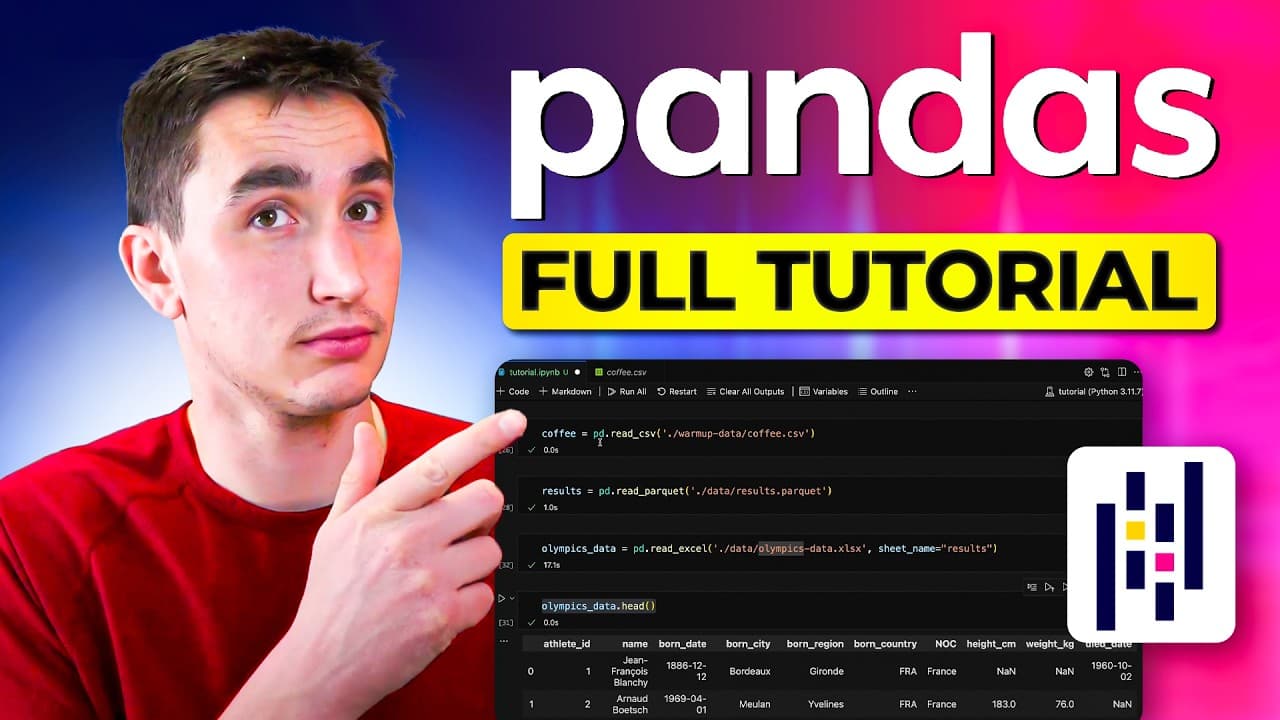
Learn to master Python Pandas for data analysis with updated tools and techniques. This tutorial covers the basics of data manipulation, from setting up your environment to advanced functionalities like pivot tables and AI integration. Whether you're a beginner or an experienced user, enhance your skills with practical examples and insights.
Transcript
hey what's up everyone and welcome back to another video super excited for this one in it we're going to be doing another complete python pandas tutorial walkth through so first off super grateful for all the support on the previous iteration of this video but it's been like 5 years and I've learned a lot more about pandas there's been a lot of upd... Read More
Key Insights
- Python Pandas is a powerful library for data manipulation and analysis, offering tools for handling tabular data.
- DataFrames are the core data structure in Pandas, allowing easy data manipulation similar to SQL or Excel.
- Pandas supports loading data from various formats like CSV, Excel, and Parquet, each with its own advantages.
- Data can be accessed and manipulated using methods like .loc(), .iloc(), and .at() for efficient data retrieval.
- Handling missing data is crucial; Pandas offers methods like .fillna(), .interpolate(), and .dropna() for managing NaNs.
- Aggregation functions like groupby() and pivot tables enable complex data analysis and summarization.
- Pandas 2.0 introduces the PyArrow backend, improving performance for string operations and data processing.
- AI tools like GitHub Copilot and ChatGPT can enhance coding efficiency by providing quick solutions and insights.
Install to Summarize YouTube Videos and Get Transcripts
Explore YouTube Video Summarizer or Get YouTube Transcript Extractor
Questions & Answers
Q: How to set up a Python environment for Pandas?
To set up a Python environment for Pandas, you can use platforms like Google Colab for browser-based coding or set up a local environment. Locally, clone the code repository, create a virtual environment using Python's venv module, activate it, and install necessary libraries using pip. You can use IDEs like Visual Studio Code or Jupyter Lab for coding.
Q: What are DataFrames in Pandas?
DataFrames are the core data structure in Pandas, similar to a table in SQL or a sheet in Excel. They allow for easy manipulation and analysis of tabular data. DataFrames support operations like filtering, sorting, and aggregating data, making them versatile for various data analysis tasks.
Q: How to handle missing data in Pandas?
Pandas provides several methods to handle missing data, such as .fillna() to fill NaN values with a specific value, .interpolate() to fill NaNs based on surrounding data, and .dropna() to remove rows or columns containing NaNs. These tools help maintain data integrity and accuracy during analysis.
Q: What is the benefit of using Pandas 2.0 with PyArrow?
Pandas 2.0 introduces the PyArrow backend, which optimizes performance, especially for string operations and data processing. PyArrow provides efficient data handling and better interoperability with other data tools, making it a preferred choice for large-scale data analysis tasks.
Q: How to use AI tools with Pandas?
AI tools like GitHub Copilot and ChatGPT can enhance your Pandas workflow by providing code suggestions, solutions to coding problems, and insights into complex queries. They can assist with generating code snippets, debugging, and exploring new functionalities, improving efficiency and productivity.
Q: How to perform data aggregation in Pandas?
Data aggregation in Pandas can be performed using functions like groupby() and pivot tables. groupby() allows you to group data by specific columns and apply aggregation functions like sum, mean, or count. Pivot tables provide a structured way to summarize and analyze data across multiple dimensions.
Q: What are some advanced Pandas functionalities?
Advanced functionalities in Pandas include operations like .shift() for comparing data across periods, .rank() for ranking data, and rolling functions for calculating moving averages. These tools enable complex analyses and insights, enhancing the depth and scope of data analysis projects.
Q: How to load data from different file formats in Pandas?
Pandas supports loading data from various file formats, including CSV, Excel, and Parquet. Each format has its advantages: CSV is widely used and readable, Excel is familiar to many users, and Parquet offers efficient storage and performance. Use functions like read_csv(), read_excel(), and read_parquet() to load data.
Summary & Key Takeaways
-
Learn to master Python Pandas for data manipulation with updated tools and techniques. This tutorial covers environment setup, data loading, accessing, filtering, and aggregating data, handling missing values, and advanced functionalities like pivot tables. It also explores new features in Pandas 2.0 and AI integration.
-
DataFrames are the main data structure in Pandas, allowing for SQL-like operations on tabular data. You can load data from various file formats, access and manipulate data using indexing methods, and handle missing values with built-in functions. Aggregation functions like groupby() and pivot tables enable detailed data analysis.
-
Pandas 2.0 introduces the PyArrow backend, enhancing performance for string operations and data processing. AI tools like GitHub Copilot and ChatGPT can improve coding efficiency by offering quick solutions and insights. Whether you're a beginner or experienced user, this tutorial provides valuable skills for data analysis.
Read in Other Languages (beta)
Share This Summary 📚
Summarize YouTube Videos and Get Video Transcripts with 1-Click
Try YouTube Summary with ChatGPT & Claude or YouTube Transcript Generator
Explore More Summaries from Keith Galli 📚
Summarize YouTube Videos and Get Video Transcripts with 1-Click
Try YouTube Summary with ChatGPT & Claude or YouTube Transcript Generator