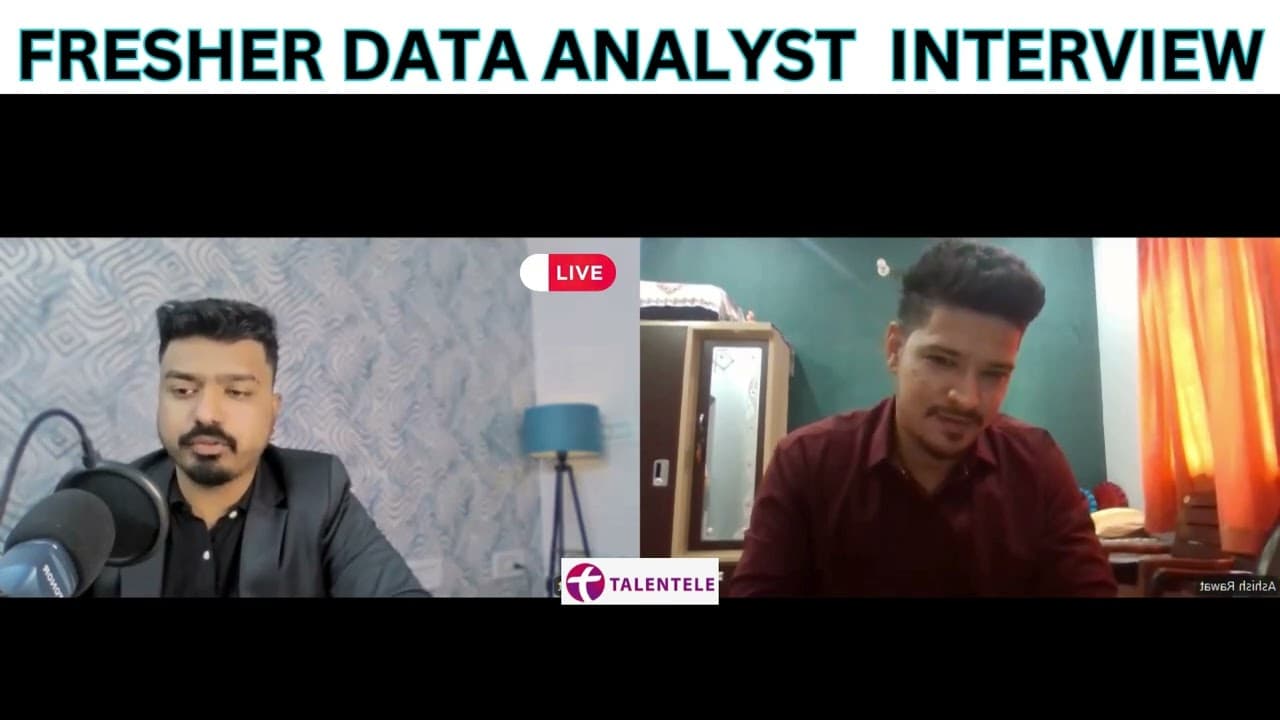
Data Analyst Fresher's Mock Interview | Learn Data Analytics from Talentele #dataanalytics
TL;DR
Mock interview highlights challenges and skills in data analytics.
Transcript
Read and summarize the transcript of this video on Glasp Reader (beta).
Key Insights
- Ashish has a background in commerce and social media marketing, with proficiency in SQL, Power BI, DAX, and Excel.
- He faced challenges in data cleaning, particularly with null values and deciding which columns are essential for analysis.
- Ashish prioritizes tasks by importance and breaks down large tasks into smaller, manageable parts for efficient completion.
- He emphasizes the importance of ethical data handling, implementing restrictions to protect sensitive information.
- His Excel skills include using data models, dynamic named ranges, and customizing the Excel ribbon for efficiency.
- Ashish understands SQL commands like DROP and TRUNCATE, and differentiates between inner and outer joins.
- In Power BI, he knows how to schedule dataset refreshes and distinguishes between Pro and Premium licenses.
- He aims to become a data scientist, valuing continuous learning and commitment to task completion.
Install to Summarize YouTube Videos and Get Transcripts
Explore YouTube Video Summarizer or Get YouTube Transcript Extractor
Questions & Answers
Q: What challenges did Ashish face while working with large datasets?
Ashish found the data cleaning process to be the most challenging aspect of working with large datasets. He had to deal with null values, missing values, and decide which columns were necessary for analysis. This required deep thinking and careful decision-making to ensure accurate and meaningful analysis.
Q: How does Ashish prioritize his work when handling multiple projects?
Ashish prioritizes his work by identifying the most important tasks and completing them first. He breaks down large tasks into smaller, manageable parts, allowing him to maintain a sustainable balance and efficiently manage his workload. This method helps him meet deadlines and ensure quality in his work.
Q: How does Ashish ensure ethical data analysis when dealing with sensitive information?
Ashish ensures ethical data analysis by implementing restrictions on the data he works with. He sets permissions so that only authorized personnel can access sensitive information. This approach helps protect data privacy and maintain ethical standards in data handling and analysis.
Q: What is the purpose of the Excel data model, and how can it be enabled?
The Excel data model allows users to create relationships between tables and perform data modeling within Excel. It can be enabled by creating a PivotTable and selecting the option to add the data to a data model. This enables users to connect dimension tables to fact tables and perform complex analyses similar to Power BI.
Q: What is the difference between inner join and outer join in SQL?
An inner join retrieves only the matching records from both tables involved in the join. For example, it fetches customers who have placed orders. An outer join, on the other hand, retrieves all records from both tables, regardless of whether there is a match. This includes all customers and orders, even if some customers haven't placed orders.
Q: How does Ashish schedule a dataset refresh in Power BI Service?
Ashish schedules a dataset refresh in Power BI Service by going to the dataset settings and selecting the schedule refresh option. He can then set the frequency of the refresh, such as daily or weekly, ensuring that the data remains up-to-date for accurate reporting and analysis.
Q: What is the difference between Power BI Pro and Power BI Premium licenses?
Power BI Pro is an individual license that allows users to share reports and collaborate with others. It supports report publishing and web sharing. Power BI Premium, on the other hand, is designed for larger organizations and supports handling larger datasets, offering more advanced features and capabilities than the Pro license.
Q: What are DAX functions, and how are they used in Power BI?
DAX, or Data Analysis Expressions, is a collection of functions, operators, and constants used in Power BI for data analysis and calculation. DAX functions include text functions, filter functions, and time intelligence functions. They allow users to perform complex calculations and create measures for data visualization and reporting in Power BI.
Summary & Key Takeaways
-
Ashish, a data analyst aspirant, shares his expertise in SQL, Power BI, and Excel during a mock interview, highlighting his problem-solving skills and ethical data handling practices.
-
He discusses challenges in data cleaning and task prioritization, demonstrating a methodical approach to managing multiple projects efficiently.
-
Ashish aspires to advance to a senior data scientist role, showcasing his passion for learning and dedication to completing tasks, making him a promising candidate.
Read in Other Languages (beta)
Share This Summary 📚
Summarize YouTube Videos and Get Video Transcripts with 1-Click
Try YouTube Summary with ChatGPT & Claude or YouTube Transcript Generator
Explore More Summaries from Talentele Learning 📚

Summarize YouTube Videos and Get Video Transcripts with 1-Click
Try YouTube Summary with ChatGPT & Claude or YouTube Transcript Generator