Best FREE Video Editing Apps For Android in 2022!
TL;DR
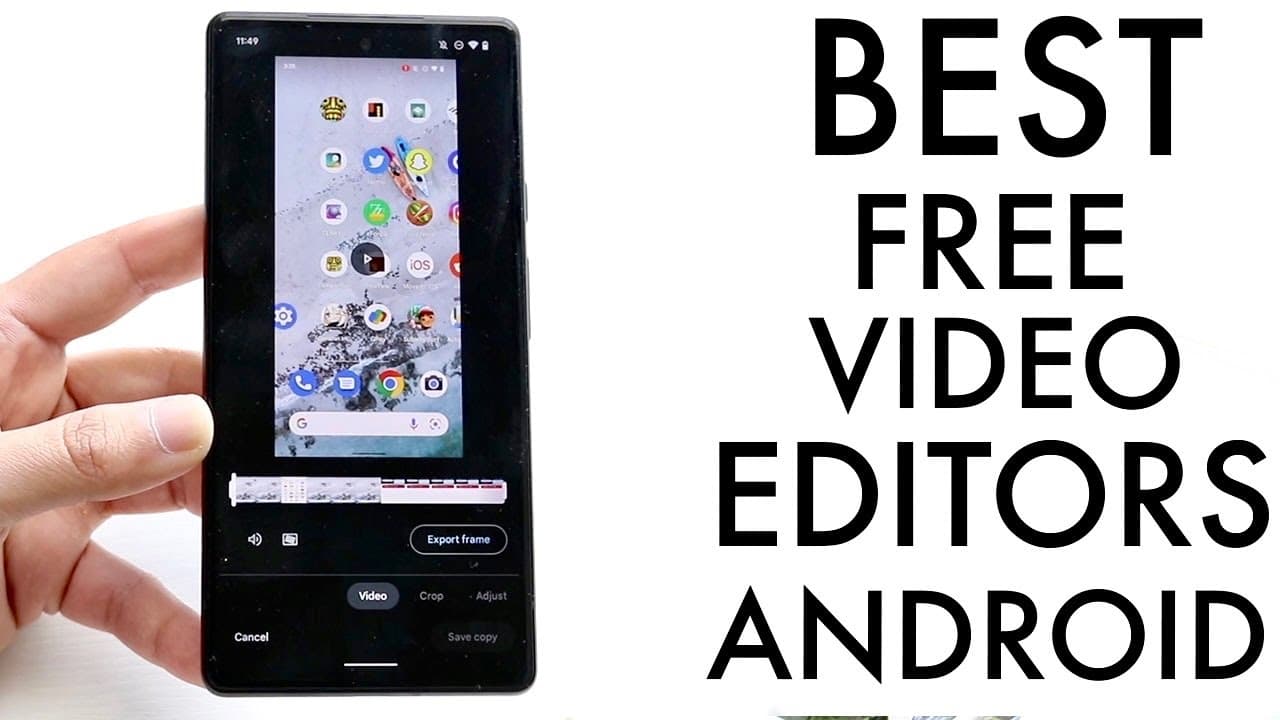
Discover top free video editing apps for Android, including Google Photos, Video Leap, CapCut, and PowerDirector.
Transcript
so I'm going to go ahead and show you guys some of the best free video editing applications on really any Android phone out there now the first thing I want to tell you is if you're trying to do light video editing or different things like that your stock photos application may already have a built-in video editor that may give you what you need So... Read More
Key Insights
- 🧘 Google Photos provides accessible editing features suitable for simple projects, catering to users who prefer minimal effort for quick edits.
- 🧍 Video Leap stands out for its community and numerous creative tools, enabling users to produce dynamic edits for social media easily.
- ❓ CapCut's unique ability to seamlessly export to TikTok streamlines the editing and sharing process for content creators using that platform.
- 🧡 PowerDirector boasts a vast range of editing options, catering to both novice and experienced editors, making it a versatile choice for various video editing needs.
- 👏 Each recommended app is free to use, with the option for in-app purchases to access premium features, ensuring a budget-friendly editing experience.
- 😀 Users are encouraged to explore and choose apps based on their specific editing needs and the platforms they intend to share content on.
- 😀 The availability of tutorials and user support in these apps enhances the learning curve, making video editing more accessible to newcomers.
Install to Summarize YouTube Videos and Get Transcripts
Explore YouTube Video Summarizer or Get YouTube Transcript Extractor
Questions & Answers
Q: What are the basic editing features available in Google Photos?
Google Photos provides a simple yet effective built-in video editor where users can crop videos, apply filters, stabilize footage, and draw on the video directly. Although it offers limited functionality compared to dedicated editing apps, it provides a quick and accessible way to perform fundamental edits without needing additional software.
Q: Why is Video Leap recommended for TikTok creators?
Video Leap is highly favored among TikTok creators due to its extensive editing features, allowing users to easily import videos and add effects, animations, and audio. The app supports the creation of dynamic social media content and excels in providing a robust community where users can share tips and learn new techniques for enhancing their videos.
Q: How does CapCut facilitate the sharing process for TikTok videos?
CapCut simplifies the process of sharing videos to TikTok by providing a direct export feature. Users can edit their videos within CapCut and then seamlessly upload them to TikTok without the need for separate downloading and uploading steps. This feature makes CapCut highly appealing for those focused on TikTok content creation.
Q: What are the strengths of PowerDirector as a video editing app?
PowerDirector is known for its comprehensive editing capabilities and user-friendly interface. It allows users to create projects in various formats, offers a range of editing tools, and supports high-resolution exports. With a strong community backing and positive feedback from users, PowerDirector is a reliable choice for those seeking a powerful video editing tool on Android.
Summary & Key Takeaways
-
Users can utilize built-in video editing features in stock Android and Google Photos, allowing for basic edits like cropping, adjusting video attributes, and applying filters effortlessly.
-
Video Leap is a versatile app particularly suited for editing videos intended for platforms like TikTok, offering numerous features such as effects, animations, and up to 4K export resolution.
-
CapCut stands out with its native integration with TikTok, providing a user-friendly interface, excellent editing options, and a built-in tutorial, making it an excellent choice for mobile video editing.
Read in Other Languages (beta)
Share This Summary 📚
Summarize YouTube Videos and Get Video Transcripts with 1-Click
Try YouTube Summary with ChatGPT & Claude or YouTube Transcript Generator
Explore More Summaries from Simple Alpaca 📚






Summarize YouTube Videos and Get Video Transcripts with 1-Click
Try YouTube Summary with ChatGPT & Claude or YouTube Transcript Generator