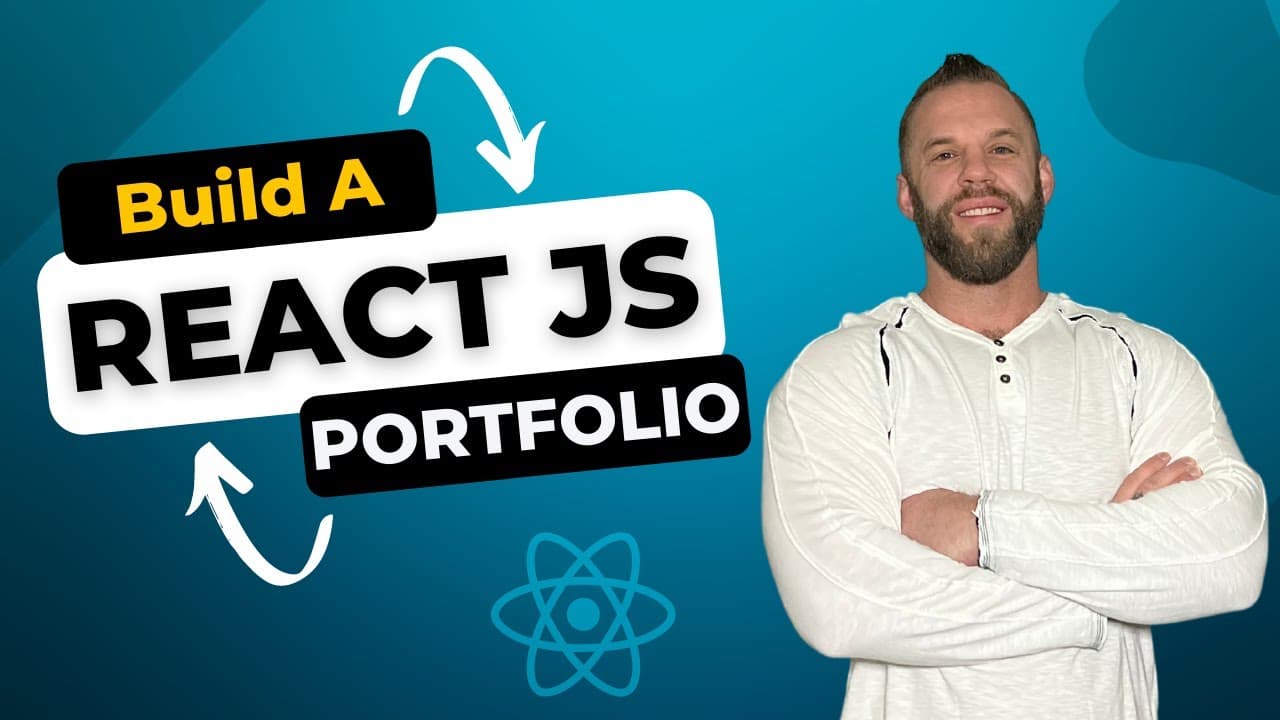
🔥 Build a REACT JS Portfolio Website Using Tailwind CSS - Get Hired!
TL;DR
Learn how to build an impressive React portfolio web application using Tailwind CSS, without needing to be a great designer.
Transcript
hey what's up guys clint here back with another video and in today's video i'm gonna show you how i built this react js portfolio web application using tailwind css it's gonna be great you guys gonna be awesome check this out i've had a lot of people asking me how to build a portfolio website or just giving them some examples and i can show you thi... Read More
Key Insights
- 🏢 Building a portfolio: The content provides a step-by-step guide on how to build a portfolio using React.js and Tailwind CSS, which can help individuals showcase their skills and get a job in tech.
- 🎨 Custom design: The portfolio website includes a custom logo, icons, and styling using Tailwind CSS to create a professional and visually appealing design.
- 📱 Responsive design: The portfolio website is fully responsive and adjusts to different screen sizes, including mobile devices, ensuring a seamless user experience.
- 💼 Contact form: The website includes a functional contact form using getform.io, which allows users to send inquiries and receive automatic email responses.
- 🔗 Navigation: The website has a fixed navbar with smooth scroll functionality, allowing users to easily navigate to different sections of the website.
- 🔨 Skill display: The portfolio website showcases the individual's skills and technologies they have experience with, including HTML, CSS, JavaScript, React, GitHub, Node.js, MongoDB, and AWS.
- 💻 Project display: The website includes a section to showcase recent projects, with image thumbnails and buttons to view the project demo and source code on GitHub.
- ⚡ Animation effects: The website includes hover effects, transitions, and animations to enhance the user experience and provide a more engaging interface.
Install to Summarize YouTube Videos and Get Transcripts
Explore YouTube Video Summarizer or Get YouTube Transcript Extractor
Questions & Answers
Q: How can I use this tutorial to build my own React portfolio web application?
The video provides a detailed walkthrough of each step, from setting up the initial React project to styling each section using Tailwind CSS. By following along with the code, viewers can recreate the portfolio application and customize it to their own preferences.
Q: What are the main features of the portfolio web application?
The portfolio includes a fixed navbar with smooth scrolling, social media icons, a responsive design, and various sections such as home, about, skills, and work. Each section includes relevant content and utilizes animations to enhance the user experience.
Q: Do I need to be a great designer to use this tutorial?
No, the creator emphasizes that you don't need to be a designer to put together an impressive portfolio using Tailwind CSS. The tutorial provides the necessary steps and code to create a visually appealing and professional website.
Q: Can I add additional sections or customize the existing ones?
Yes, the tutorial provides a solid foundation for building a portfolio website. Viewers are encouraged to add their own sections or customize the existing ones according to their needs. The code is available on GitHub, making it easy to modify and expand on the project.
Summary & Key Takeaways
-
In this video, the creator demonstrates step-by-step how to build a React portfolio web application using Tailwind CSS.
-
The tutorial covers creating a navbar with fixed positioning, smooth scrolling, and social media icons.
-
The creator also shows how to create different sections of the website, including the home, about, skills, and work sections.
-
Each section is styled using Tailwind CSS and includes relevant content and animations.
-
The code for the project is available on GitHub, making it easy for viewers to access and customize.
Read in Other Languages (beta)
Share This Summary 📚
Summarize YouTube Videos and Get Video Transcripts with 1-Click
Try YouTube Summary with ChatGPT & Claude or YouTube Transcript Generator
Explore More Summaries from Code Commerce 📚

Summarize YouTube Videos and Get Video Transcripts with 1-Click
Try YouTube Summary with ChatGPT & Claude or YouTube Transcript Generator