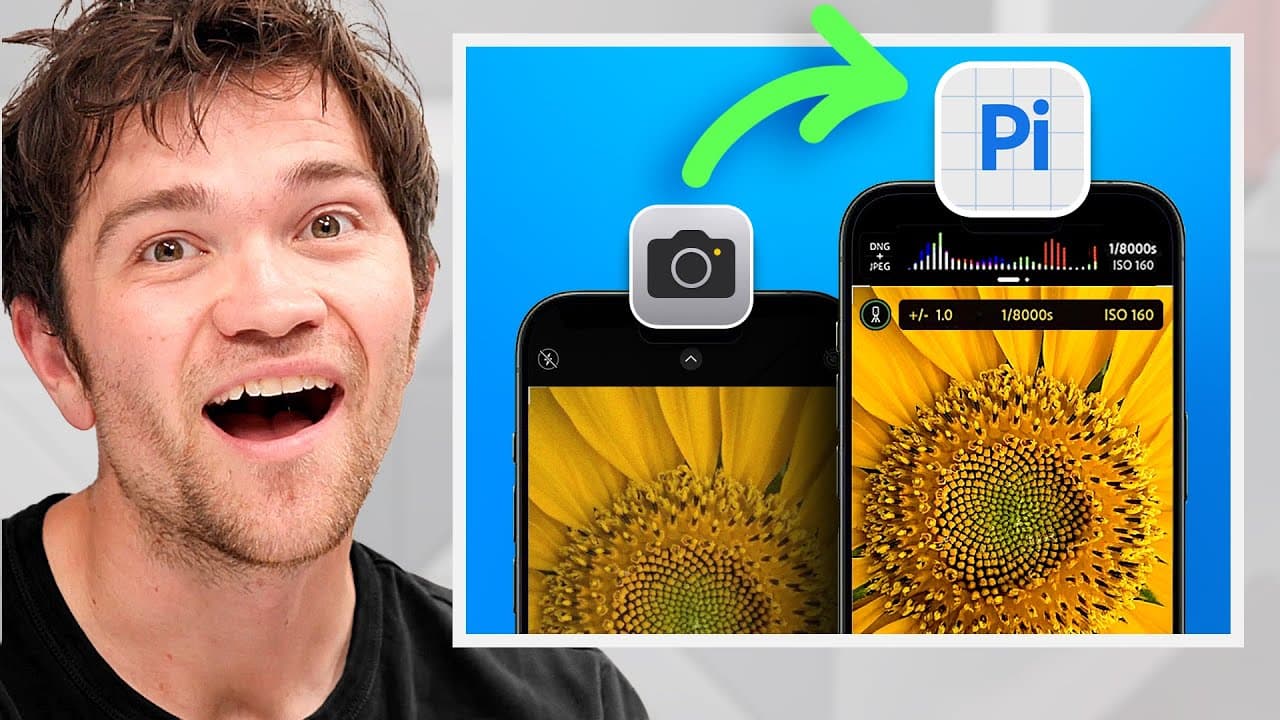
New Adobe App Takes on the iPhone Camera!
TL;DR
Adobe launches Project Indigo, a cutting-edge iPhone camera app.
Transcript
Read and summarize the transcript of this video on Glasp Reader (beta).
Key Insights
- Adobe's Project Indigo is a new camera app available on iPhone, developed without requiring an Adobe subscription, making it accessible to a wider audience.
- The app is designed by Mark Lavoy, known for his work on computational photography and HDR Plus for Google's Pixel phones.
- Project Indigo aims to improve smartphone photography by using 32 frames of shorter exposures to reduce noise and enhance image quality.
- The app introduces a new type of DNG file that offers greater color dynamic range and lower noise, improving overall photo quality.
- Adobe integrates advanced features like long exposure photography, pro controls, and AI tools for enhanced photo editing capabilities.
- Despite being in beta, the app provides an intuitive user interface and incorporates Adobe's latest computational photography advancements.
- Project Indigo's focus is to produce images that look good on larger screens and in print, avoiding the typical plasticky look of smartphone photos.
- The app is seen as a test bed for Adobe's AI tools, offering features like reflection removal and tone mapping for HDR images.
Install to Summarize YouTube Videos and Get Transcripts
Explore YouTube Video Summarizer or Get YouTube Transcript Extractor
Questions & Answers
Q: What is Adobe Project Indigo?
Adobe Project Indigo is a new camera app for iPhone, developed by Mark Lavoy, who is renowned for his work on computational photography and HDR Plus for Google's Pixel phones. The app leverages advanced computational photography techniques to enhance image quality, offering features like long exposure photography, pro controls, and AI editing tools.
Q: Who developed the Project Indigo app?
Project Indigo was developed by Mark Lavoy, a key figure in the field of computational photography. He previously worked on Google's Pixel phones, where he developed HDR Plus. Lavoy joined Adobe to create a universal camera app that utilizes the latest advancements in smartphone technology and computational photography.
Q: What makes Project Indigo different from other camera apps?
Project Indigo stands out due to its use of 32 frames of shorter exposures, which significantly reduces noise and enhances image quality. It introduces a new type of DNG file that offers greater color dynamic range. Additionally, the app integrates Adobe's AI tools for advanced photo editing features like reflection removal and tone mapping.
Q: Is an Adobe subscription required to use Project Indigo?
No, an Adobe subscription is not required to use Project Indigo, making it accessible to a broader audience. This is a surprising move by Adobe, as most of their products typically require a subscription. The app is currently available for free on the iPhone, allowing users to experience its advanced features without additional costs.
Q: What is the primary goal of Project Indigo?
The primary goal of Project Indigo is to improve smartphone photography by producing images that look good on larger screens and in print, avoiding the typical plasticky look of smartphone photos. It achieves this by using advanced computational photography techniques, such as shorter exposure frames and a new DNG file format, to enhance image quality and dynamic range.
Q: How does Project Indigo handle noise reduction?
Project Indigo handles noise reduction by taking 32 frames of shorter exposures, which helps in reducing noise significantly. This approach, combined with faster processing capabilities of modern smartphones, allows the app to align more exposures efficiently, resulting in clearer and more detailed images with a better signal-to-noise ratio.
Q: What are some of the AI tools integrated into Project Indigo?
Project Indigo integrates several of Adobe's AI tools, including features for removing reflections in mirrors and advanced tone mapping for HDR images. These tools are designed to enhance photo editing capabilities, providing users with more control over their images and allowing for professional-level adjustments directly within the app.
Q: Why is Project Indigo considered a pro app?
Project Indigo is considered a pro app due to its advanced features and controls, such as long exposure photography, pro-level adjustments, and integration of AI editing tools. Despite being free and accessible without a subscription, the app offers capabilities that cater to professional photographers and enthusiasts looking for high-quality image processing on their smartphones.
Summary & Key Takeaways
-
Adobe's Project Indigo is a revolutionary camera app developed by Mark Lavoy, known for his work on Google's Pixel phones. The app uses advanced computational photography techniques to enhance image quality, offering features like long exposure photography and AI editing tools, all without requiring an Adobe subscription.
-
Project Indigo aims to counteract the plasticky look of traditional smartphone photos by using 32 frames of shorter exposures to reduce noise and improve dynamic range. The app introduces a new type of DNG file for better color representation and integrates pro controls for advanced users.
-
Despite being in beta, Project Indigo is available for free on the iPhone, providing an intuitive user experience. The app serves as a test bed for Adobe's latest AI tools, making it a promising development in the field of smartphone photography.
Read in Other Languages (beta)
Share This Summary 📚
Summarize YouTube Videos and Get Video Transcripts with 1-Click
Try YouTube Summary with ChatGPT & Claude or YouTube Transcript Generator
Explore More Summaries from Waveform Clips 📚






Summarize YouTube Videos and Get Video Transcripts with 1-Click
Try YouTube Summary with ChatGPT & Claude or YouTube Transcript Generator